
















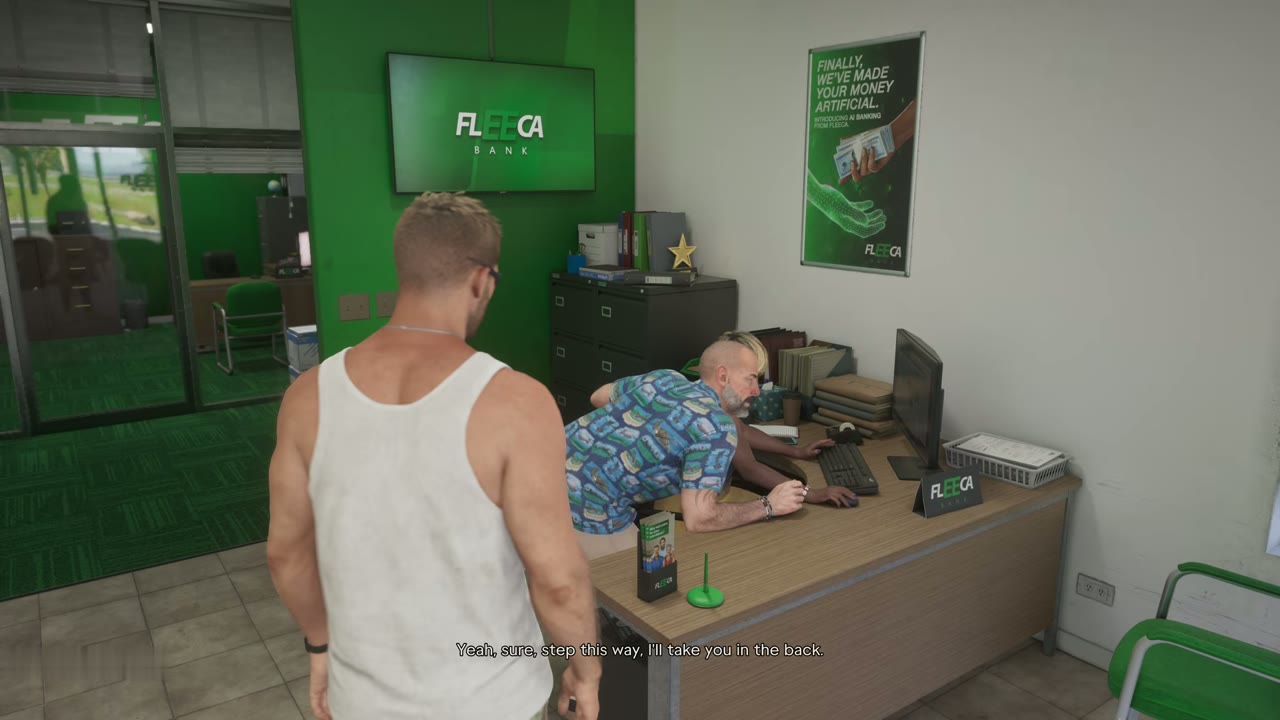
Lucia needs somewhere for her pay to go, and neither of them has a bank account. Meet her at the Fleeca bank, ask the manager about an account and a loan, then set up the BuckMe app he offers instead and move money into a shared Family Savings account.
Objectives
The game gives these objectives in order:
- Go to the Fleeca bank.
- Ask about setting up a bank account.
- Follow the manager.
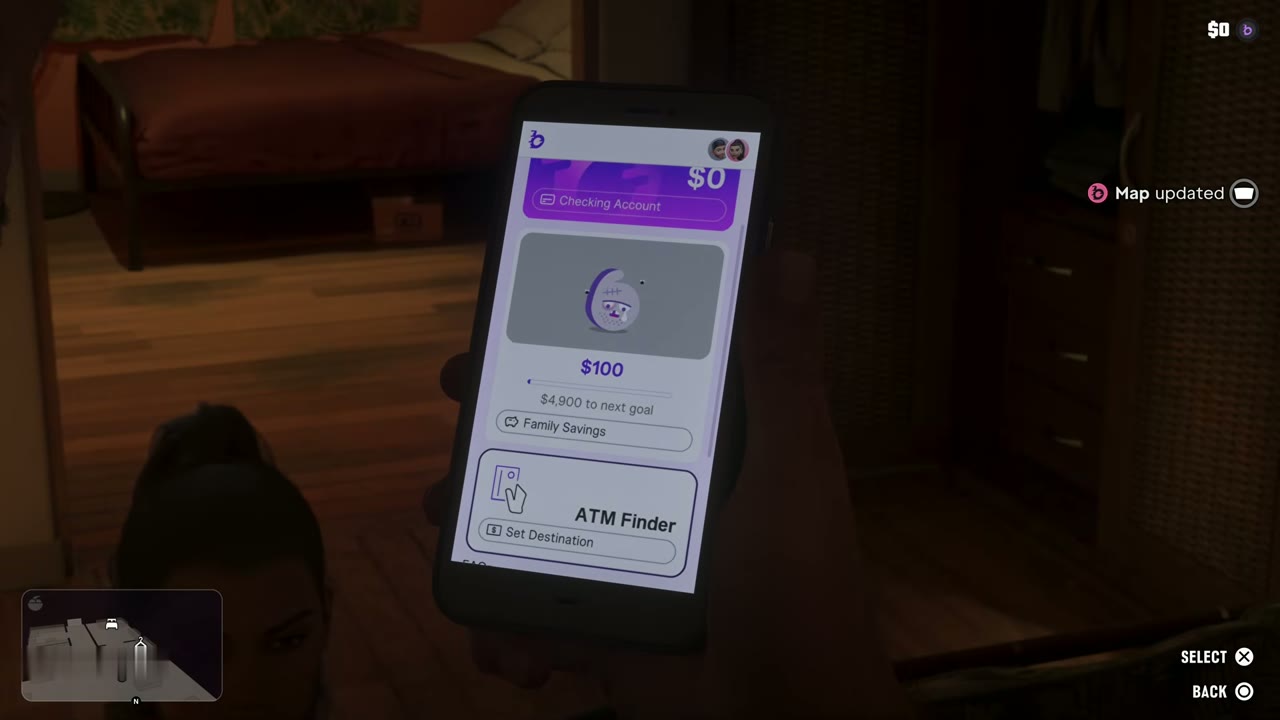
- Open BuckMe.
- Select your checking account.
- Move money into Family Savings account.
Buck Me walkthrough
Meeting Lucia at the Fleeca
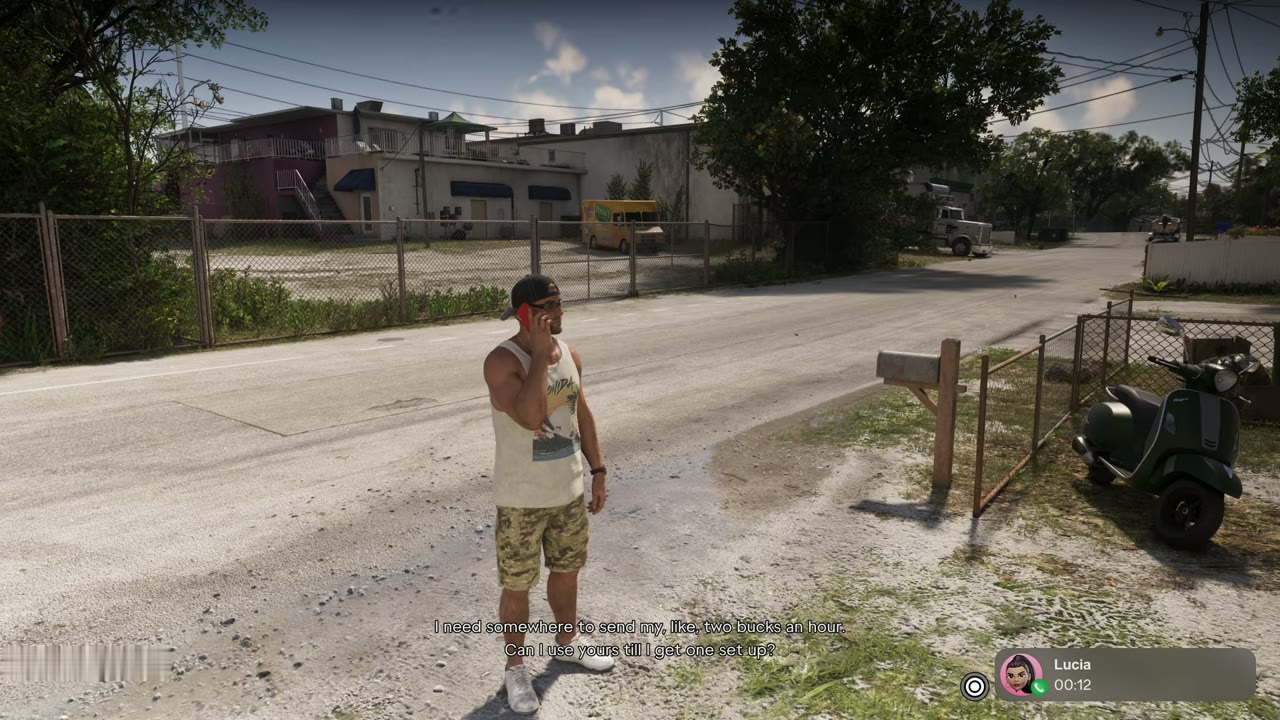
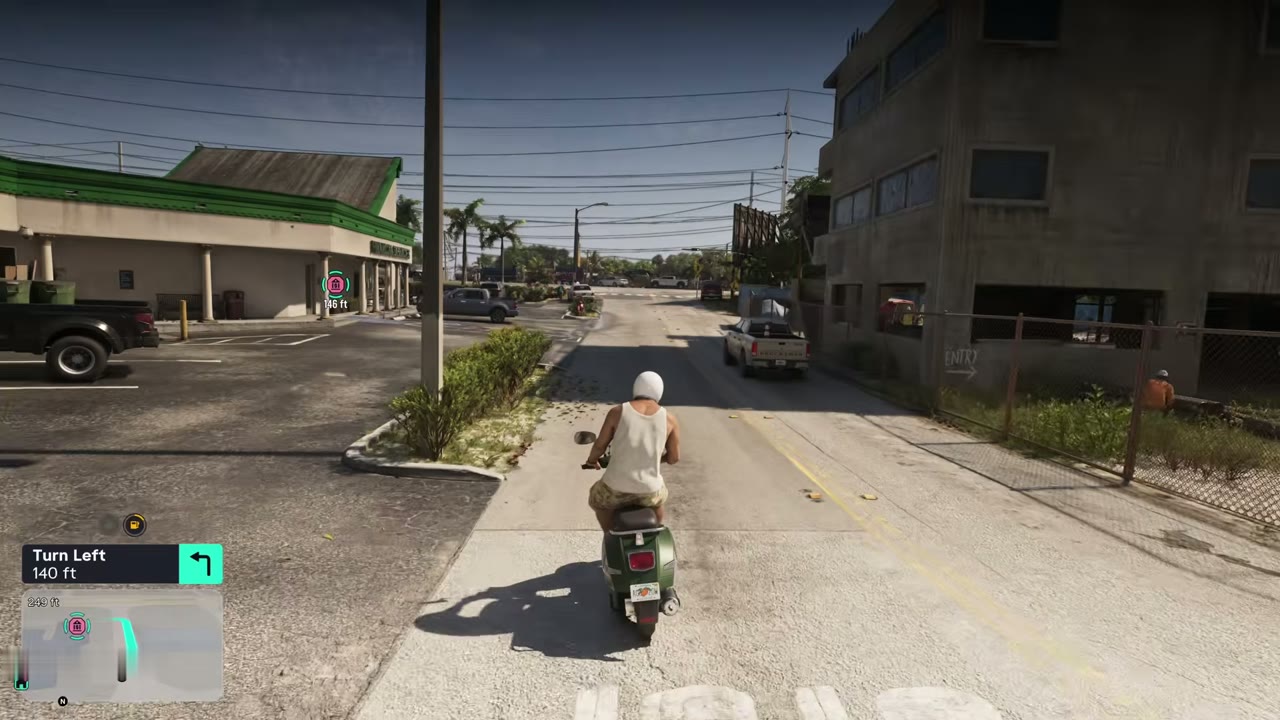
Lucia calls during her work detail. She needs an account number for her pay, and she is not happy to hear Jason doesn’t have a bank account either. She tells you to meet her at the Fleeca off the highway and text when you arrive. Get there by car, bike or the RydeMe app.
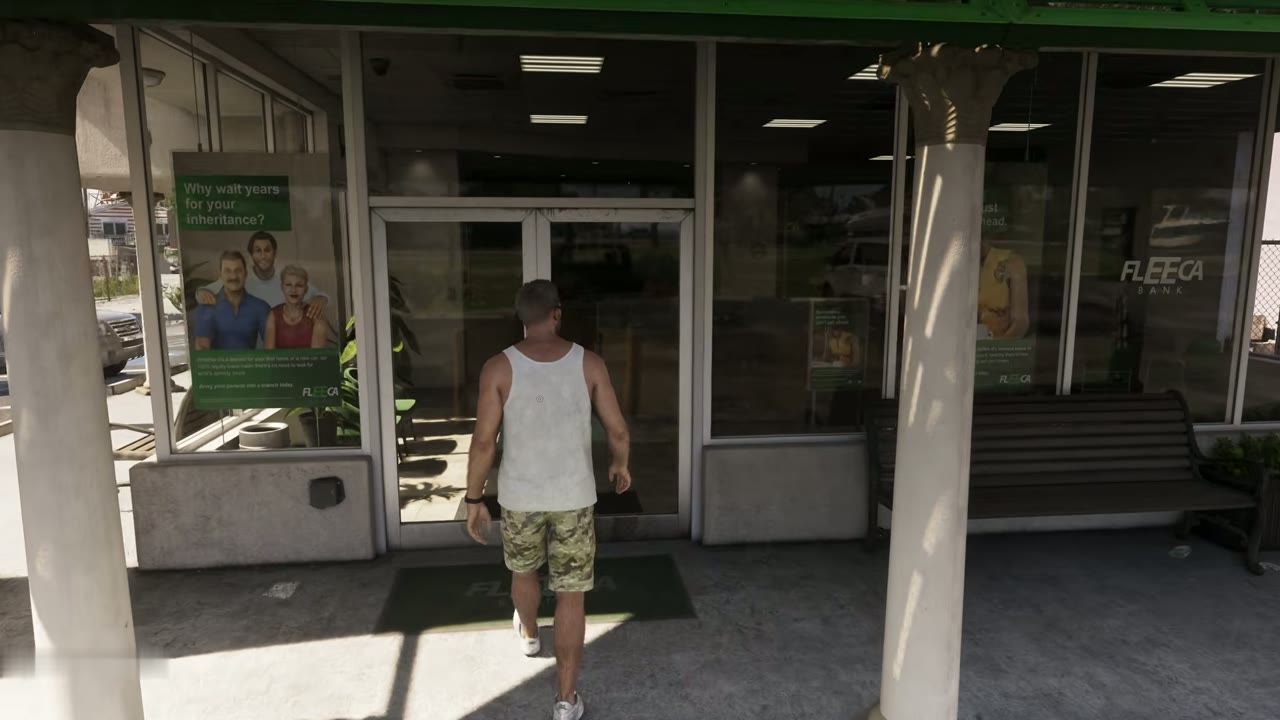
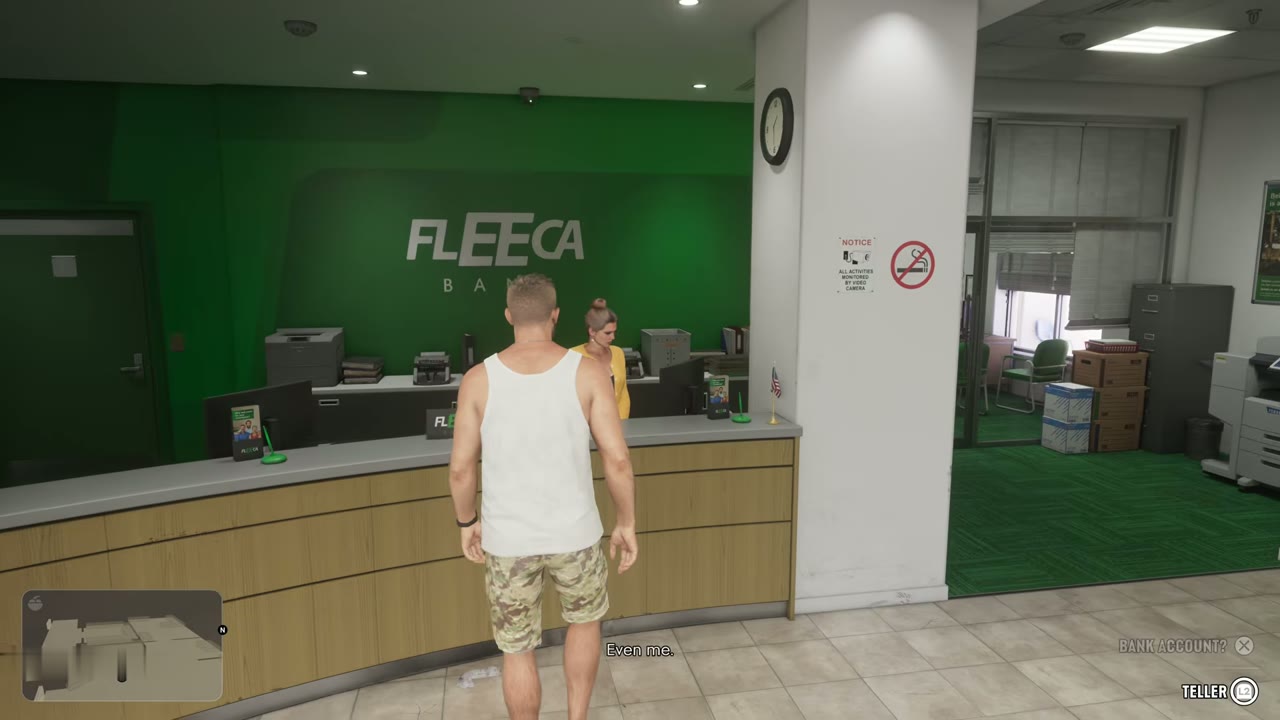
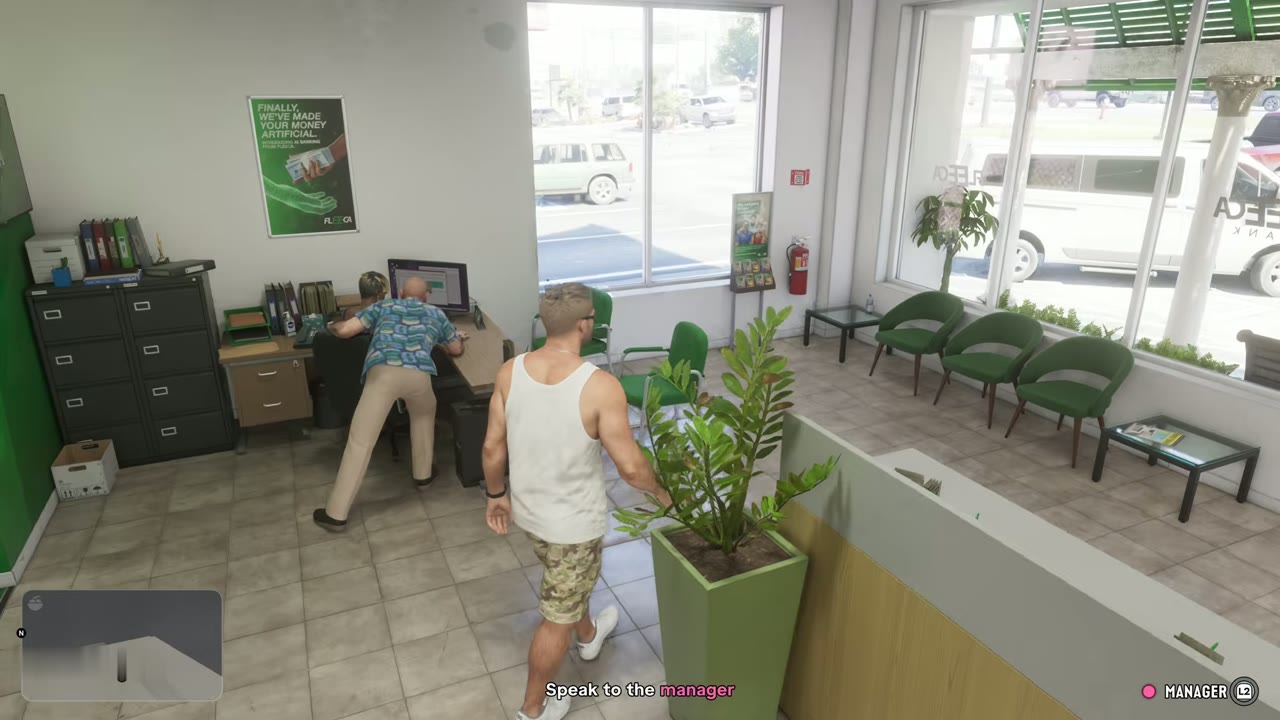
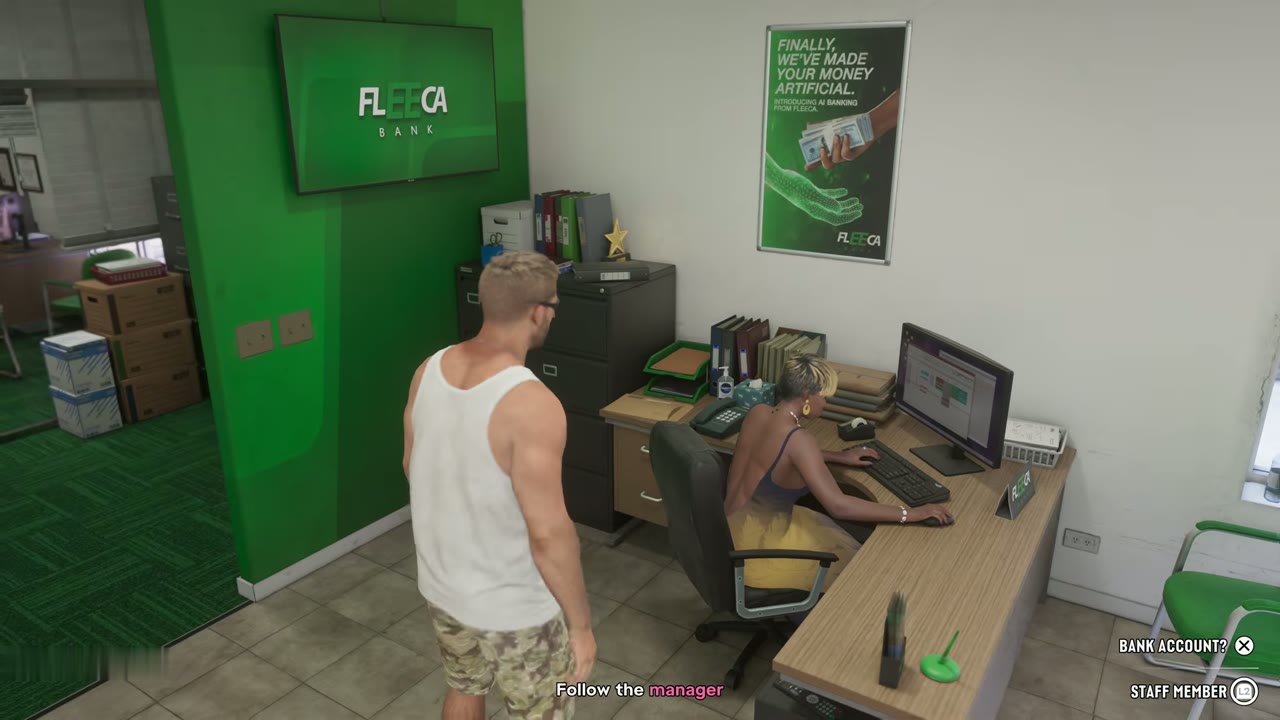
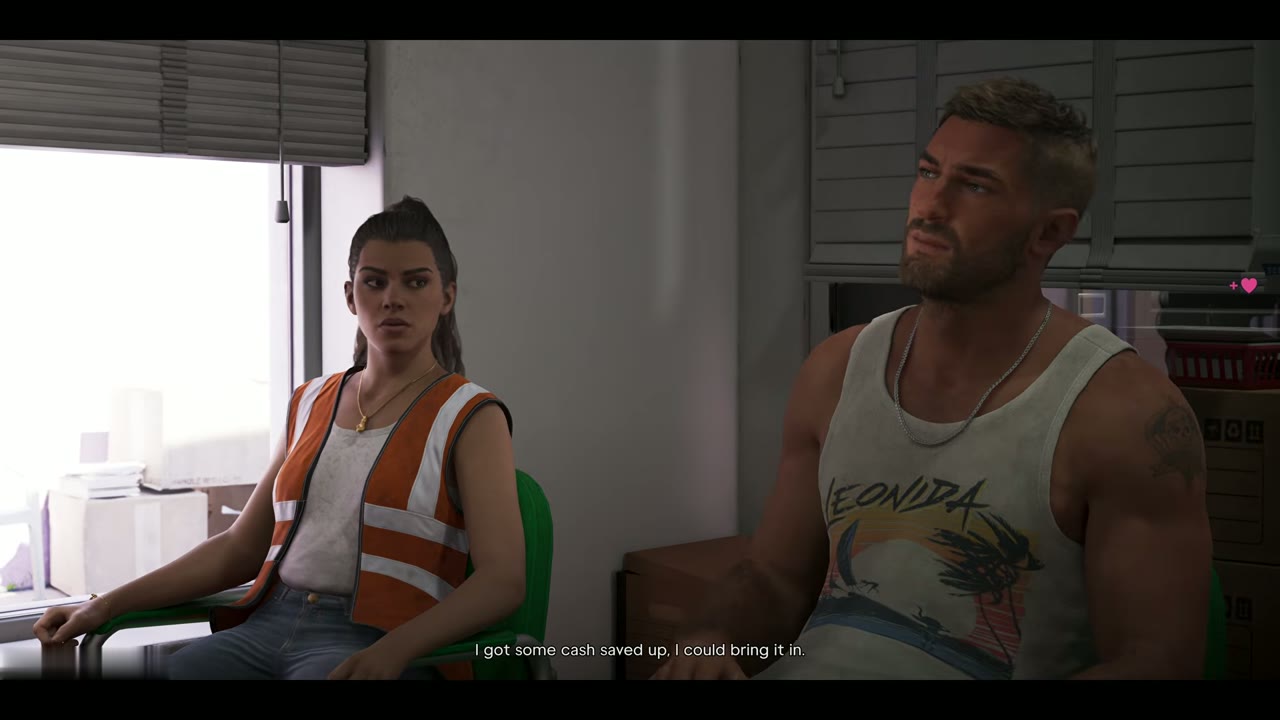
Inside, ask about setting up a bank account. A clerk points you to the manager at his desk. Lucia joins you in her work vest, and you follow the manager into his office.
The manager’s verdict
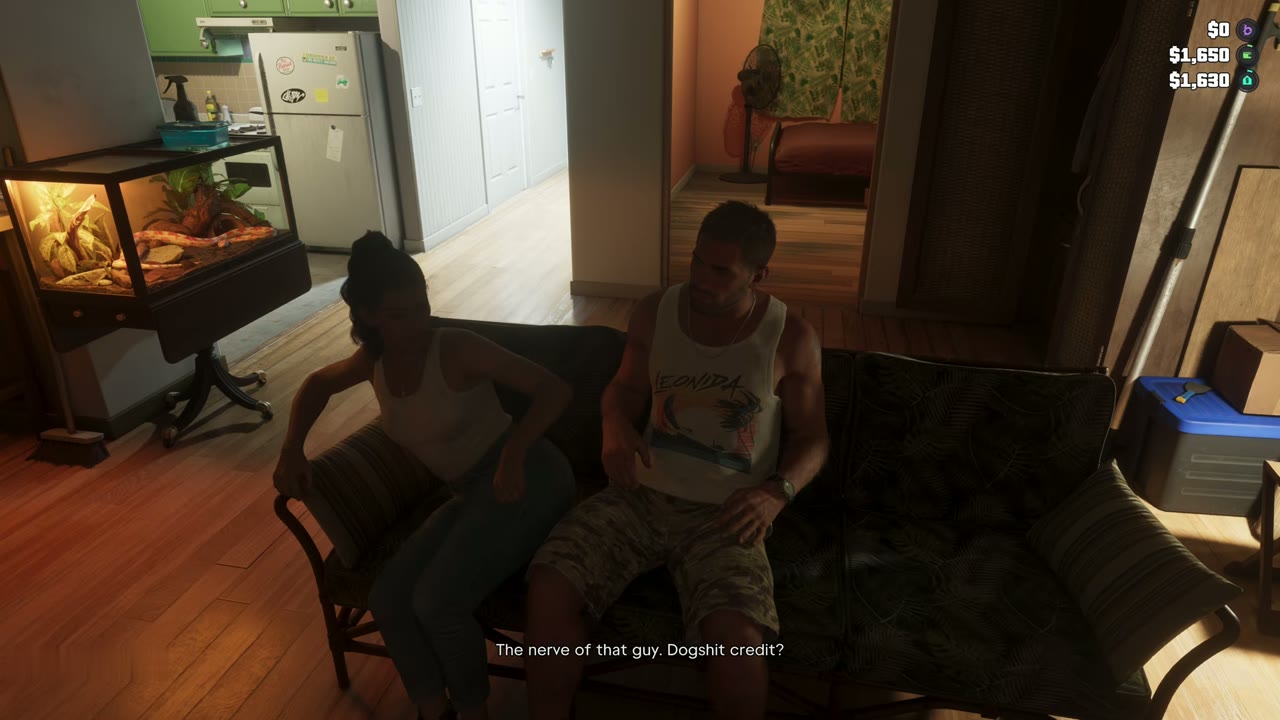
Jason and Lucia ask for accounts and a loan so they are not completely dependent on Brian. The manager suggests a veteran’s loan, then checks Jason’s file and says his credit is far too poor for an account, let alone a mortgage. The best he can do is set them up with BuckMe accounts, which have transaction limits. Jason is insulted but takes it.
Setting up BuckMe
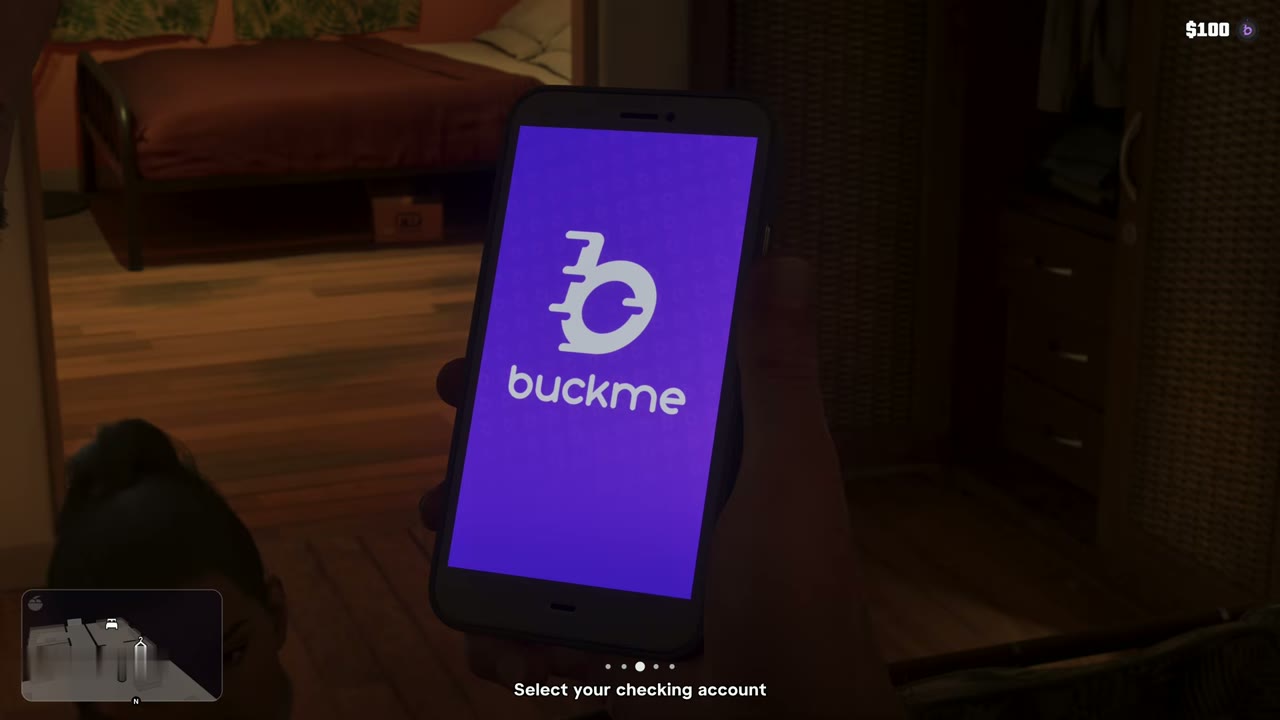
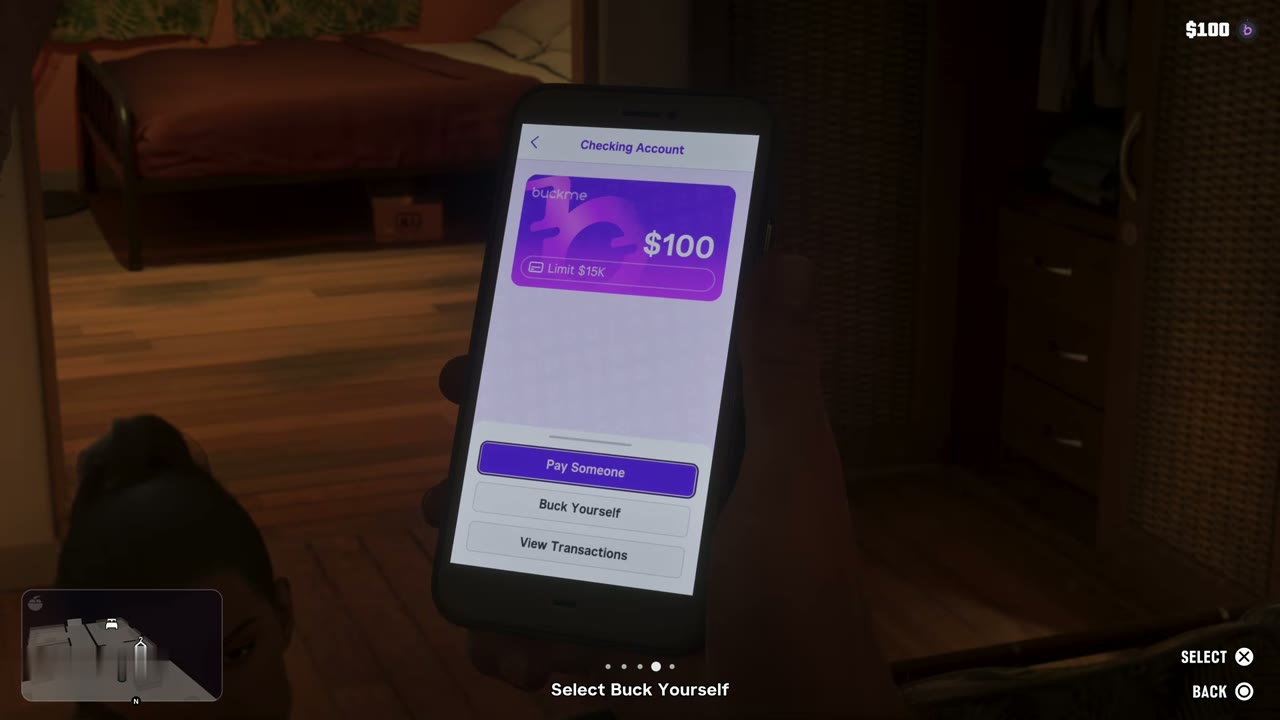
That evening at home, open BuckMe on the phone. Select your checking account, then choose Buck Yourself and move money into the Family Savings account. Money in BuckMe is safe if you die or get arrested, unlike the cash in your pocket.
After the mission
After the mission, the help text explains that you can deposit cash into BuckMe at any ATM instead of keeping it all in your stash. Shops take pocket cash for small purchases, and bigger ones come out of your BuckMe balance. Brian’s next job, Down to Earth, and Mattia’s invitation, Day Release, follow.
Part of Chapter 1: Just Like Paradise in the story walkthrough.