













GTA VI teaches its systems a little at a time across the first chapter. These are the ones that matter most early on, collected in one place, with the missions where the game first explains them.
Your criminal profile
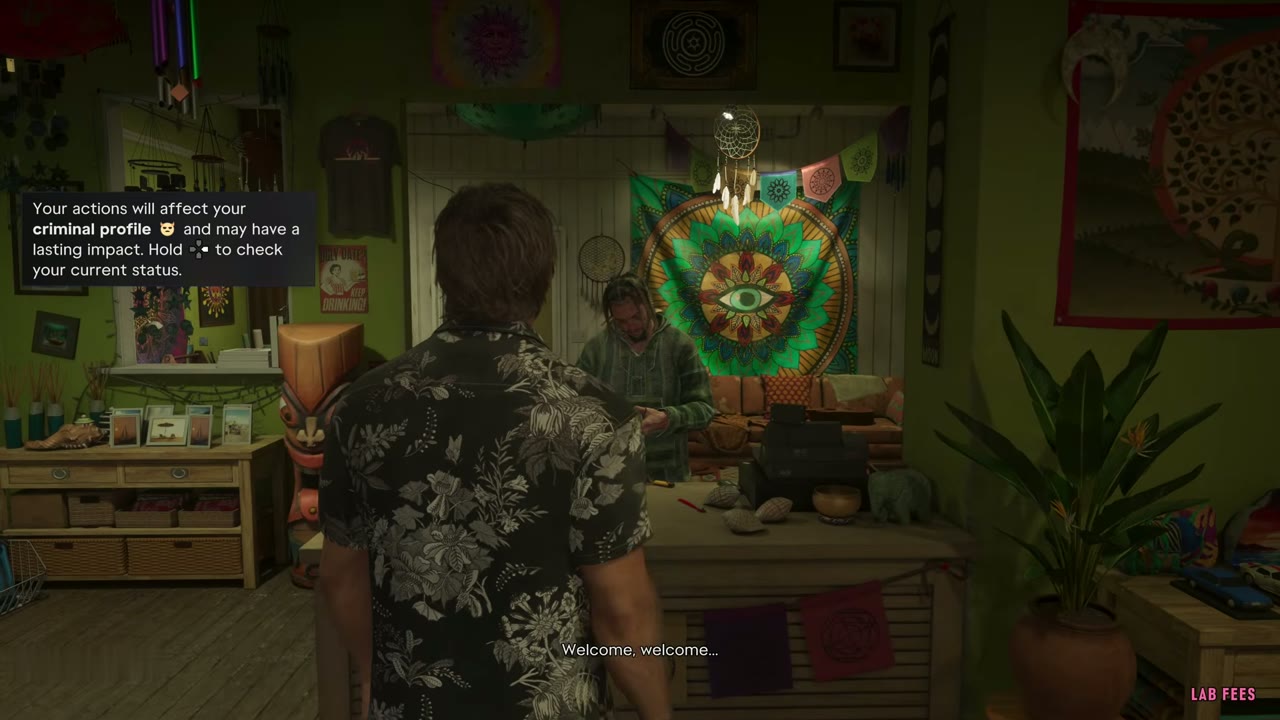
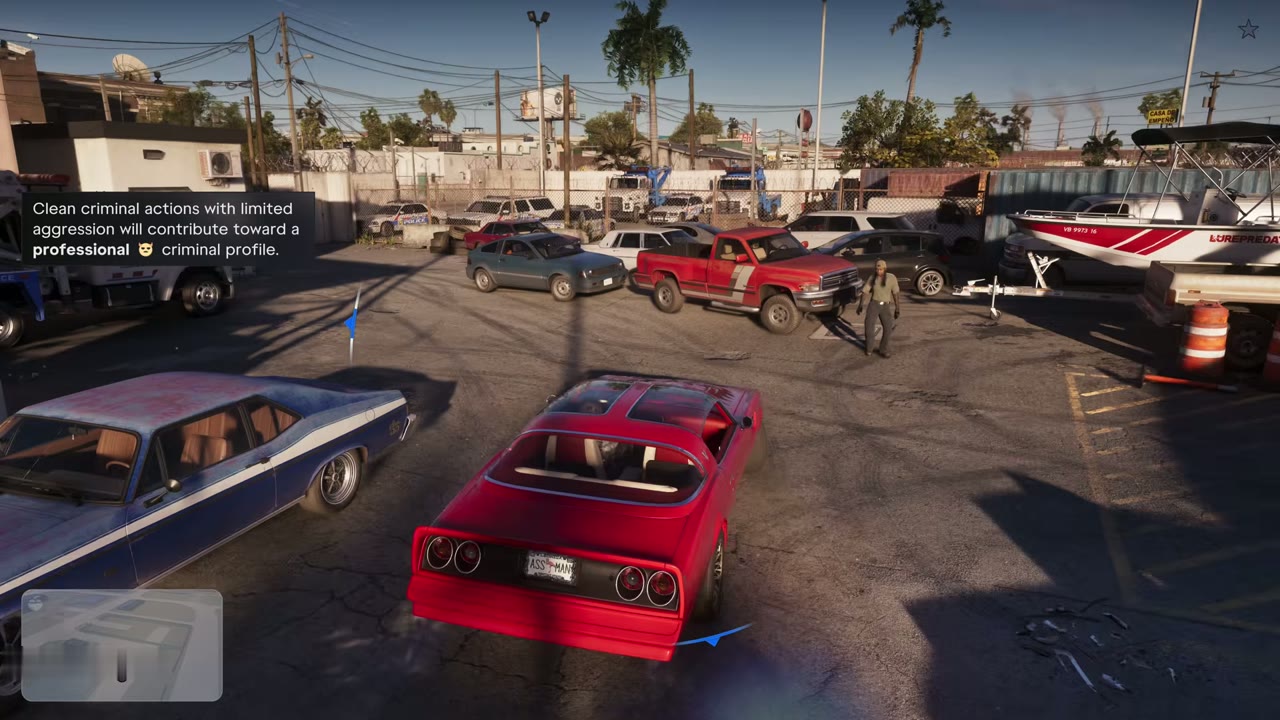
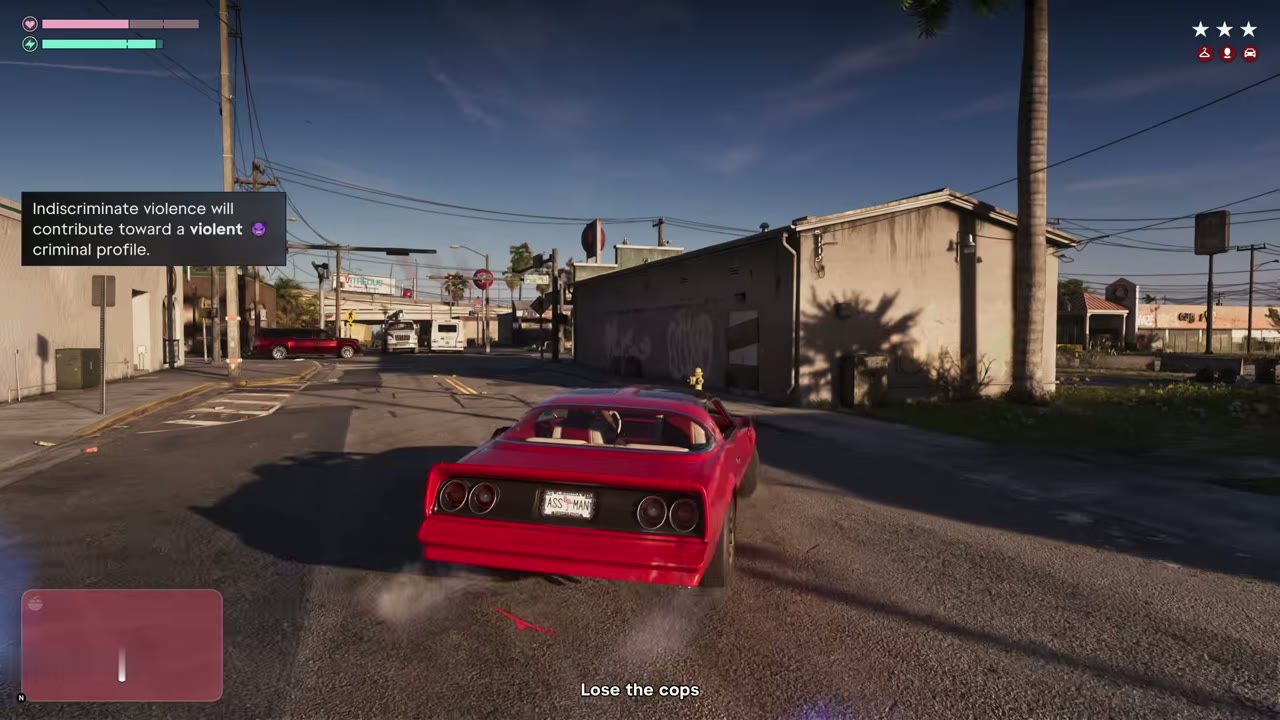
Your actions shape a criminal profile that can have a lasting impact, and you can hold a button to check its current status at any time. The game names several leanings. Clean criminal actions with limited aggression count toward a professional profile. Indiscriminate violence counts toward a violent one, and extremely violent behavior toward a psycho profile. Frequent lethal force, incapacitating enemies during combat focus and disabling police cars without casualties all count toward a hardened profile. Choices like sparing or killing Arnold in Hey Arnold! feed into it as well.
The police, heat and recognition
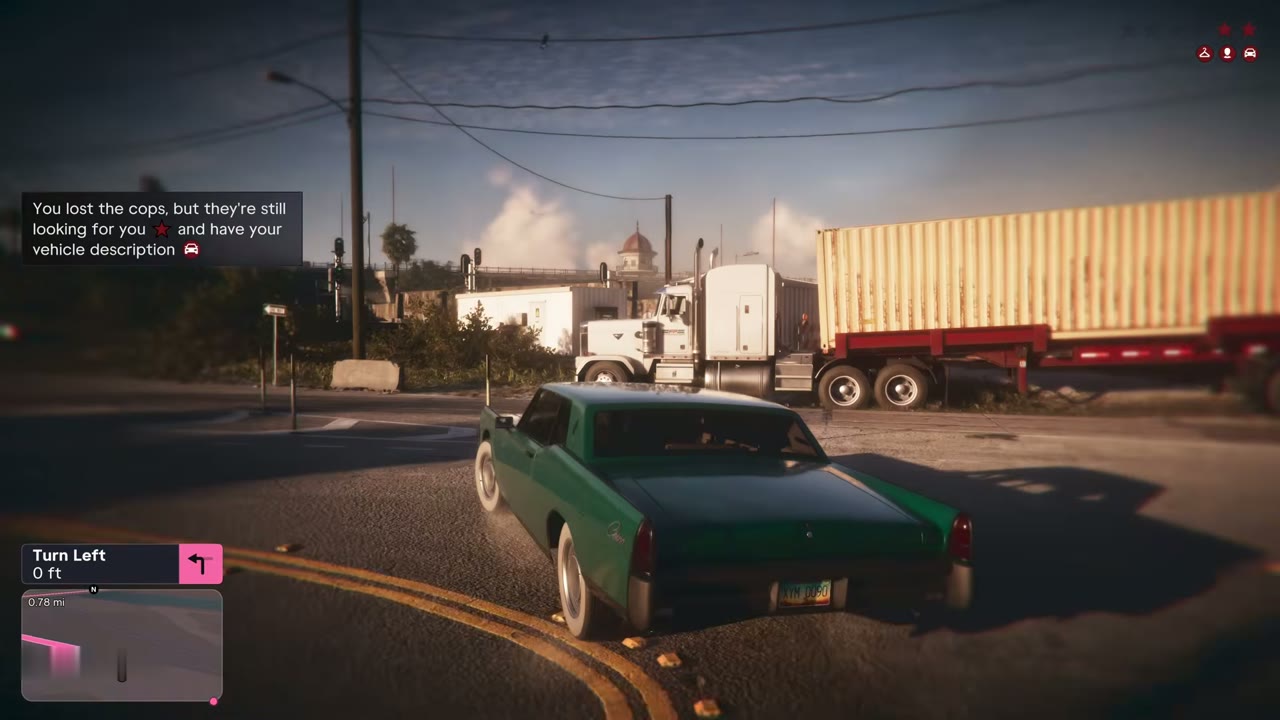
Getting a wanted level does not change your profile, but how you deal with the cops does. To lose them, hide or get out of the search area shown on the minimap. Even after that they may still have your description or your vehicle’s description, so a Pay ‘n’ Spray respray or a change of clothes helps. Areas where you committed crimes keep some heat for a while, which you can check on the map, and cops recognize you faster there unless you have changed your appearance. Once recognition clears, they can’t identify you. Adjusting your hat and glasses from your loadout, a new haircut or a mask also helps.
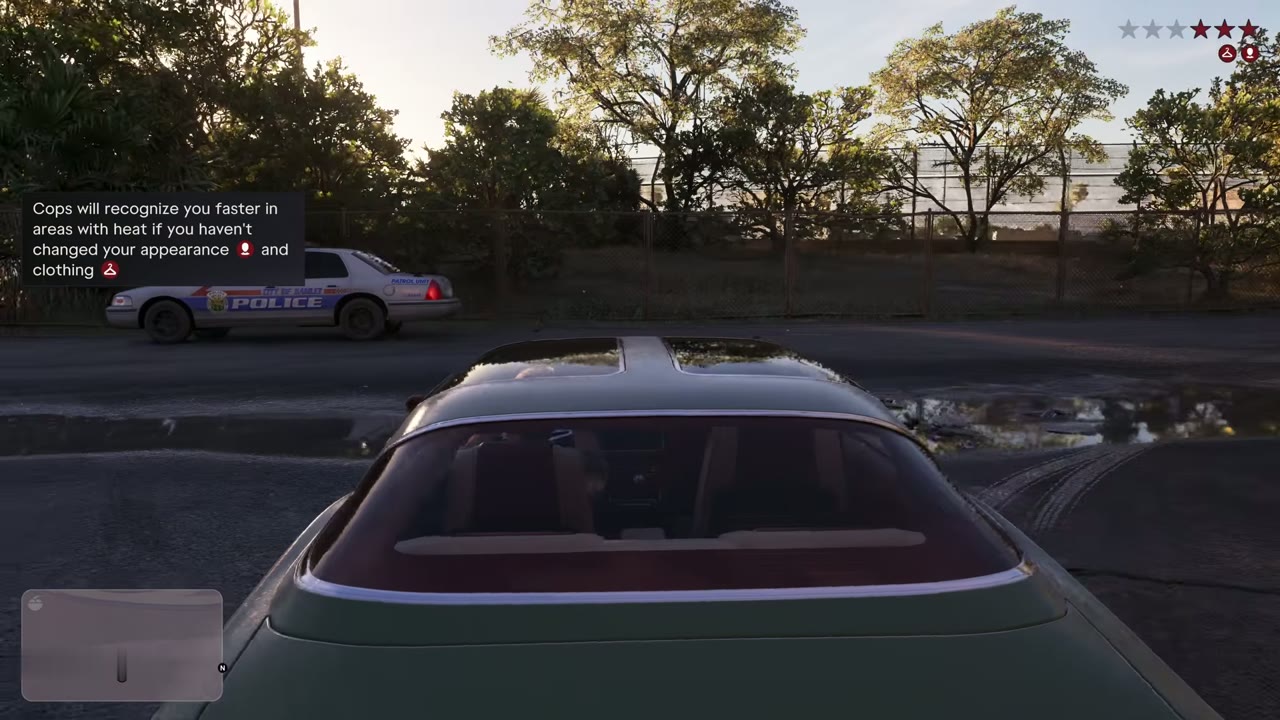
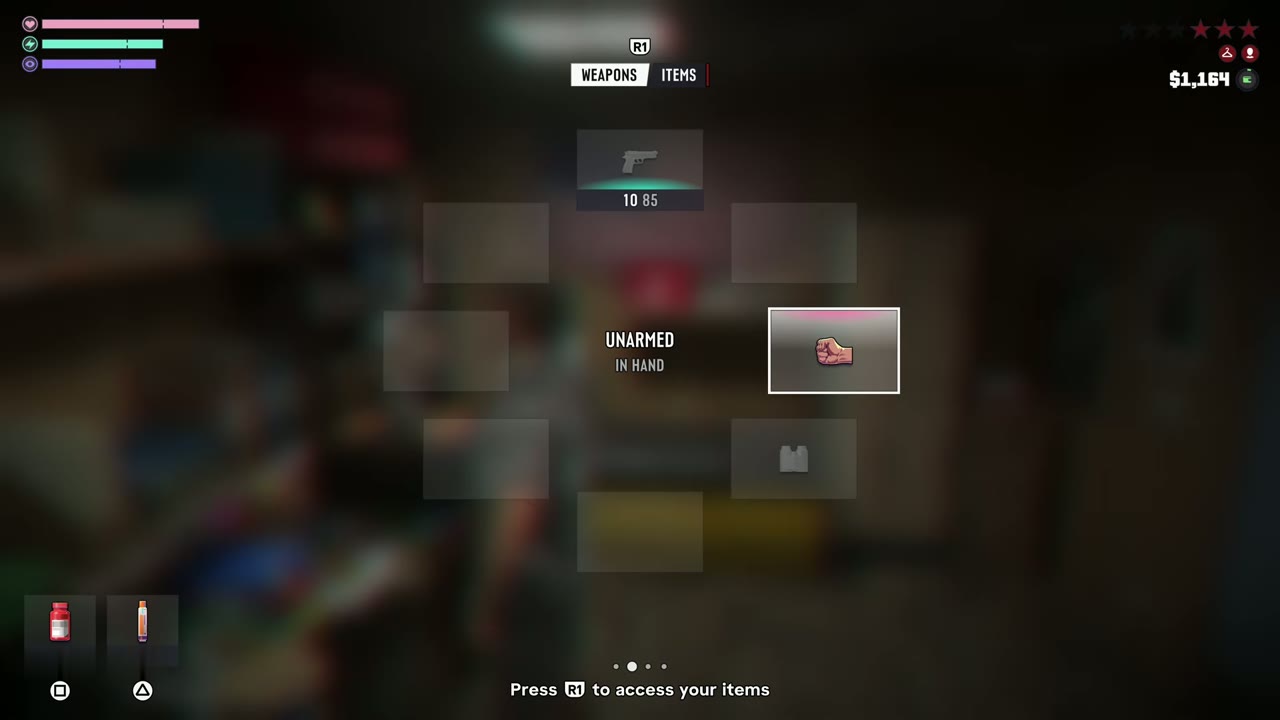
After Unwanted Attention, Cal’s app lets Jason listen to police radio and see where officers are being sent. When the police are already looking for you, a visible weapon draws their attention, so holster it.
Focus, combat focus and adrenaline
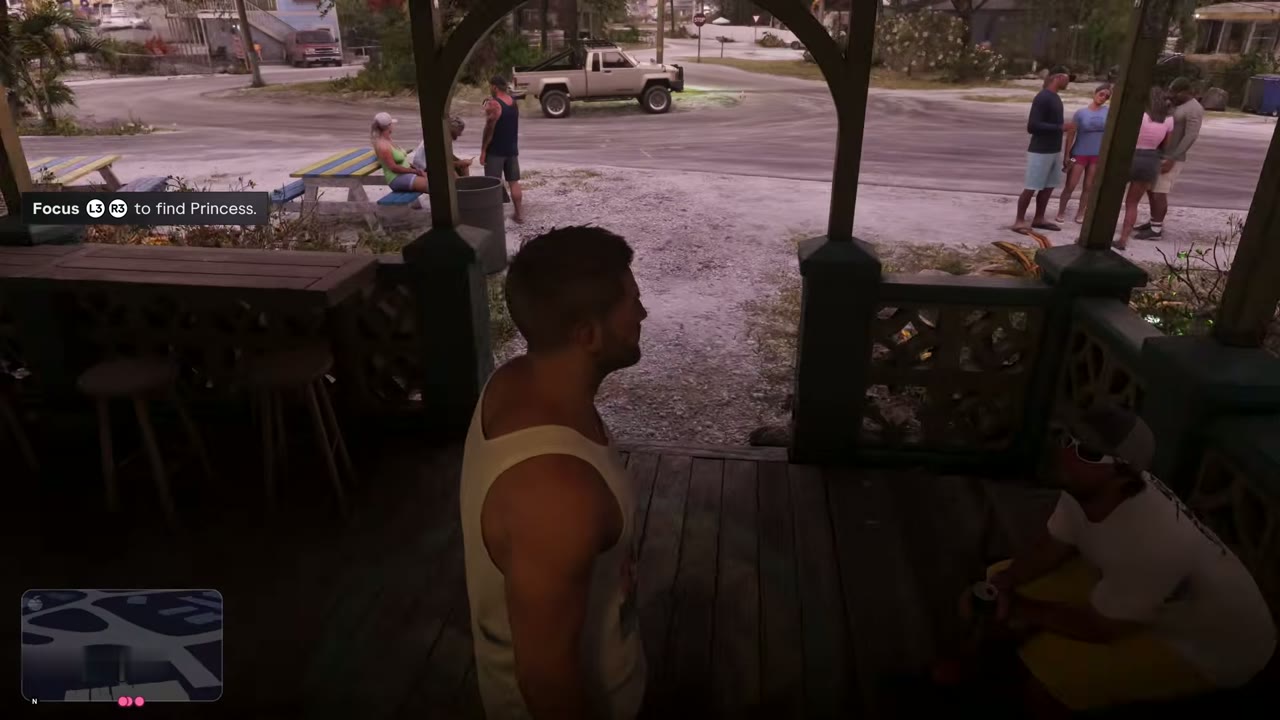
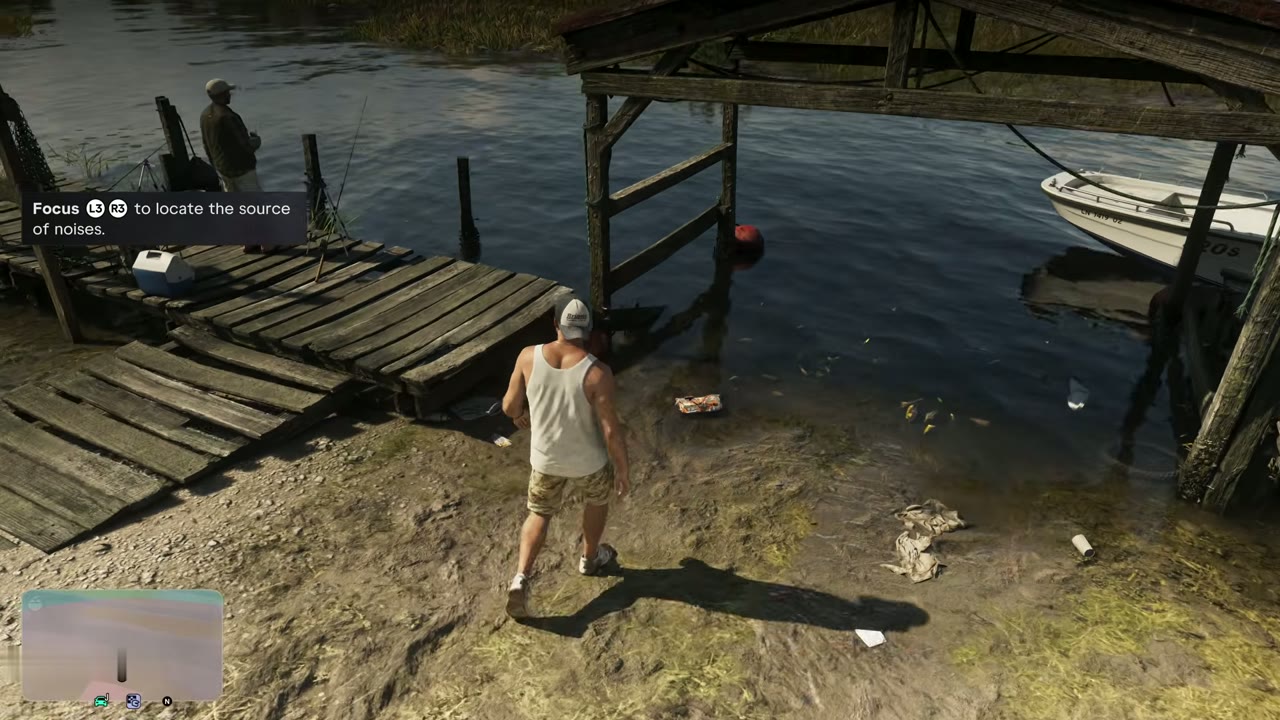
Focus slows things down and highlights what matters. Use it to locate the source of noises, find people or objects such as Lori’s dog, and follow vehicle trails while driving with your weapon put away. Combat focus while aiming shows weak spots, including vulnerable areas on vehicles. Thoughtful actions refill your focus bar depending on your criminal profile.
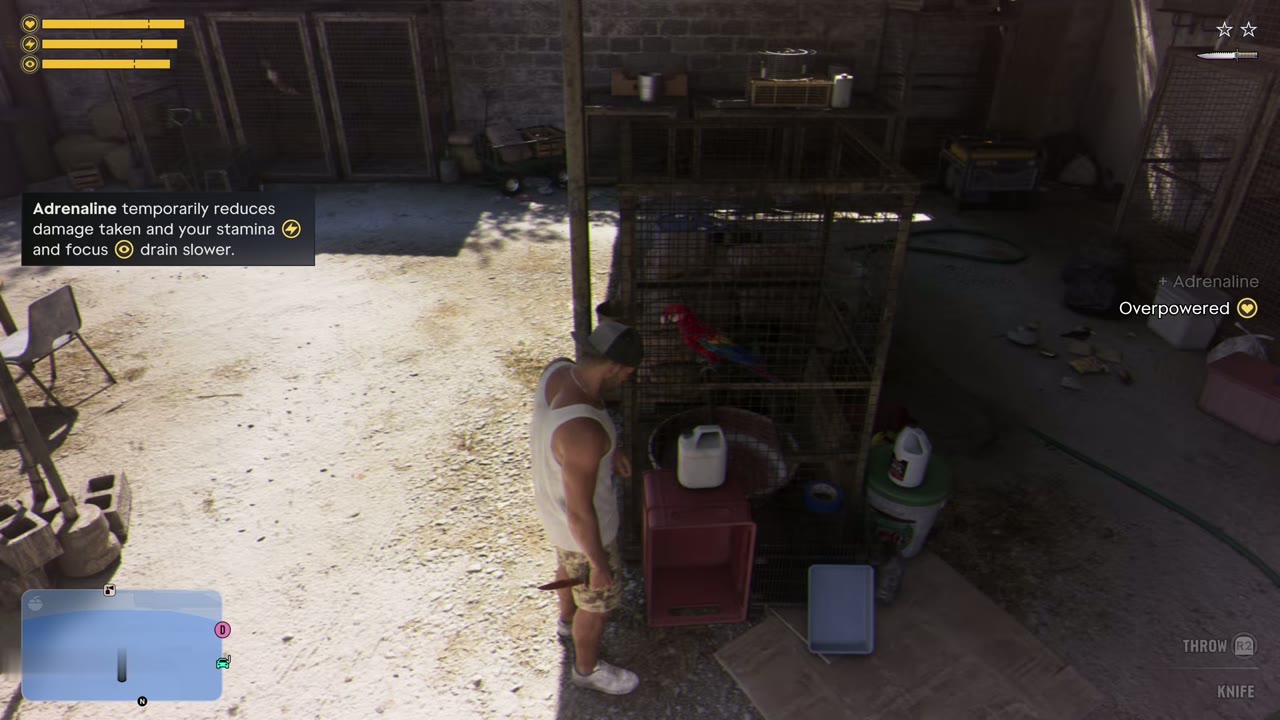
Adrenaline in your loadout reduces damage taken and slows how fast stamina and focus drain for a short time. Some items and actions, like food, drinks and working out, extend your health, stamina or focus.
Weapons and your loadout
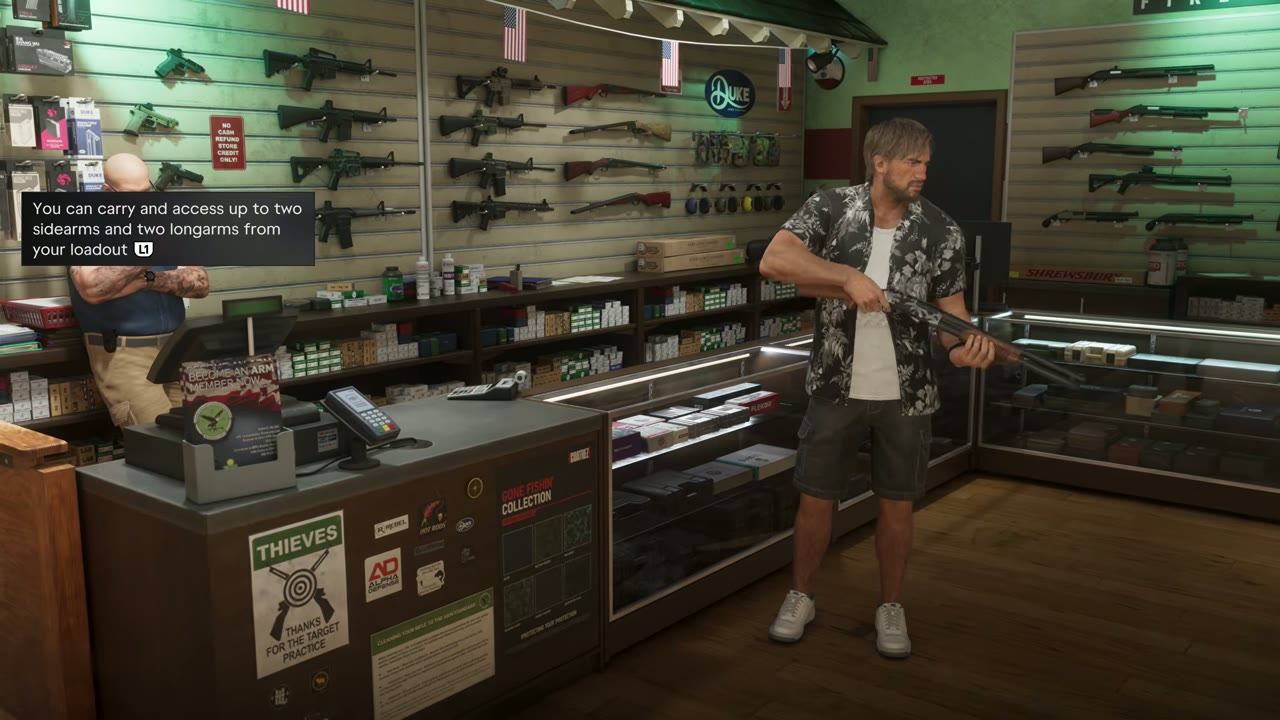
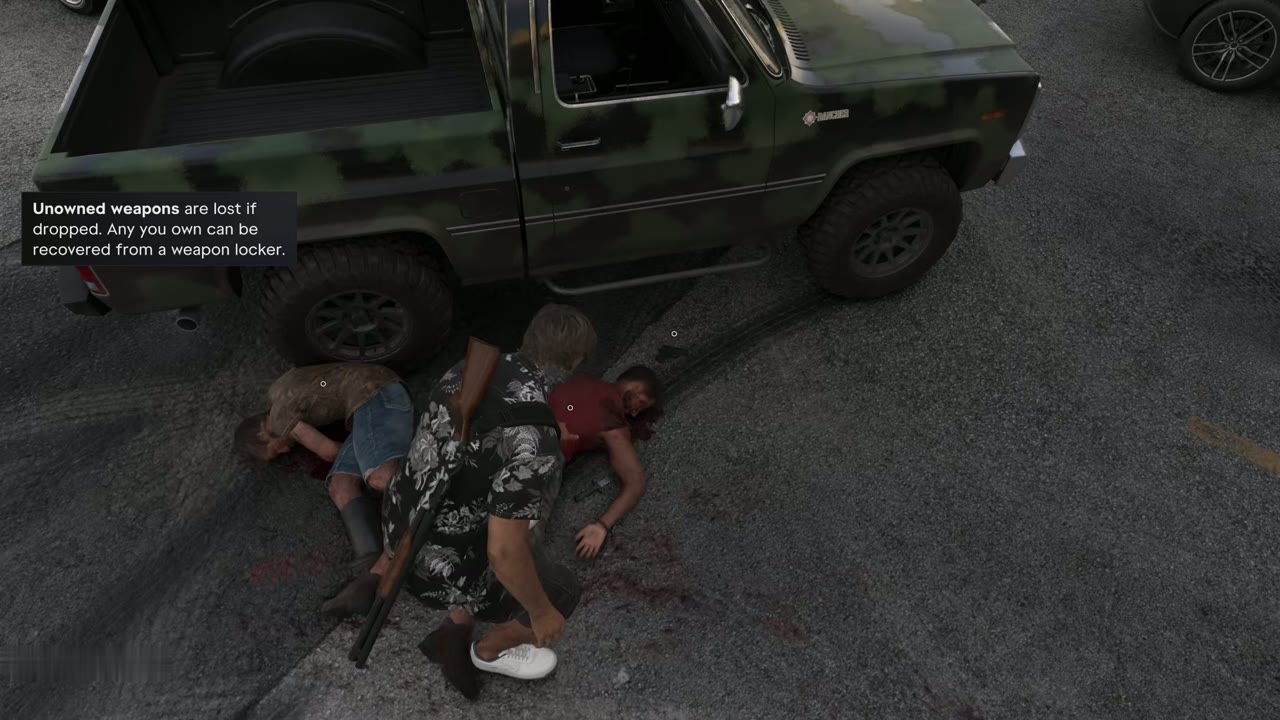
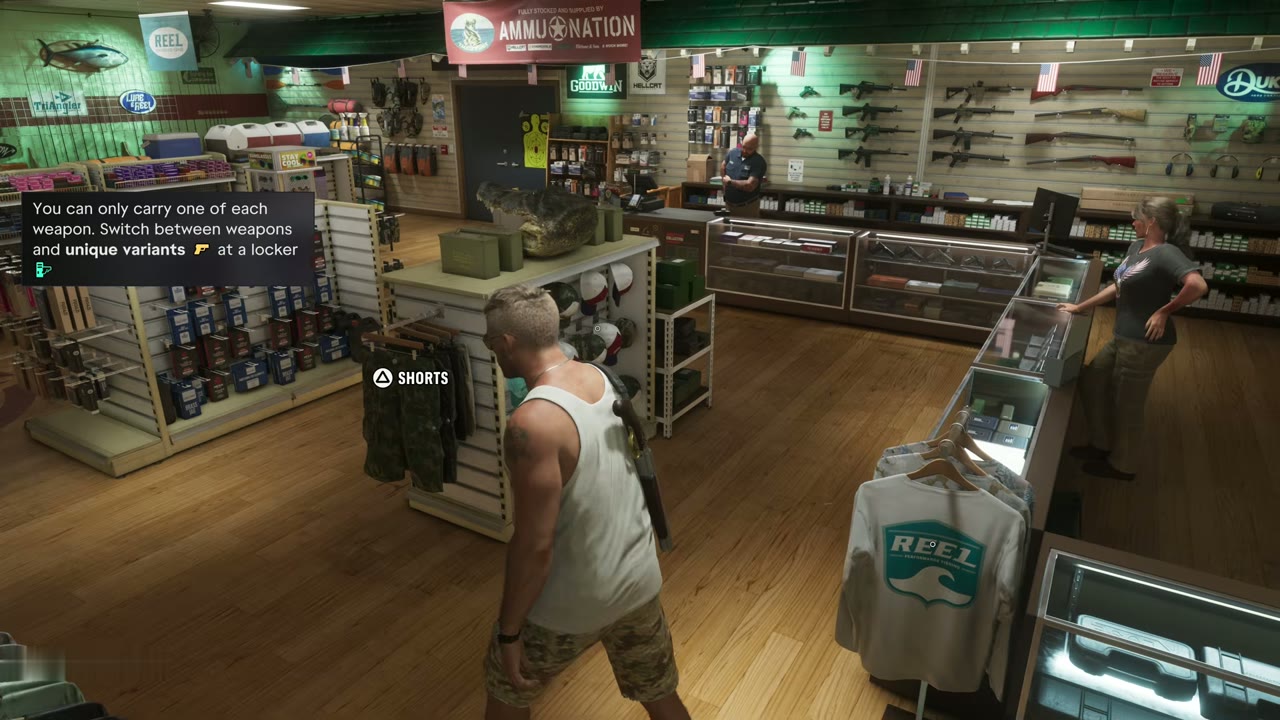
You can carry up to two sidearms and two longarms in your loadout. Spare guns live in weapon lockers at Ammu-Nation or in your car’s trunk, and you can only carry one of each weapon. A weapon you don’t own is lost if you drop it, but anything you own can be recovered from a weapon locker. Ammu-Nation stock grows as you buy more. Openly carrying weapons in Leonida is risky, so keep longarms in the trunk until you need them. The weapons page has the full rundown.
Getting around
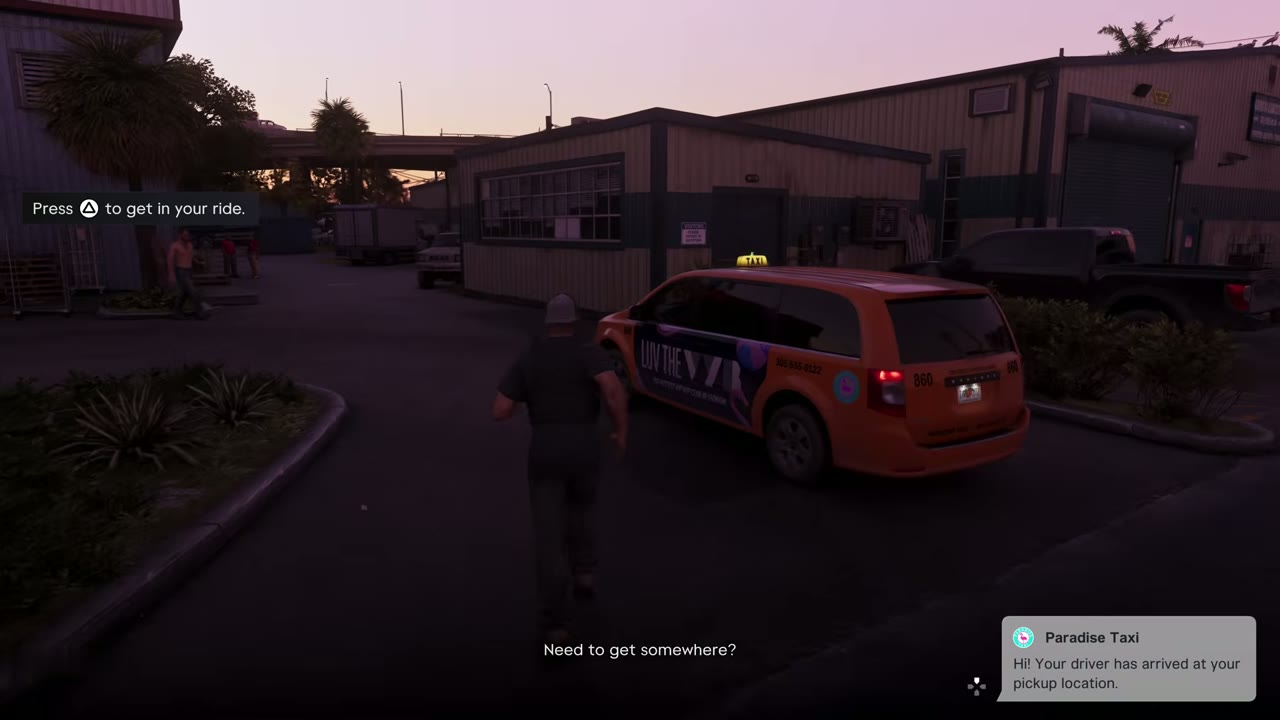
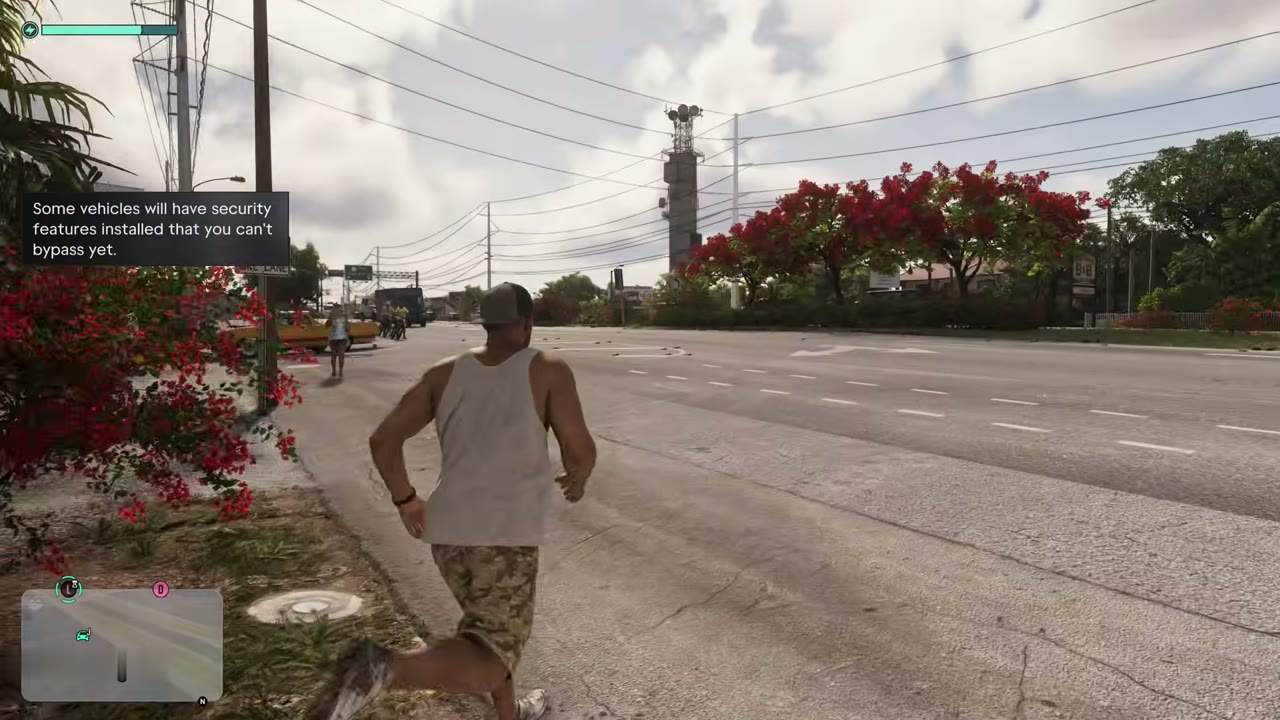
You can call Paradise Taxi from your contacts for a ride anywhere, or order one through the RydeMe app. On a bike, hold the button to pedal and get your helmet from your loadout. Some vehicles have security you can’t bypass yet, and keyless cars can’t be started until later. Racing in Leonida needs a car with the right street or off-road rating, which you can check at a mod shop.
The phone and the map
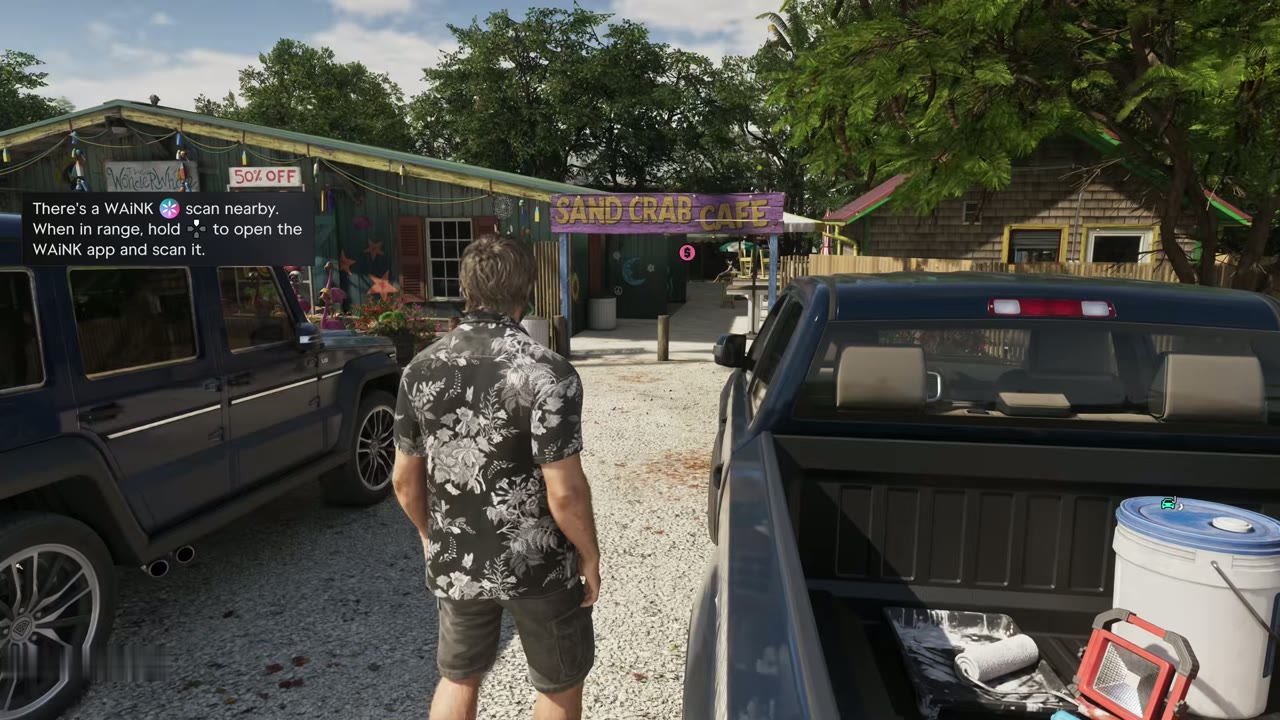
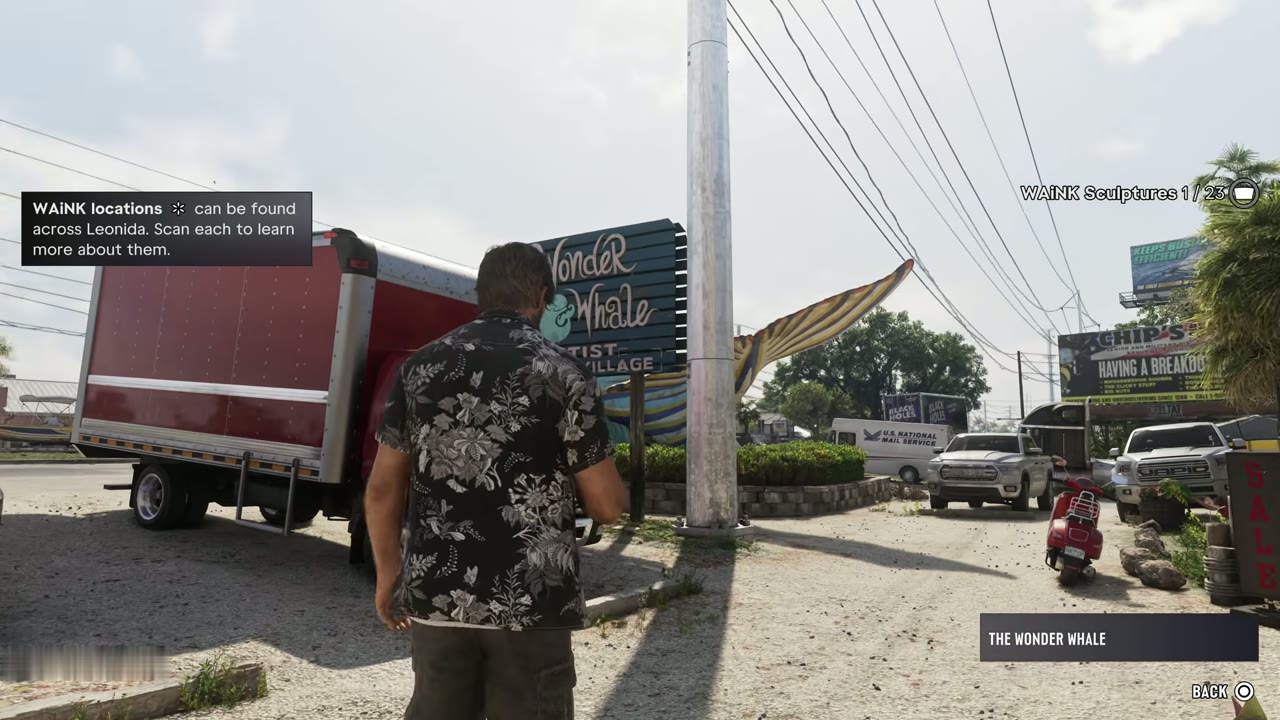
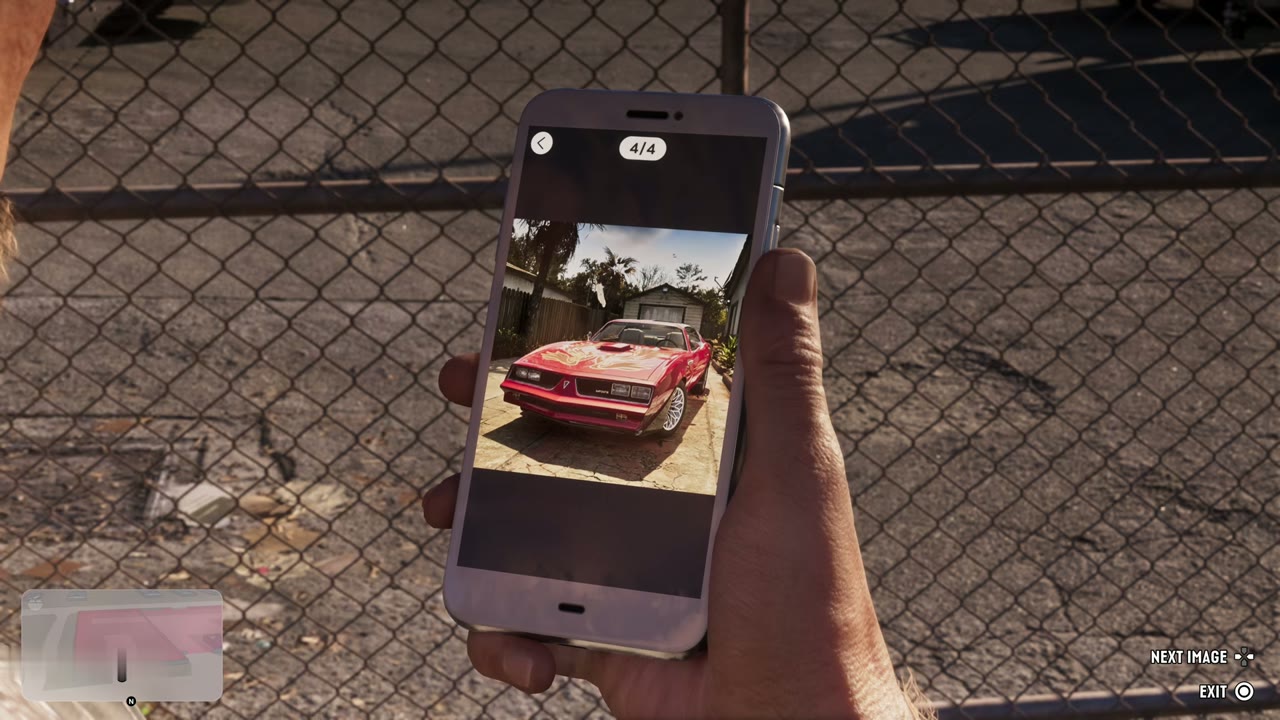
The map index lists tasks and locations you have found across Leonida, and you can hold a button to see nearby ones and set a destination. The WAiNK app scans vehicles and points of interest for extra information, and WAiNK locations across Leonida can each be scanned to learn more about them.