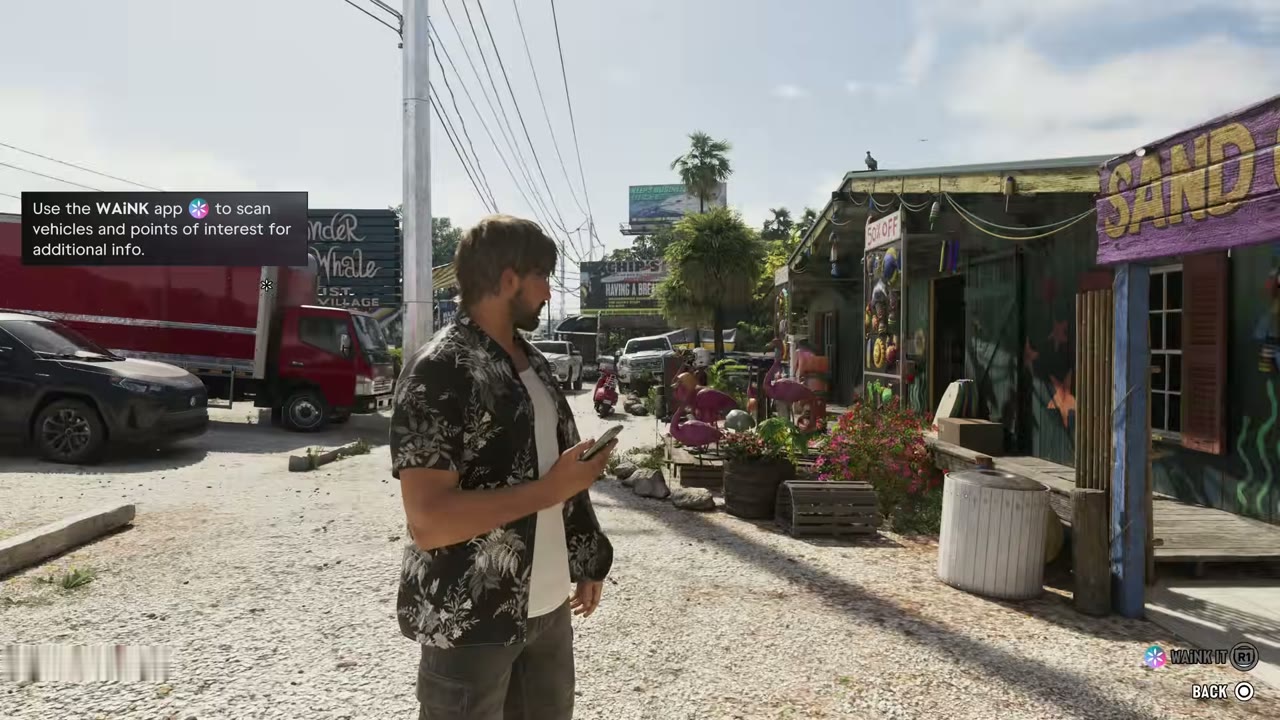
GTA VI changes a few habits from GTA V. Running is now a click of the left stick instead of tapping a face button, the phone and the WAiNK scanner share the same button, and the shoot button moves to R1 or RB whenever you’re in a vehicle. The tables below use the Default scheme with PS5 buttons first and Xbox buttons after the slash.
There are three schemes under Settings, then Control Scheme. Classic swaps Run and Crouch so running sits on a face button again, which will feel more natural if you’ve come straight from GTA V. Left-Handed mirrors the sticks.
General
Action
PS5 / Xbox
Map
Touch Pad / View
Pause menu
Options / Menu
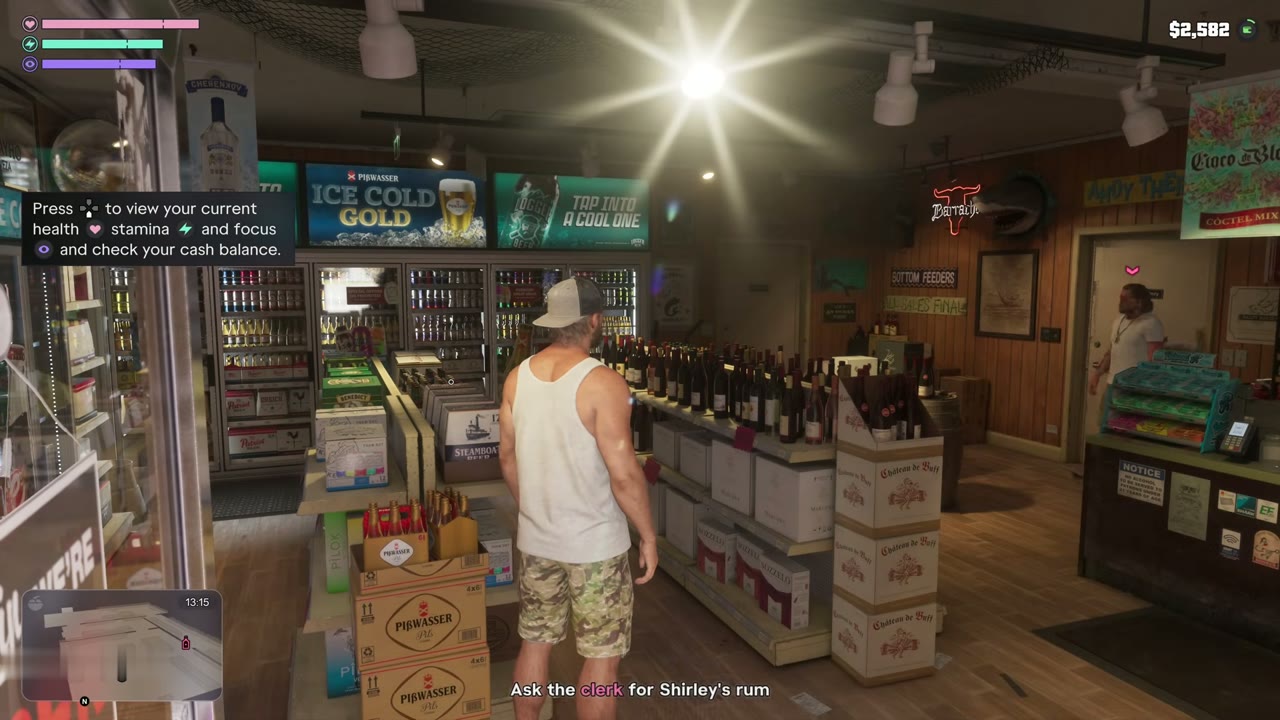
Show HUD, health, focus and cash
D-Pad Down
Phone
D-Pad Up
WAiNK scanner
Hold D-Pad Up
Radio wheel
Hold D-Pad Left
Partner menu
Hold D-Pad Right
Switch between Jason and Lucia
Hold D-Pad Right, then R1 / RB
Loadout wheel
Hold L1 / LB
Focus
L3 and R3 together
Inspect surroundings
L2 and R3 / LT and right stick click
Look behind
Hold R3 / right stick
The HUD stays hidden most of the time. A tap of D-Pad Down brings back the health, stamina and focus bars along with your cash, which is the quickest way to check how much money Jason or Lucia is carrying before a purchase.
On foot
Action
PS5 / Xbox
Move
Left stick
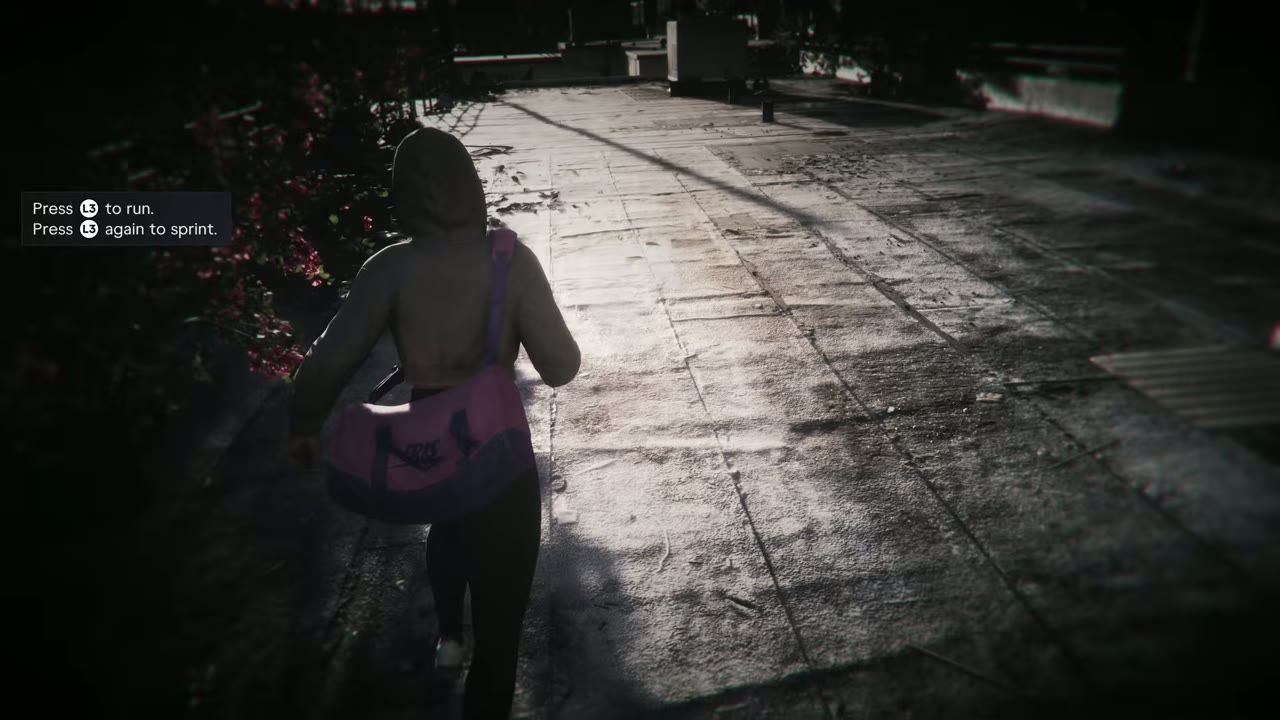
Run, press again to sprint
L3 / left stick click
Jump, climb, slide over a hood
X / A
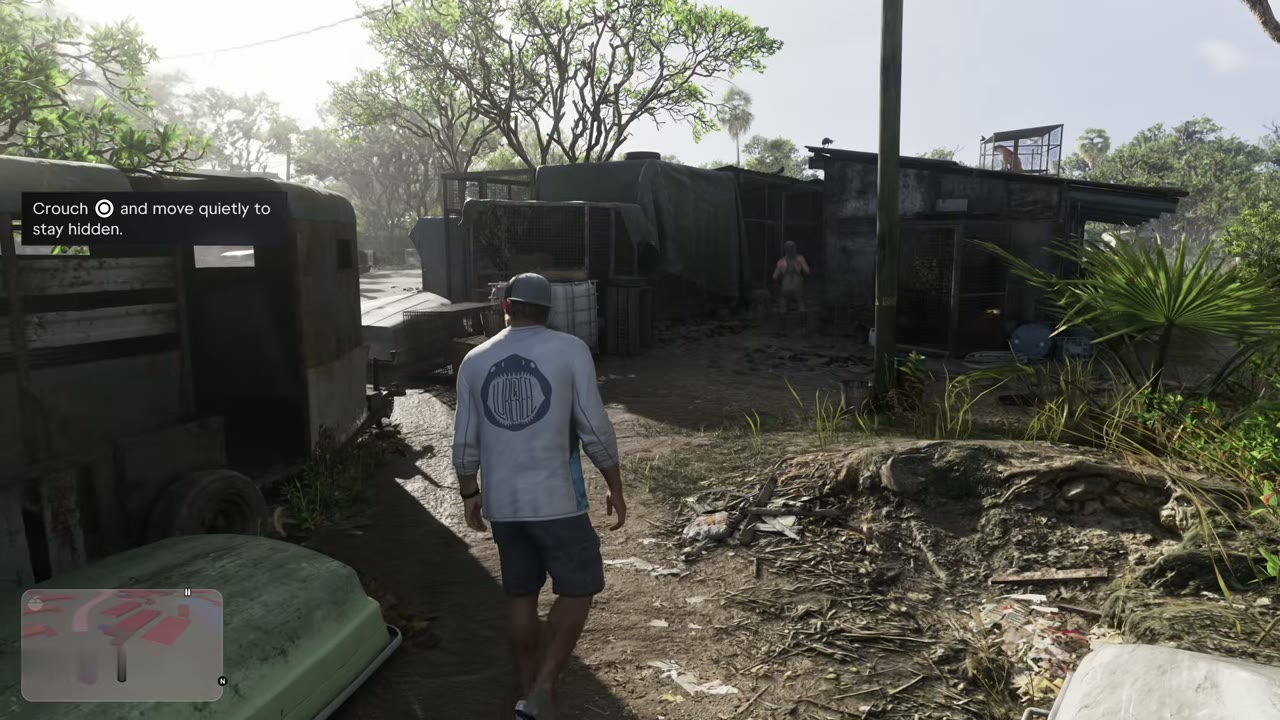
Crouch
Circle / B (hold to rest)
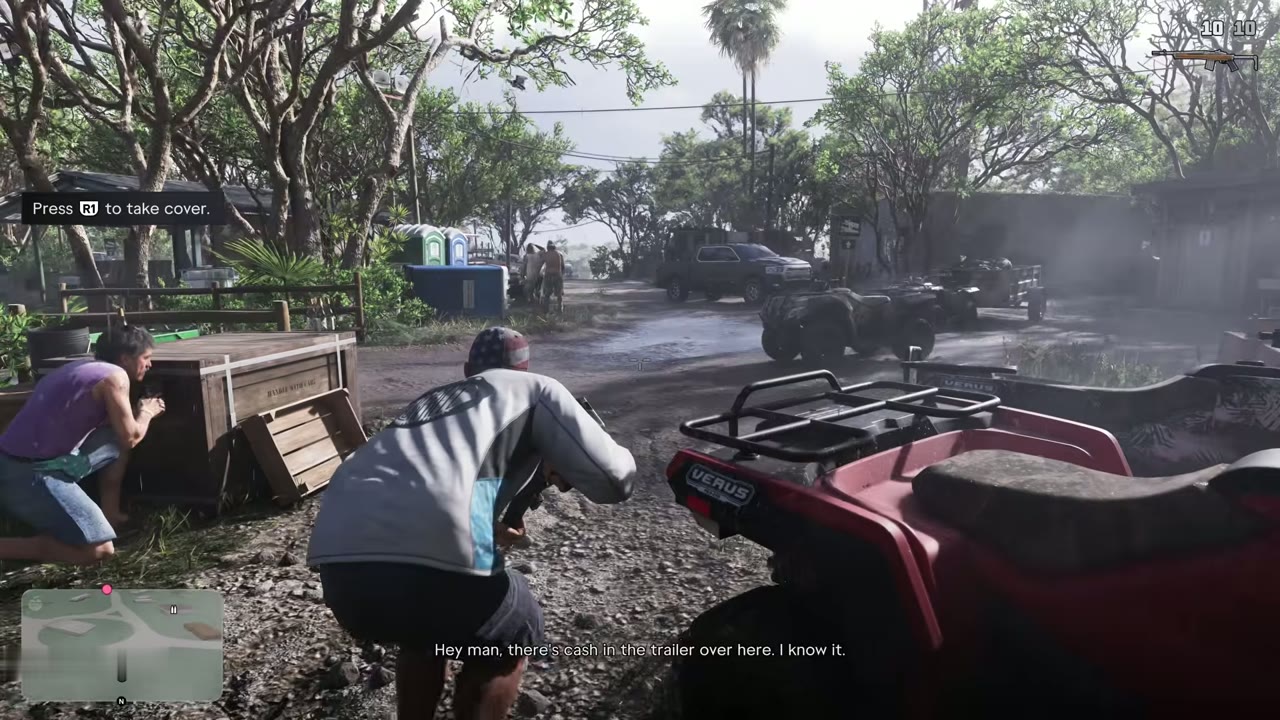
Take cover
R1 / RB
Interact, enter a vehicle
Triangle / Y
Talk to people, whistle
Hold L2 / LT
Stealth takedown
Square / X
Grab someone from behind
Hold R2 / RT
Shove a vehicle, empty an unowned trunk
Hold Square / X
Check an engine at the hood
L1 / LB
Throw a held object
R2 / RT
Crouching is how you sneak up on people for the takedowns that a lot of early missions lean on. The game first asks for it in Gone Fishing, and from then on any guard with his back to you can be dropped quietly with Square or X.
Aiming and weapons
Action
PS5 / Xbox
Aim
Hold L2 / LT
Shoot
R2 / RT
Zoom, show throw path
R3 / right stick click
Scope zoom
D-Pad Up and Down
Switch shoulder
D-Pad Left
Detonate
D-Pad Right
Quick swap weapon
Triangle / Y
Quick throw
Hold R1 / RB
Holster
L1 / LB
Hold a grenade’s pin
Hold R2 / RT
Holstering matters more than it used to. A gun in your hand is one of the things that keeps police heat on you, and longarms can’t be hidden at all, so put rifles and shotguns back in the trunk when you’re done with them.
Melee
Action
PS5 / Xbox
Lock on
Hold L2 / LT
Punch or kick
Square / X
Heavy attack
Hold Square / X
Grapple
Hold R2 / RT
Block
Hold X / A
Dodge or counter
Tap X / A
Cars, motorcycles and boats
Action
PS5 / Xbox
Steer
Left stick
Accelerate
R2 / RT
Brake, reverse
L2 / LT
Handbrake
X / A
Horn, nitrous
L3 / left stick click
Shoot
R1 / RB
Draw a sidearm
L1 / LB
Duck to hide from police
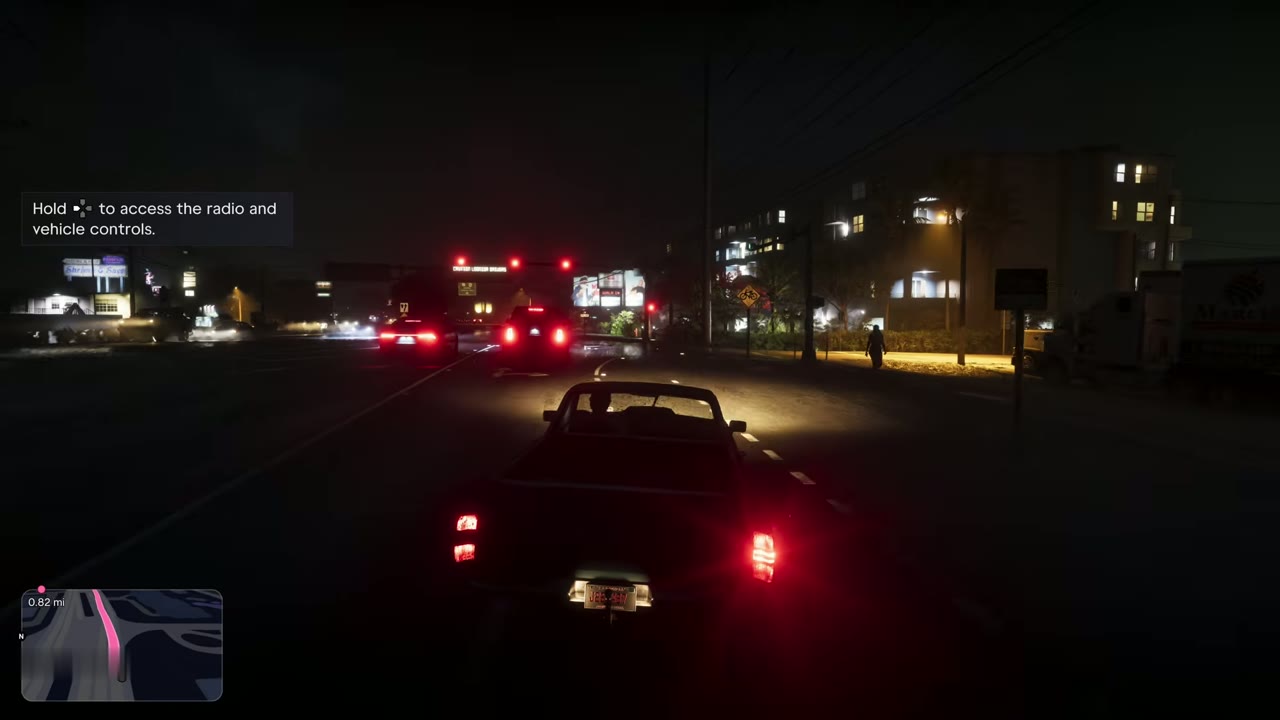
Hold Circle / B
Radio and vehicle menu
Hold D-Pad Left
Get out
Triangle / Y (hold to stop first, double tap to bail out)
Ducking in a parked car is a real way to lose the police, so learn it early. Stop somewhere out of sight, hold Circle or B, and wait for the search to move past.
Planes and helicopters
Action
PS5 / Xbox
Pitch and roll
Left stick
Throttle up
R2 / RT
Throttle down
L2 / LT
Yaw (plane) or turn (helicopter)
Square and Circle / X and B
Landing gear
L3 / left stick click
Fire an armed aircraft’s weapon
Hold L1 / LB
Bicycles
Action
PS5 / Xbox
Pedal
R2 / RT
Brake
L2 / LT
Sprint
X / A
Bunny hop
Circle / B
Bell
L3 / left stick click
Kick
Square / X
Get off
Triangle / Y
Swimming and diving
Action
PS5 / Xbox
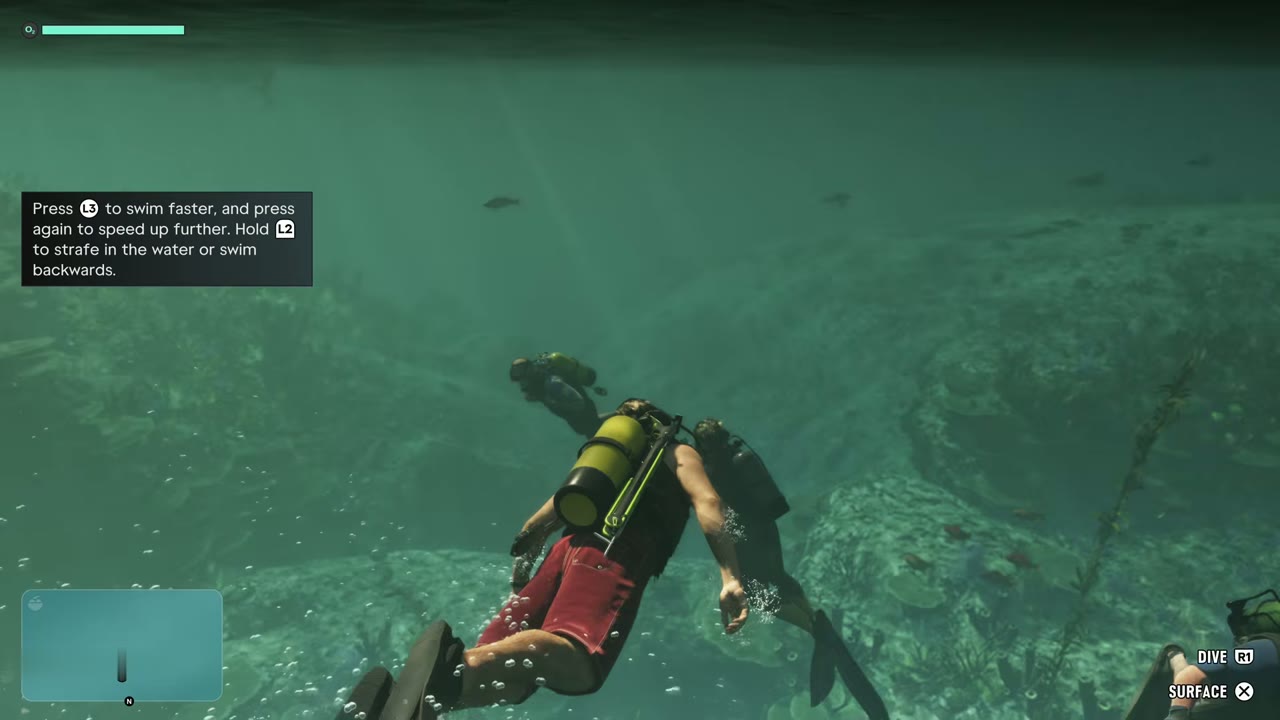
Swim faster
L3 / left stick click (press again for more speed)
Dive under
Hold R1 / RB
Surface
X / A
Strafe or swim backward
Hold L2 / LT
Dive in from a ledge
X / A (hold for a trick dive)
Parachuting
Action
PS5 / Xbox
Open the chute
X / A
Steer and flare left
L2 / LT
Steer and flare right
R2 / RT
Cut away
Triangle / Y
Focus and WAiNK
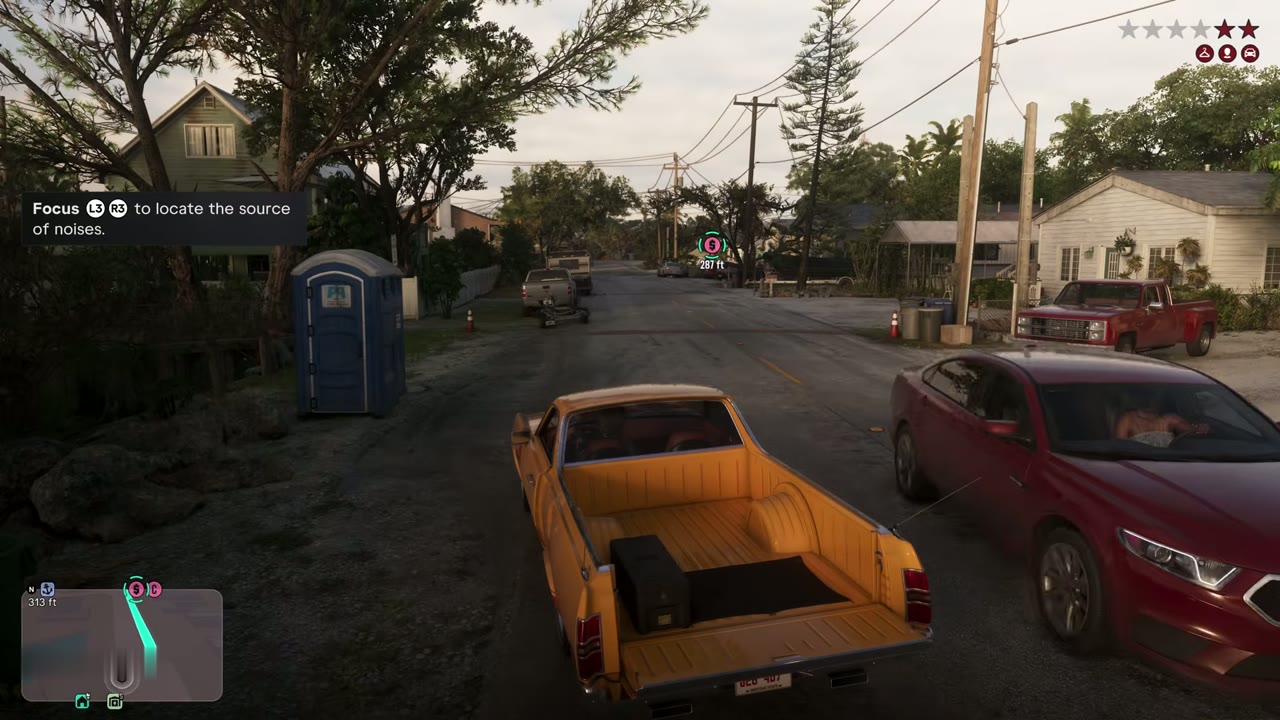
Focus slows things down when you’re aiming, and outside a fight it highlights what you’re looking for: the source of a noise, a package, a trail left by a car, or staff in a store who might know the safe code. Click both sticks to use it. The bar fills back up when you do things that suit your criminal profile.
WAiNK is the phone app for scanning. Hold D-Pad Up near a vehicle to read its make, value and specs, or near a marked point of interest to log it. Scanning vehicles is how you check what a car will fetch from Moses before you bother stealing it, and the points of interest count toward the Discovery part of 100%.