














Here are the default GTA V Story Mode controls for each platform, followed by answers to the how-to questions most players end up asking. If your controls differ, check the Settings menu, as PC keys and controller layouts can be changed. You can also open the pause menu and look under Brief, then Help, to see the most recent on-screen hints again.
How to do common things in GTA 5
How to switch characters
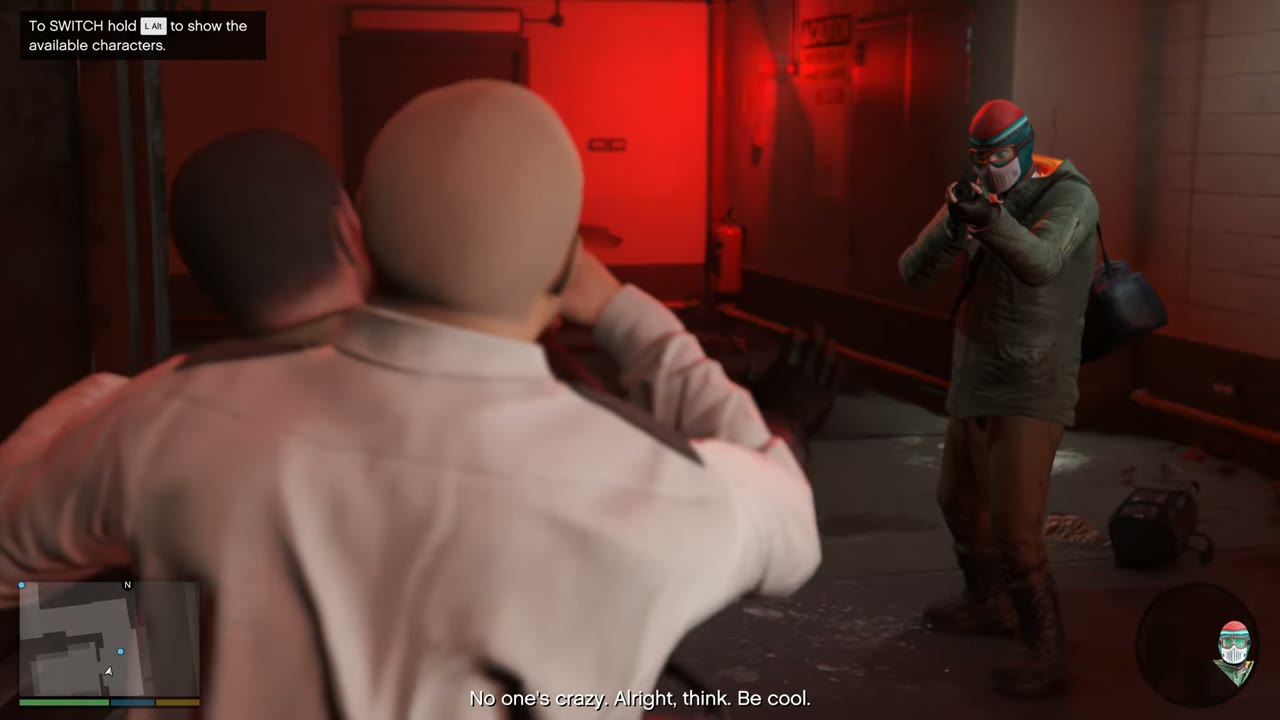
Hold Down on the D-pad, or Alt on PC, to bring up the character wheel. Then point the right stick or the mouse at the character you want. During a mission you can usually press the prompt to swap straight away. A character whose face is grayed out isn’t available yet, or the story doesn’t allow it at the moment.
How to save the game
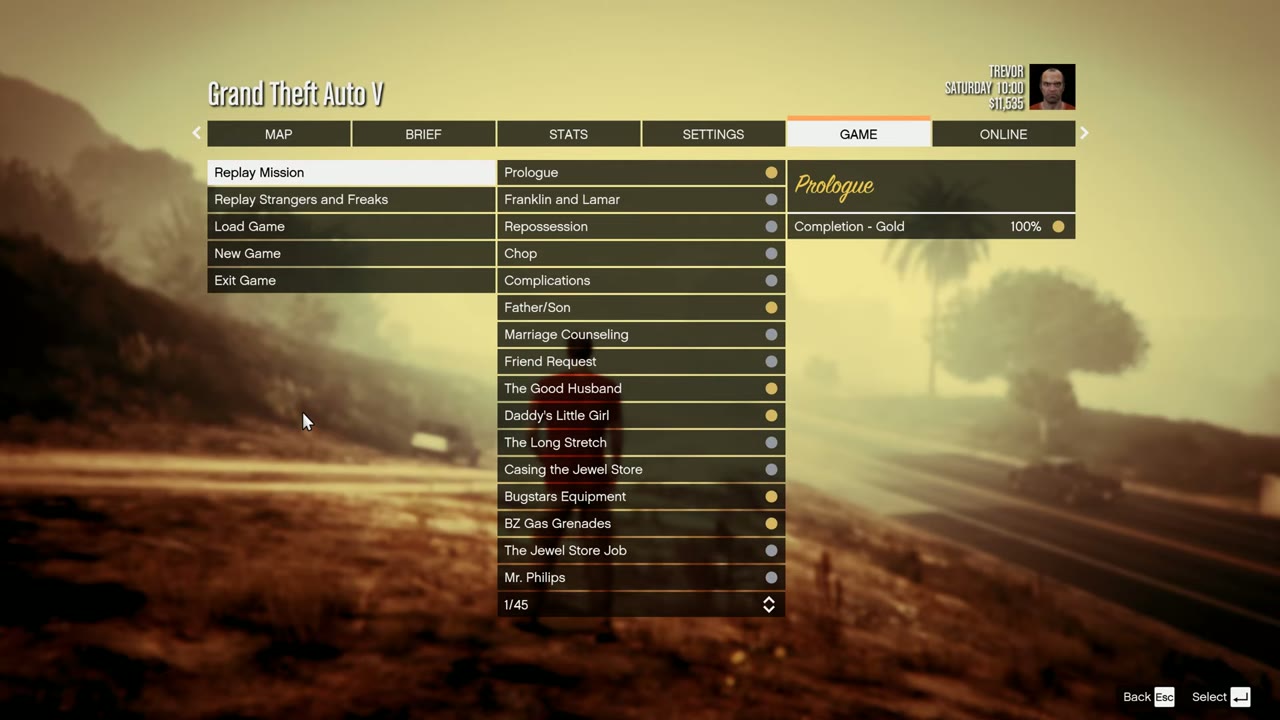
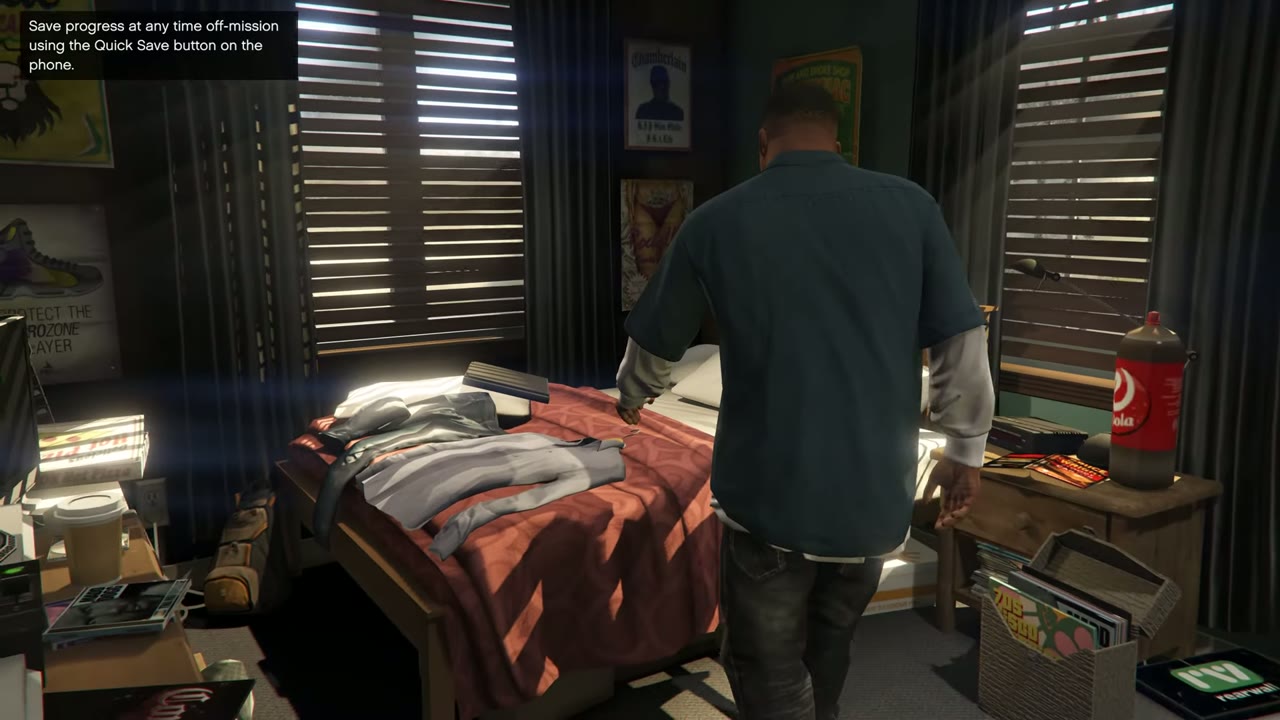
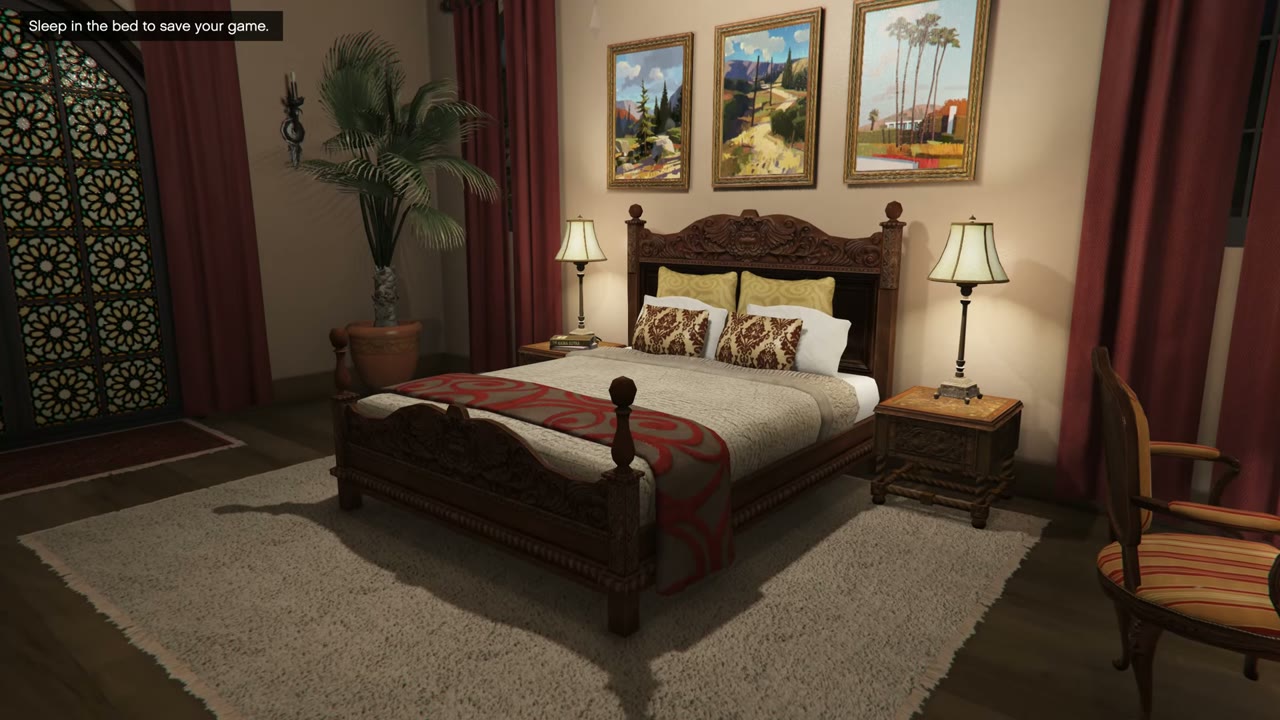
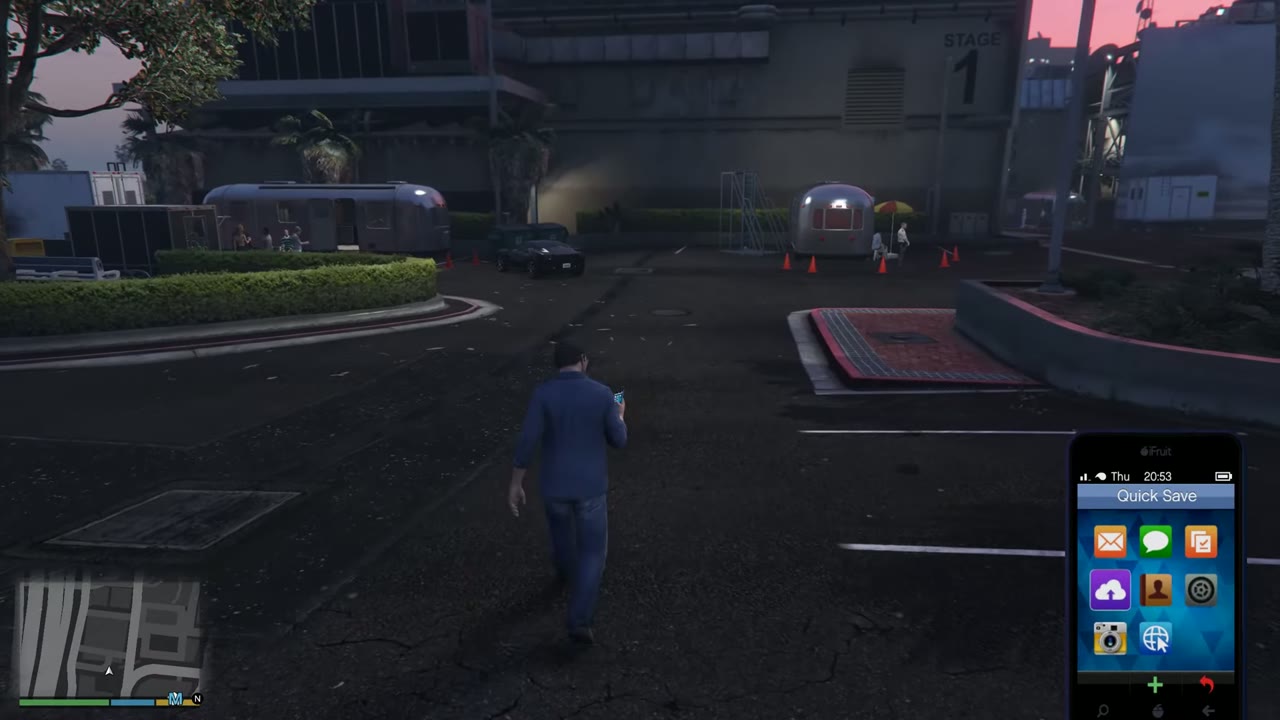
Bring up the phone and pick the Quick Save icon to save almost anywhere outside a mission. Or sleep in the bed at any safehouse, which also moves time forward. The game autosaves after most missions, too, but you should keep a manual save in another slot before a big choice.
How to detonate a sticky bomb
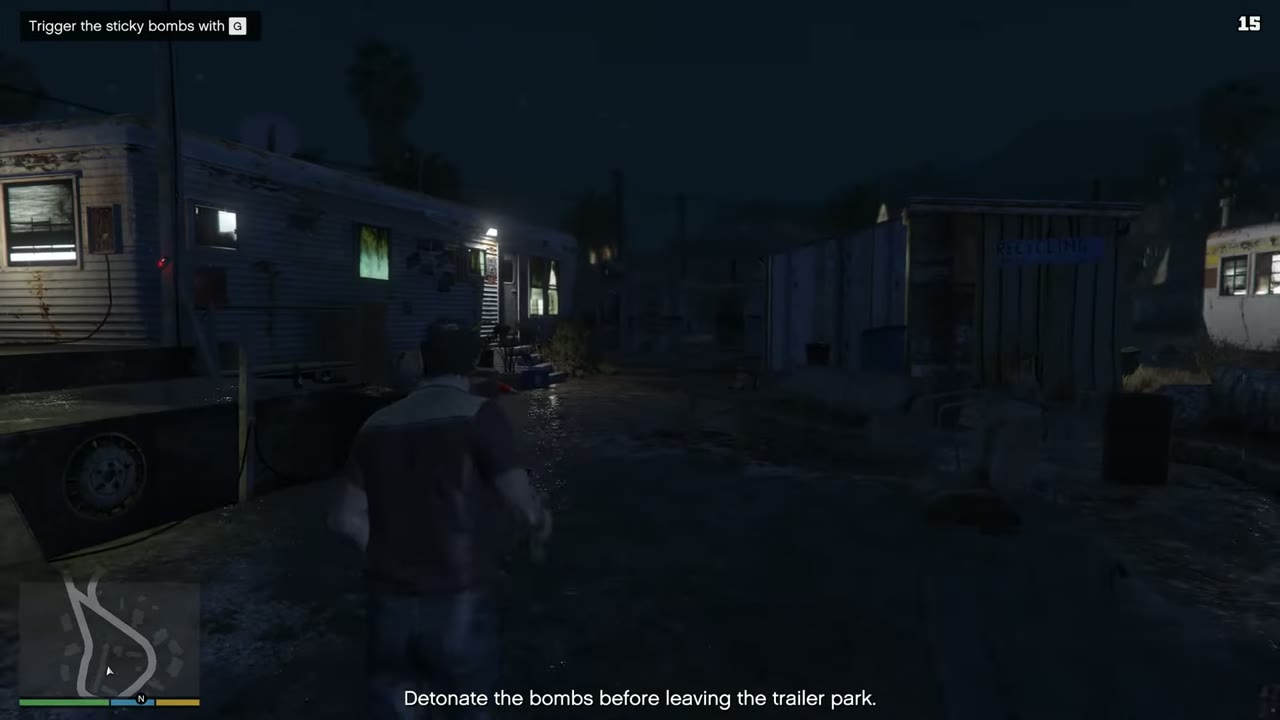
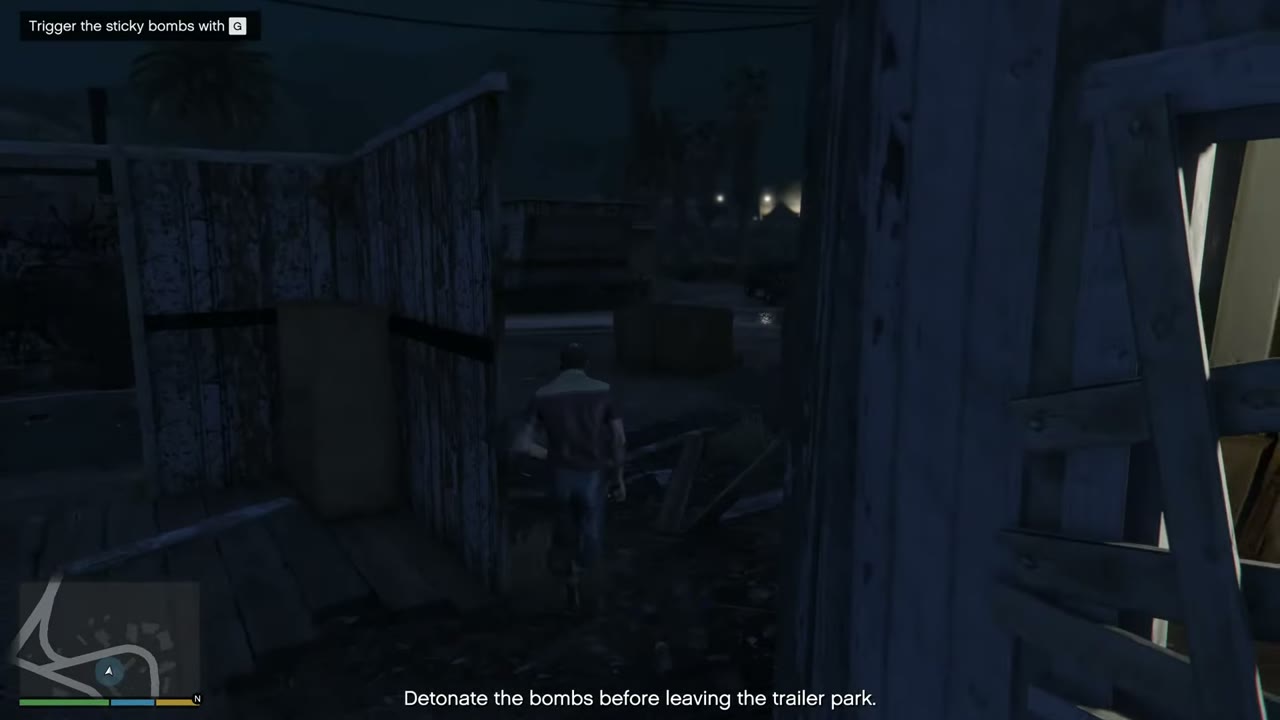
Throw the bomb with the throw button, then press Left on the D-pad, or G on PC, to set it off. It works from any distance, and you can place several and set them off together. Sticky bombs stick to vehicles, and Lester suggests them for The Hotel Assassination, though only a sniper kill earns the medal there.
How to shoot while driving
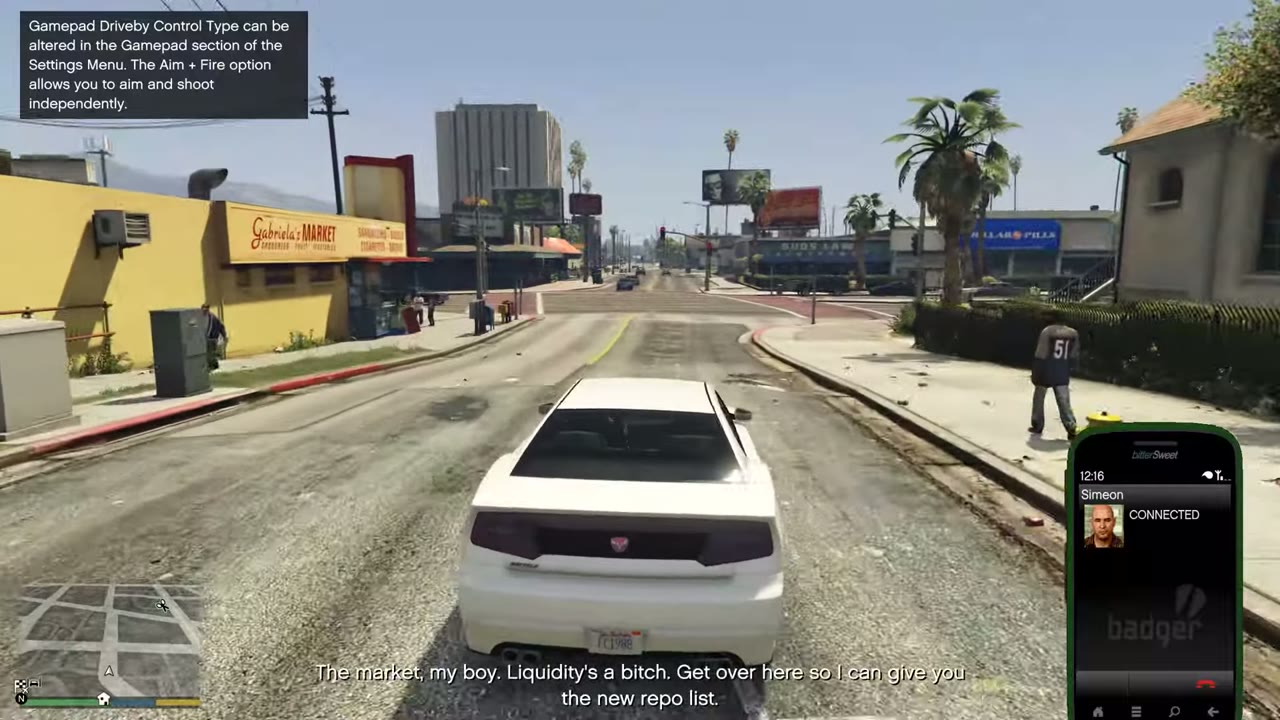
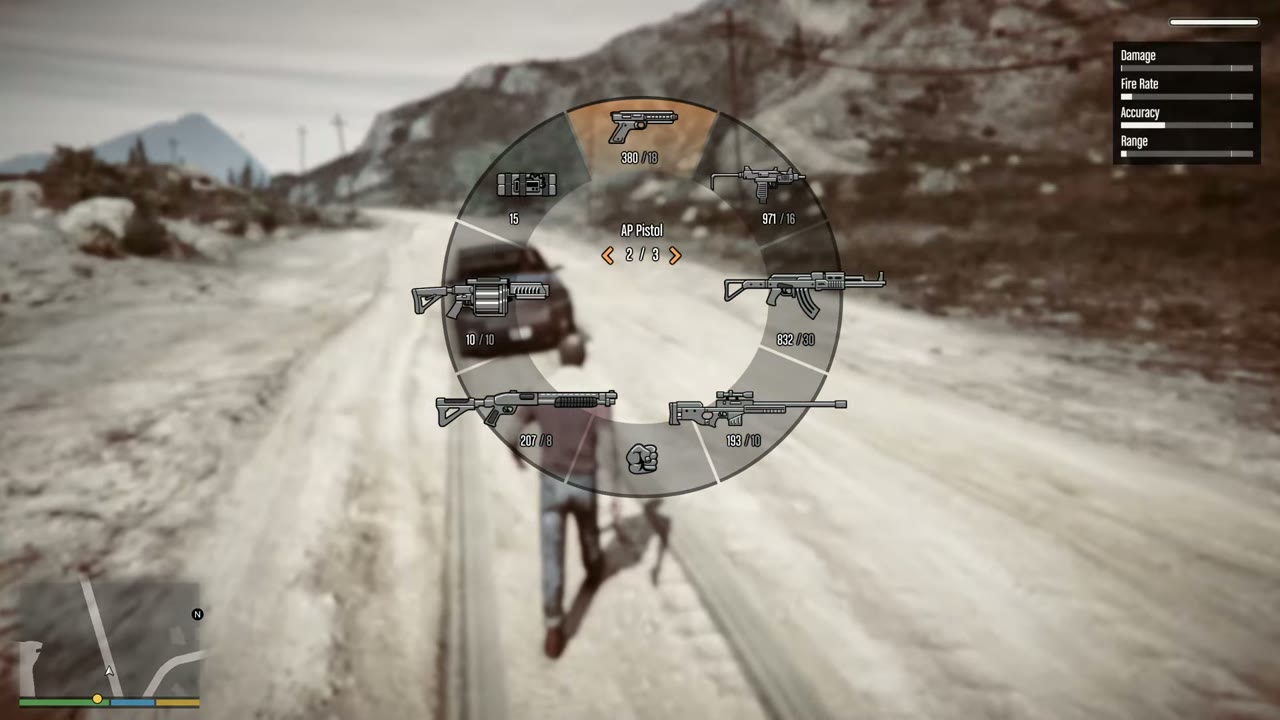
Press LB on Xbox, L1 on PlayStation, or left mouse on PC. To aim first, hold the aim button and use the right stick or mouse. You’ll fire whichever pistol or SMG you’ve chosen, so pick one on the weapon wheel before you start driving. Rifles can’t be fired from a car.
How to use a parachute
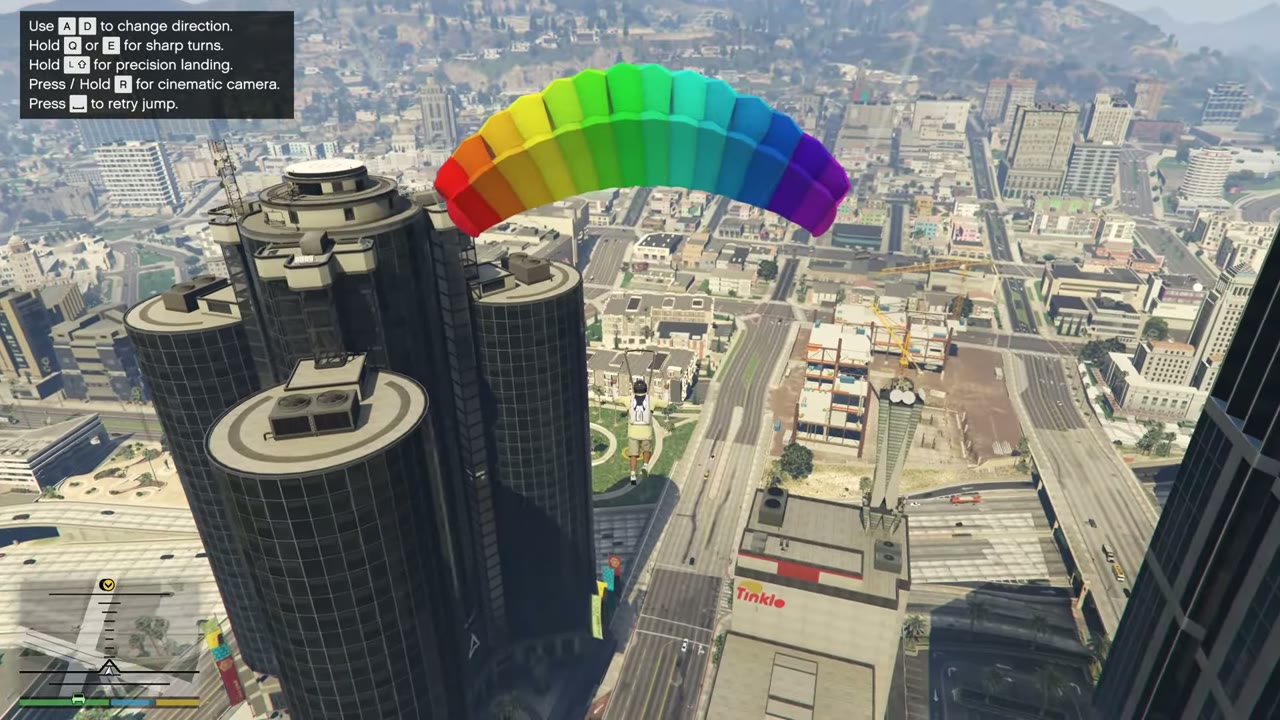
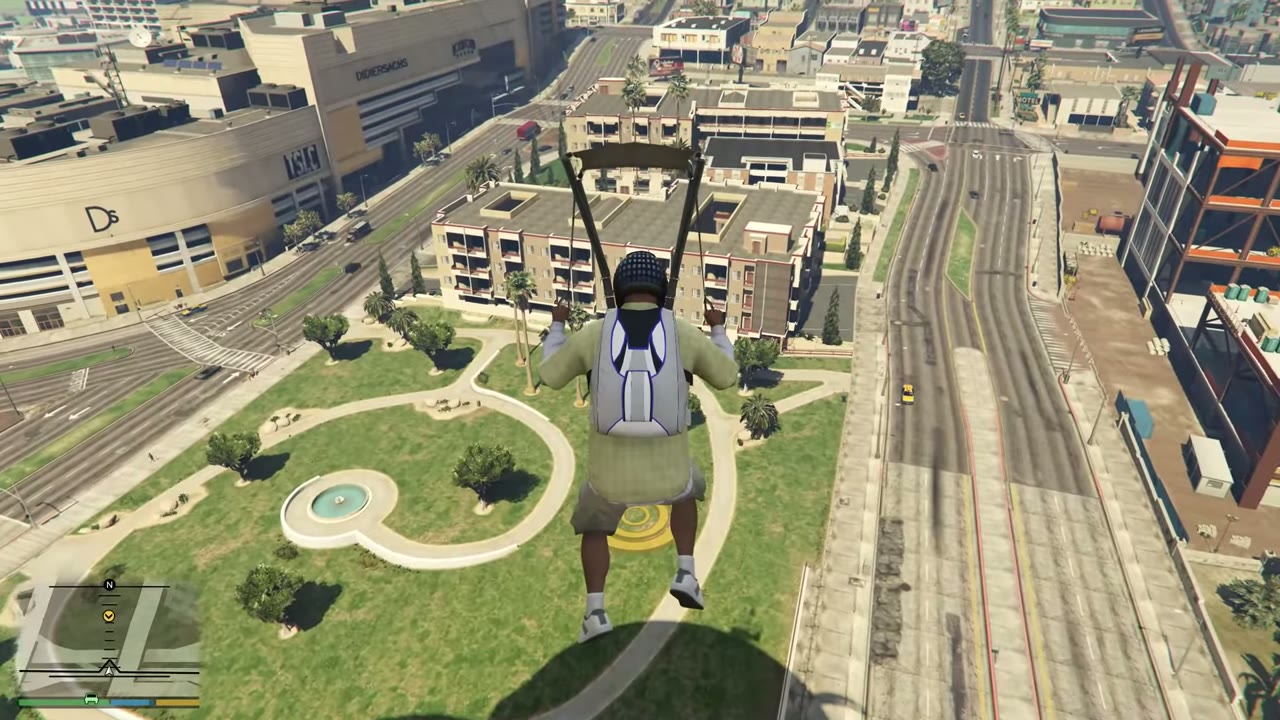
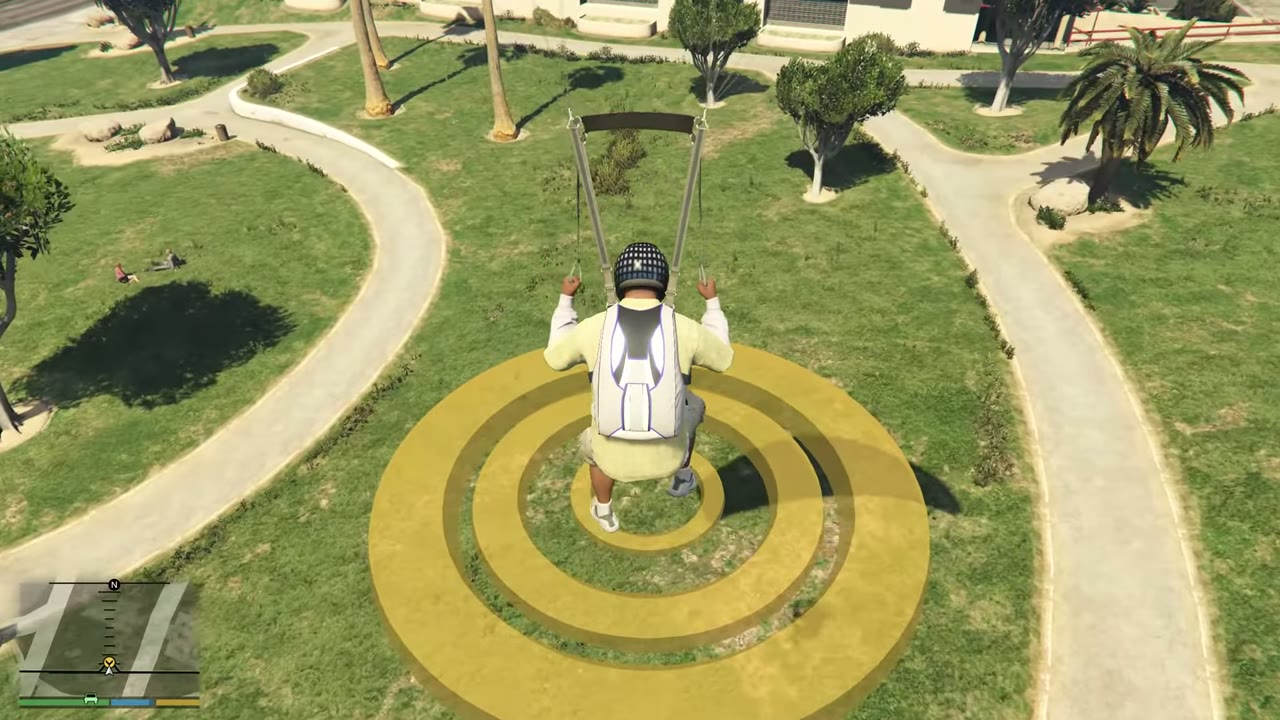
You get a parachute free with any helicopter or plane, and you can buy one from Ammu-Nation. It’s equipped automatically. After you jump, press A on Xbox, X on PlayStation, or left mouse on PC, to pull the cord. Steer with the left stick or WASD. Push forward to speed up and pull back to slow down before you land.
How to use the tow truck
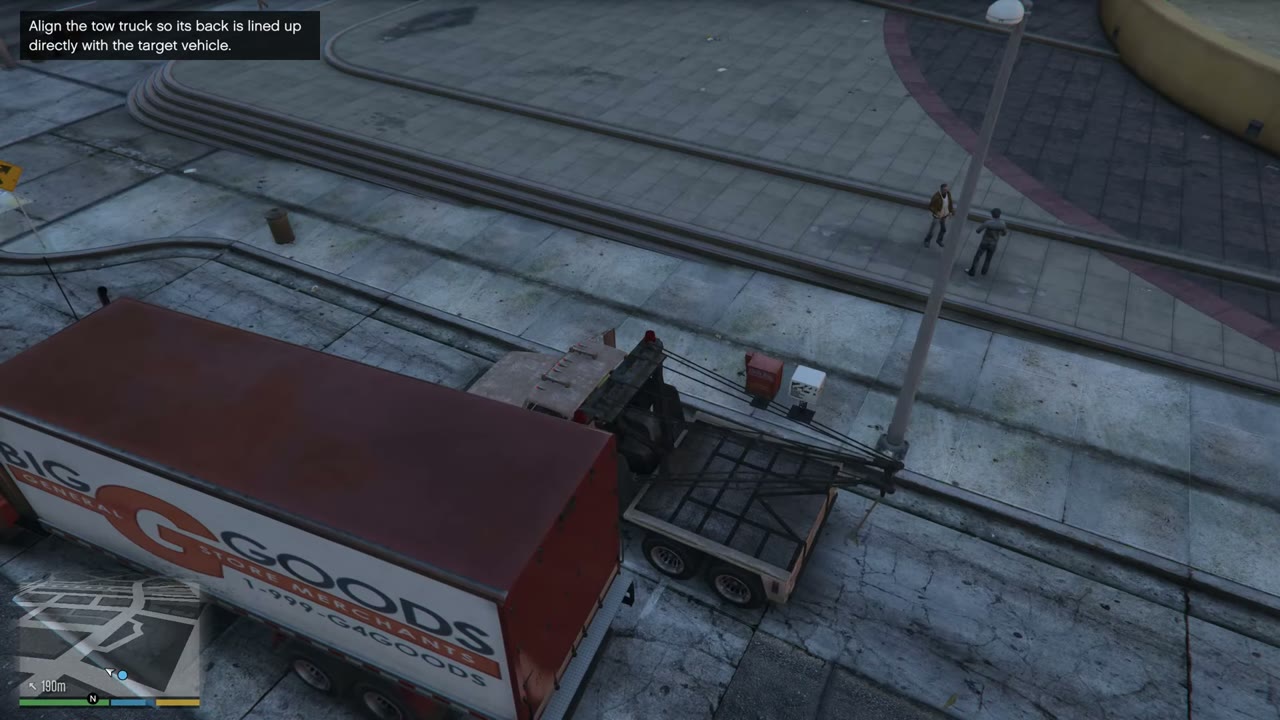
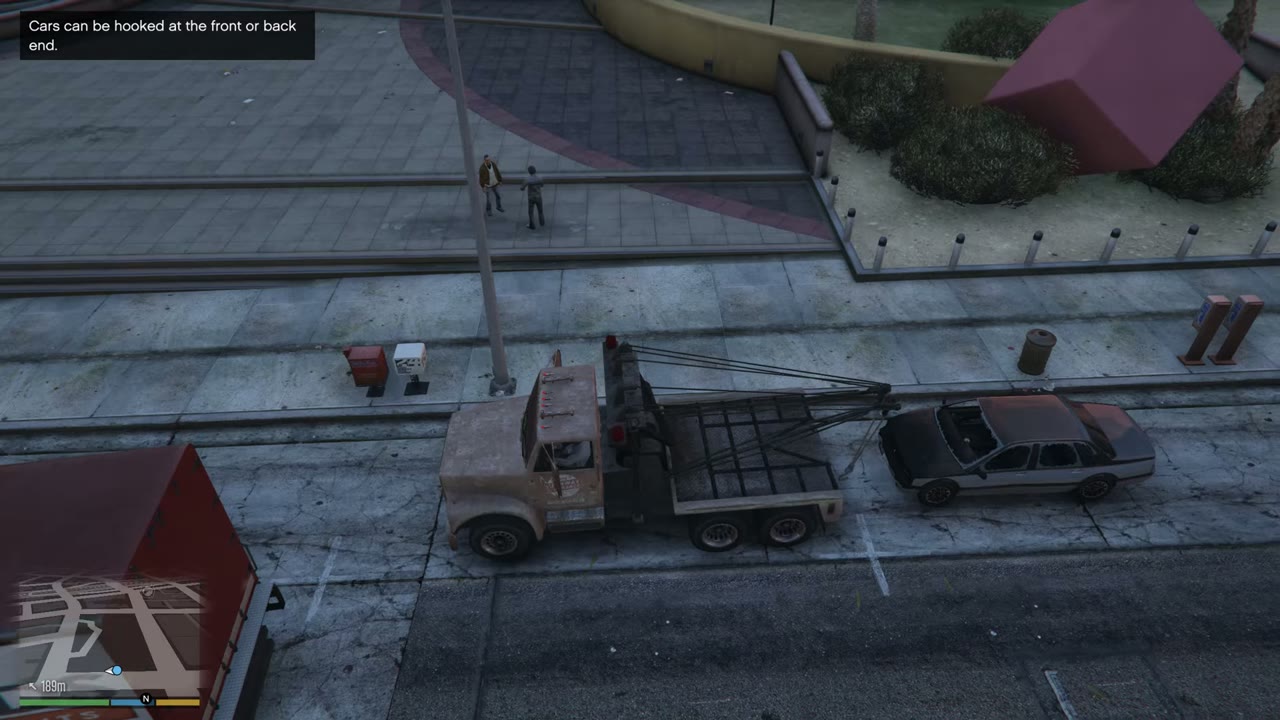
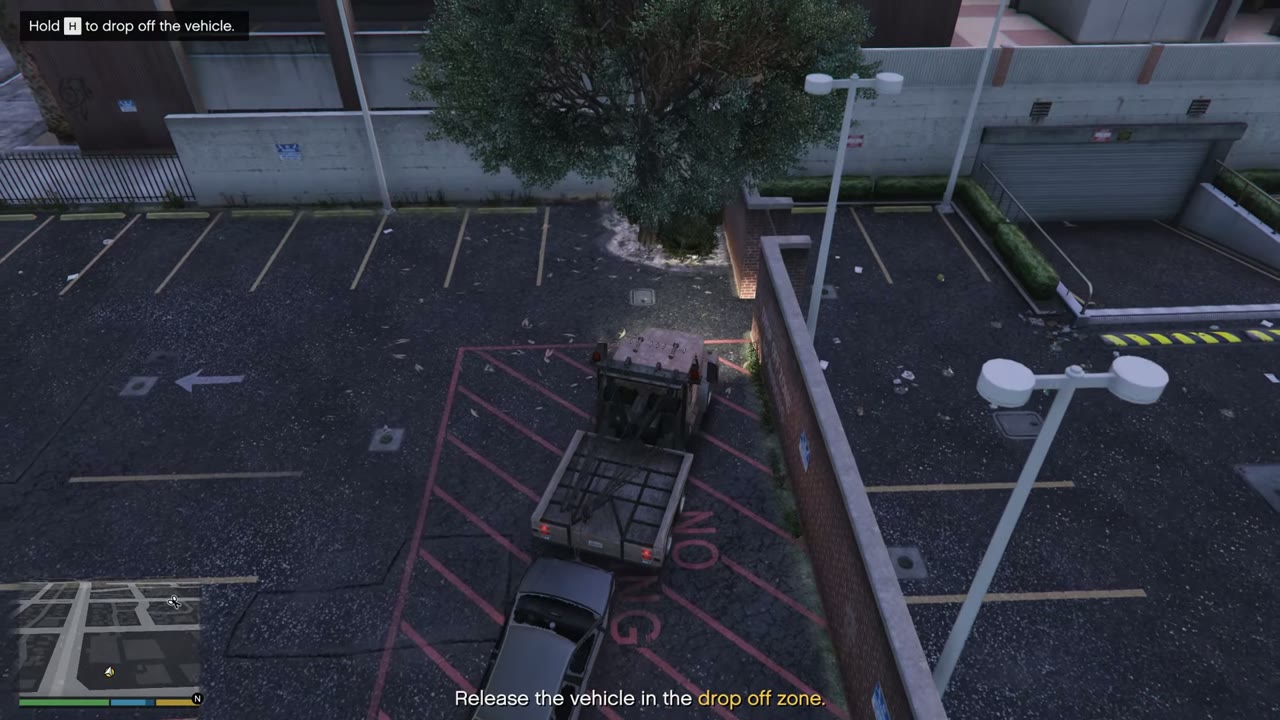
Back up to the car until the hook is over its front or rear. On PC, Left Ctrl lowers the arm, Left Shift raises it, and H drops the car. On a controller, the arm uses the stick the game shows on screen the first time you get in, and you can check Brief, then Help, in the pause menu. Keep your speed down around corners, or the car swings out and comes off. Tonya’s missions are the first place you’ll need this.
How to fly a plane or helicopter
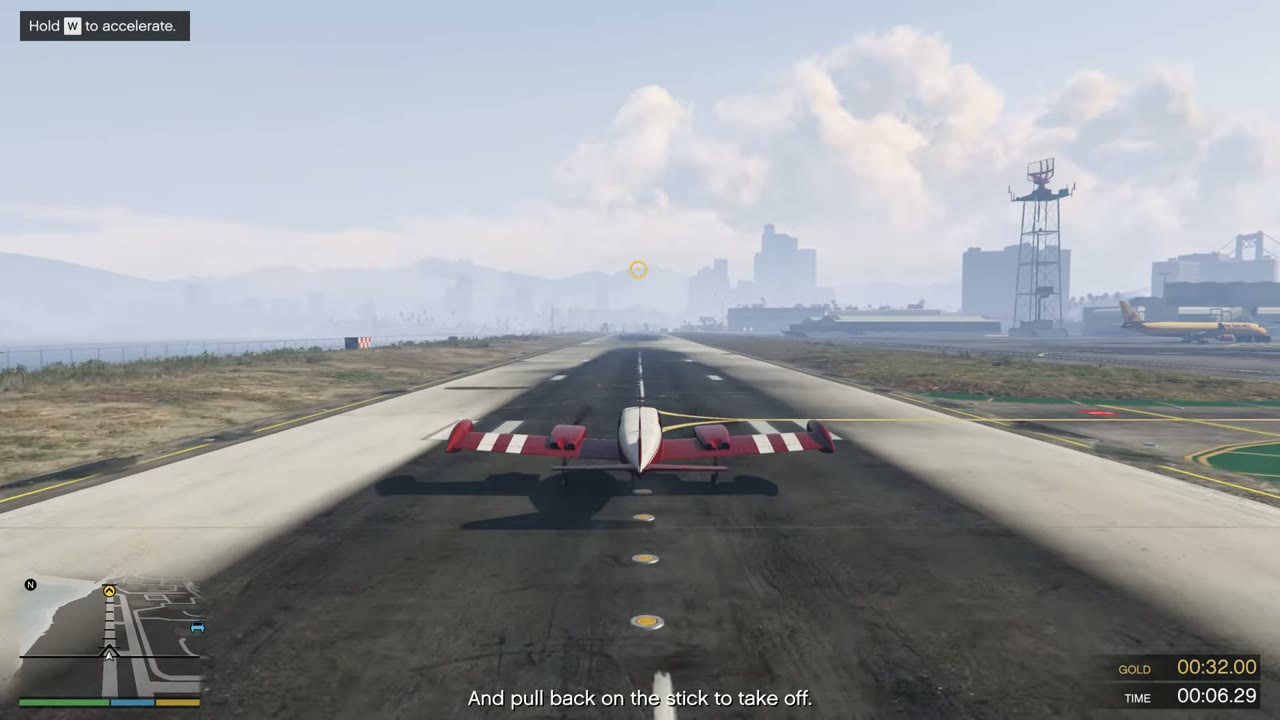
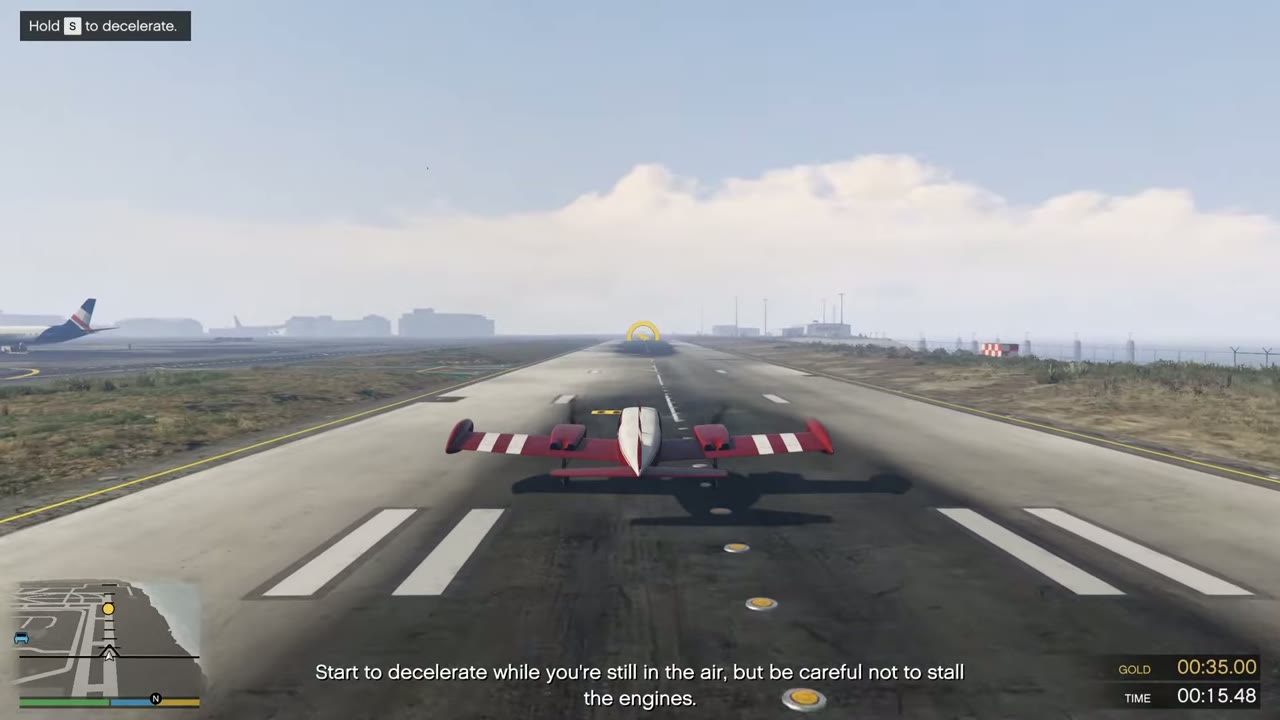
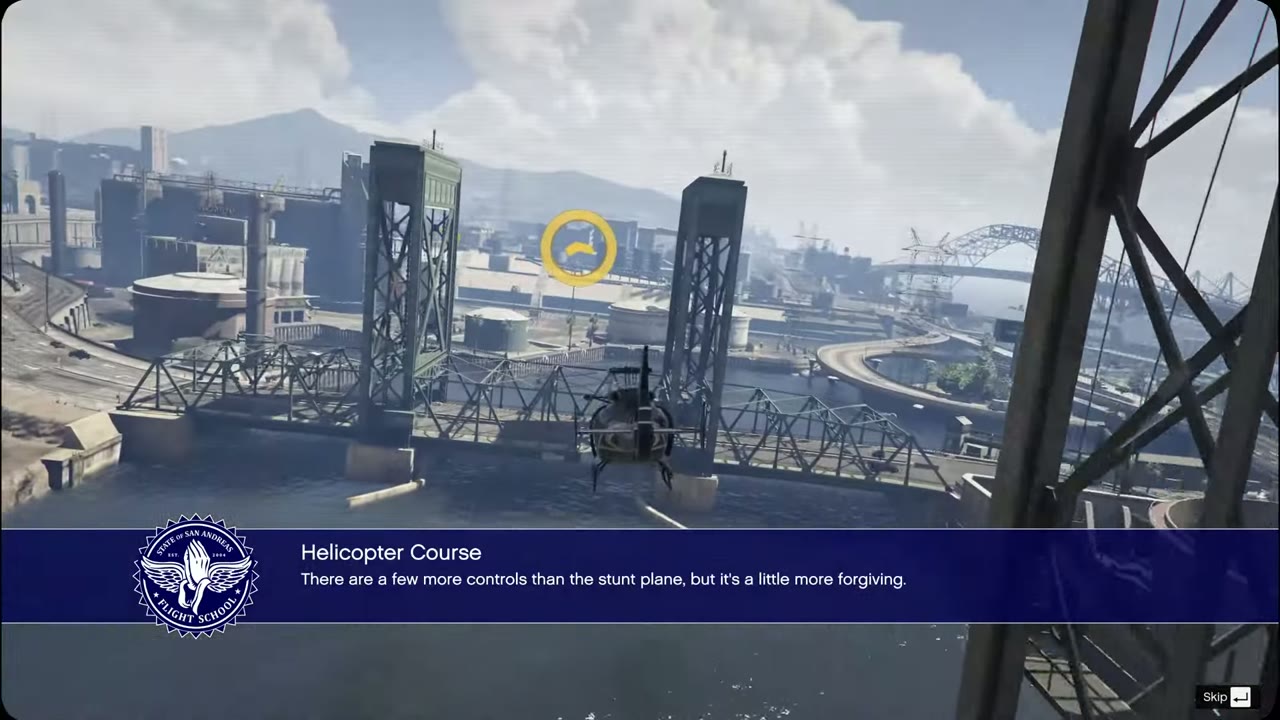
Hold RT or R2 (W on PC) to throttle up, and steer with the left stick. LB and RB, or L1 and R1, turn the nose left and right. In a plane, pull back on the left stick at speed to take off, then raise the landing gear by clicking the left stick (G on PC). To land, line up early, lower the gear and ease off the throttle. In a helicopter, RT climbs, LT descends, and easing off both lets you hover. Flight School teaches all of this, and it counts toward 100%.
How to zoom in with a sniper rifle
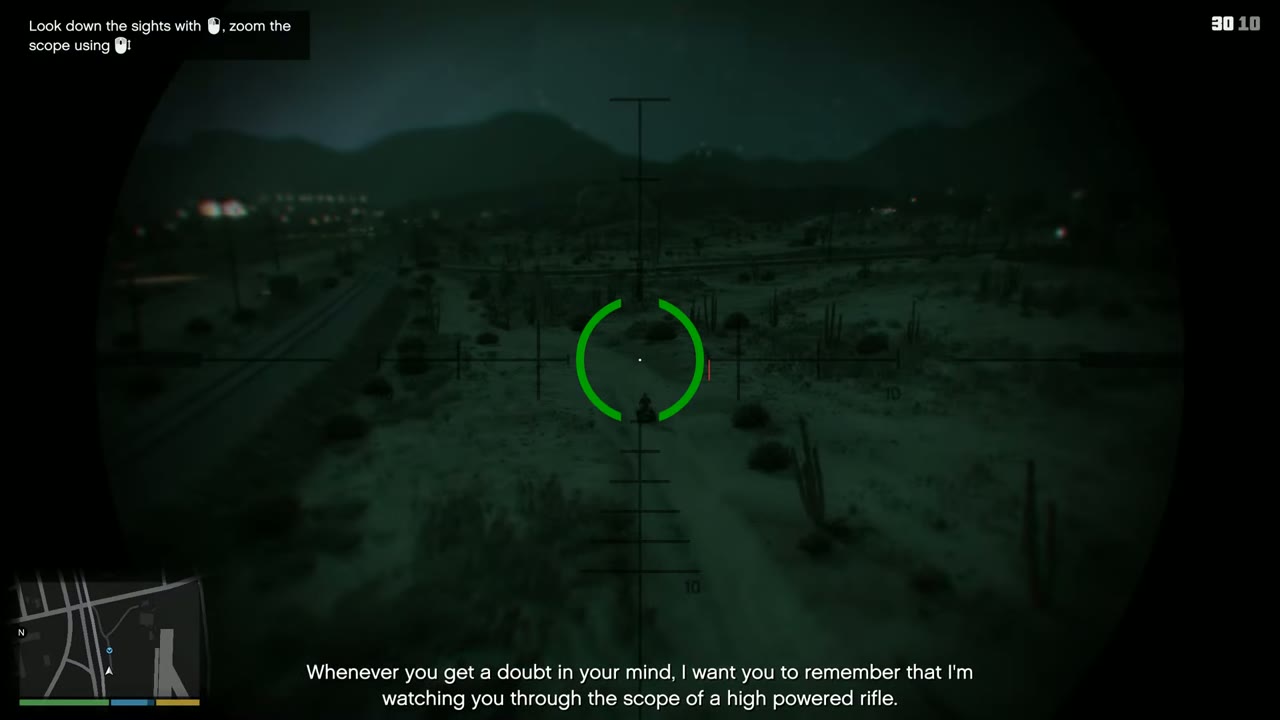
Aim with the scope first. Then use Up and Down on the D-pad on consoles, or the mouse wheel on PC. The advanced scope on the Sniper Rifle lets you zoom in further.
How to crouch
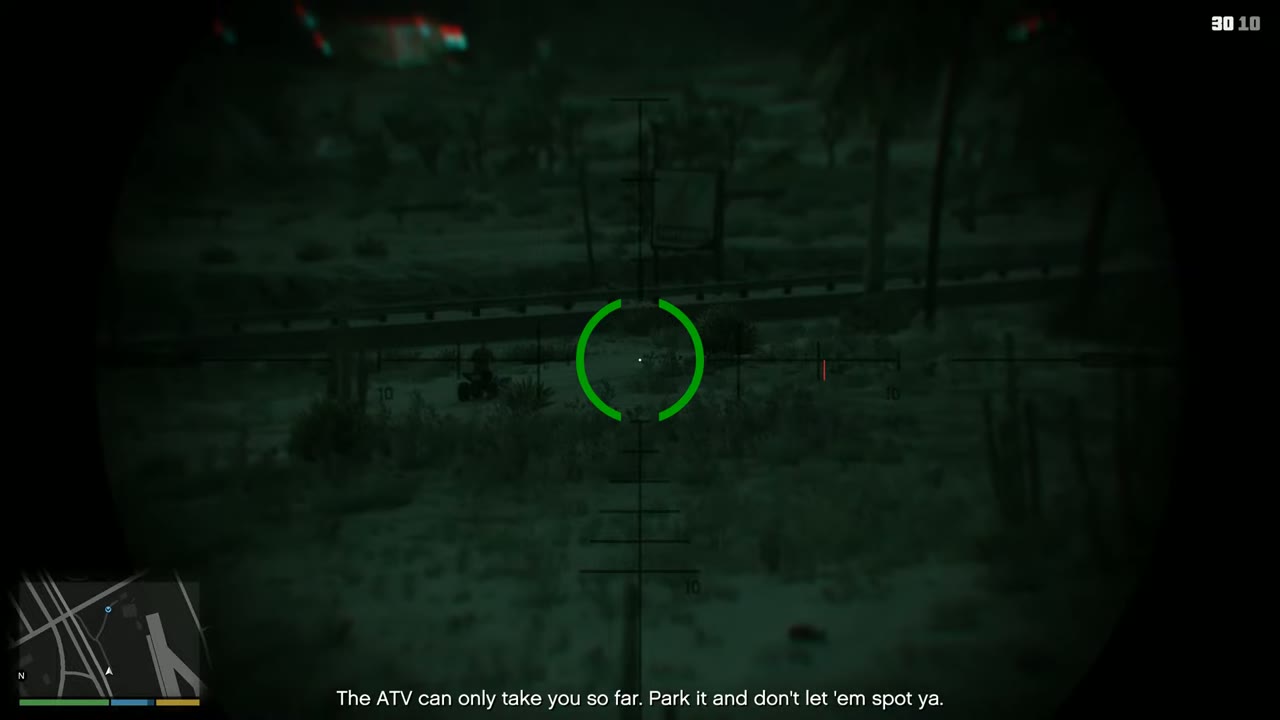
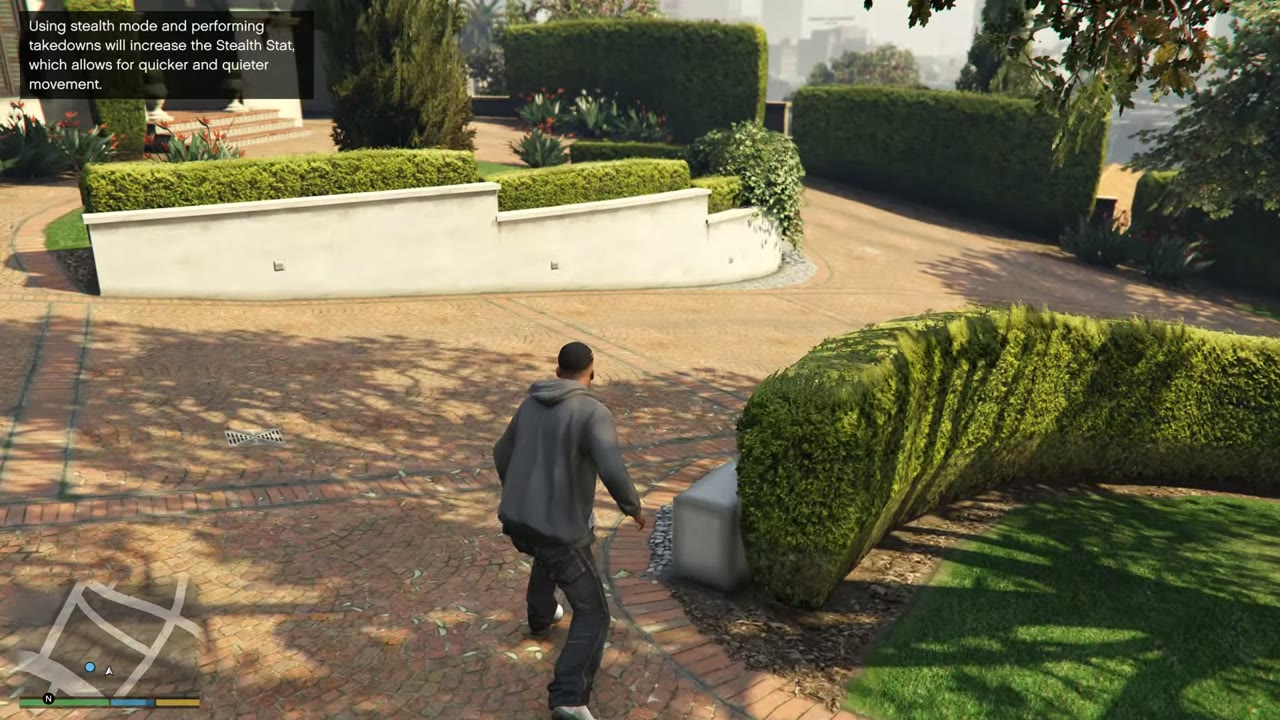
There’s no separate crouch button in Story Mode. Click the left stick, or press Left Ctrl on PC, to go into stealth mode, which bends your character low and quiet. Taking cover behind a low wall also makes you crouch.
How to take cover
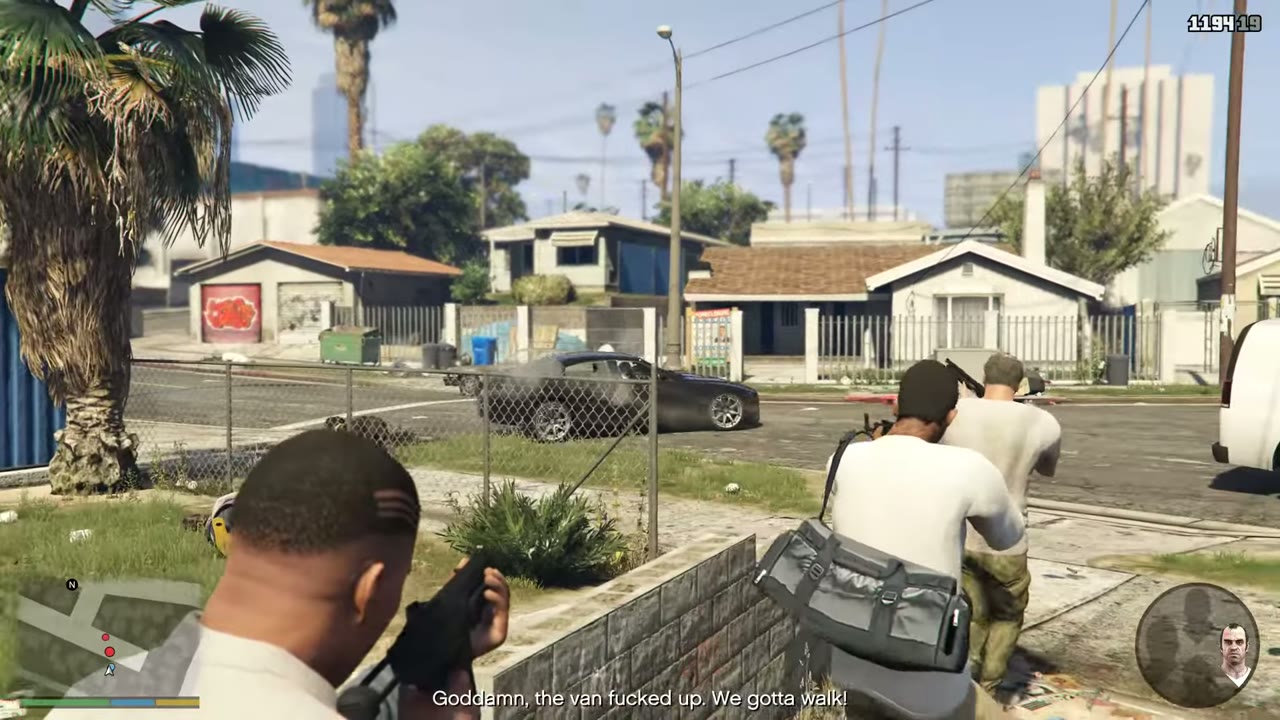
Press RB on Xbox, R1 on PlayStation, or Q on PC when you’re next to a wall or object. Aim to lean out and shoot, and press the same button again to leave cover.
How to heal
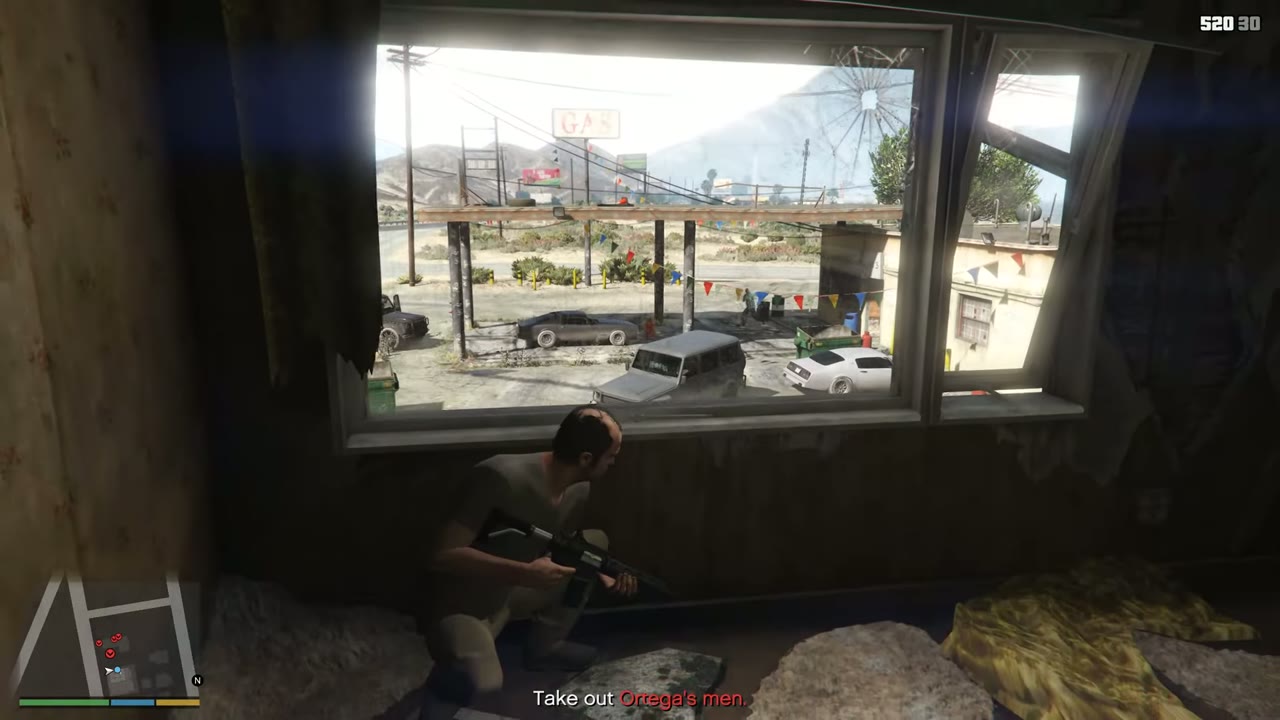
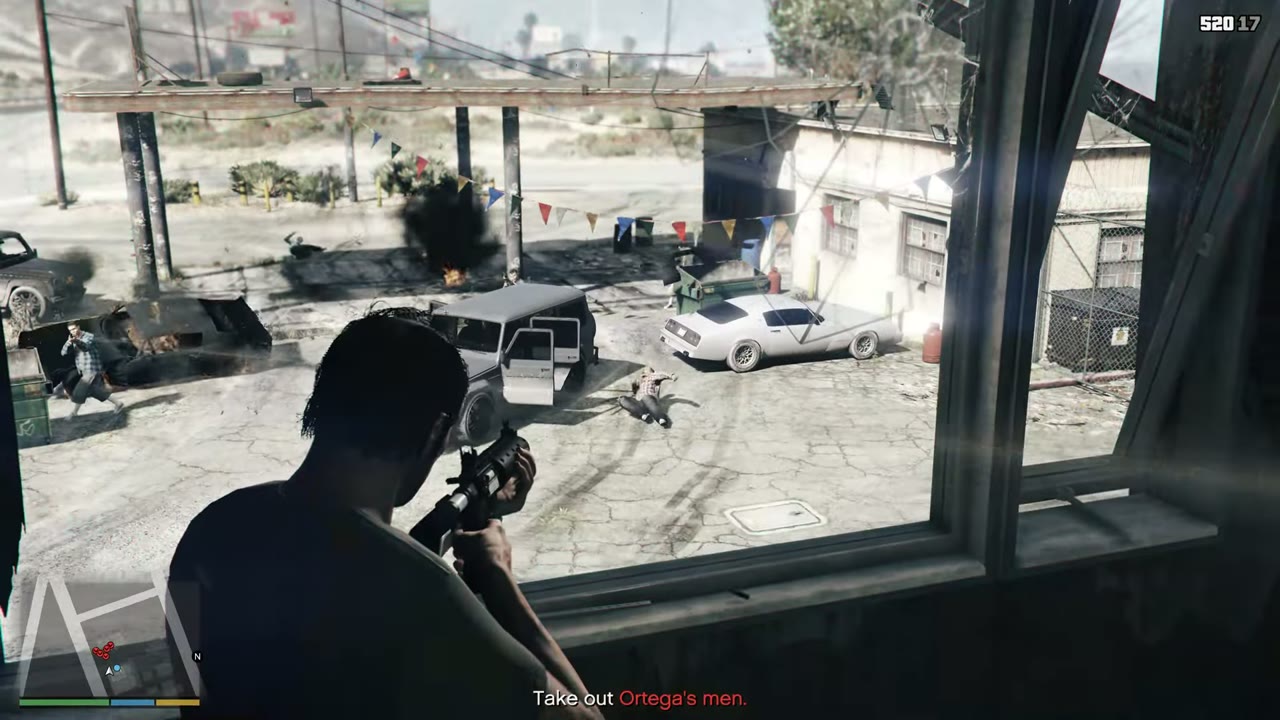
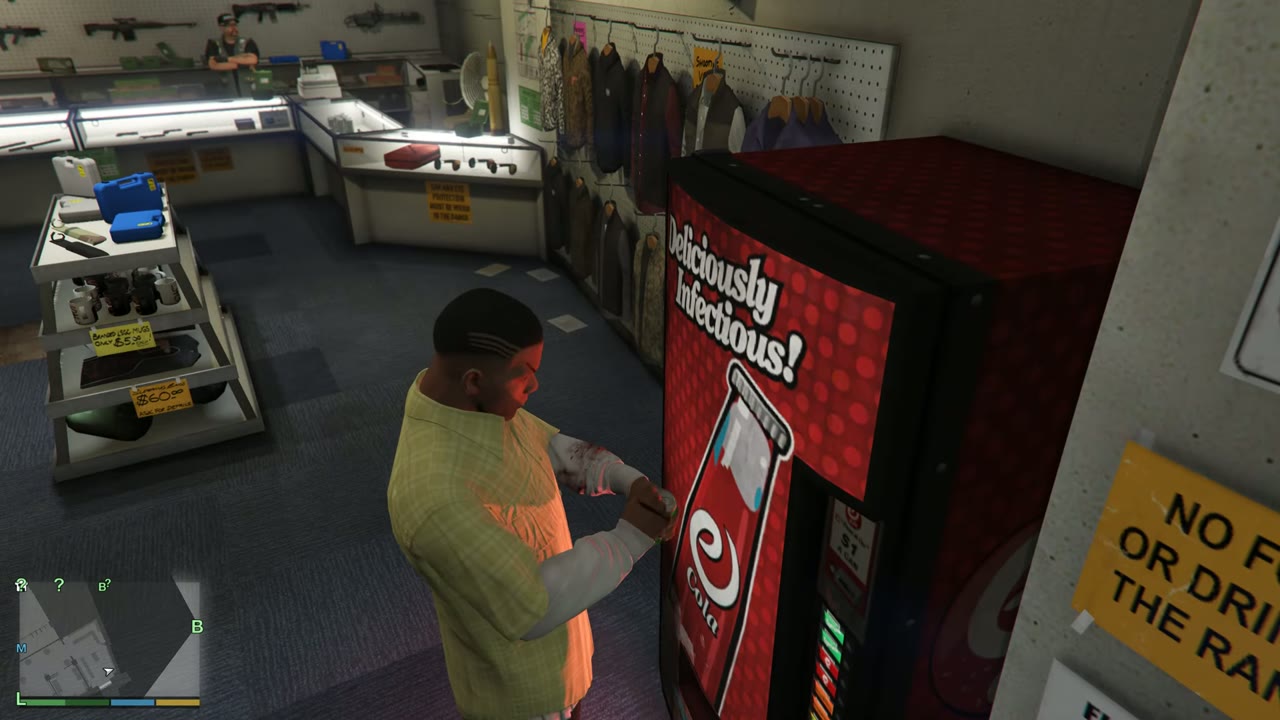
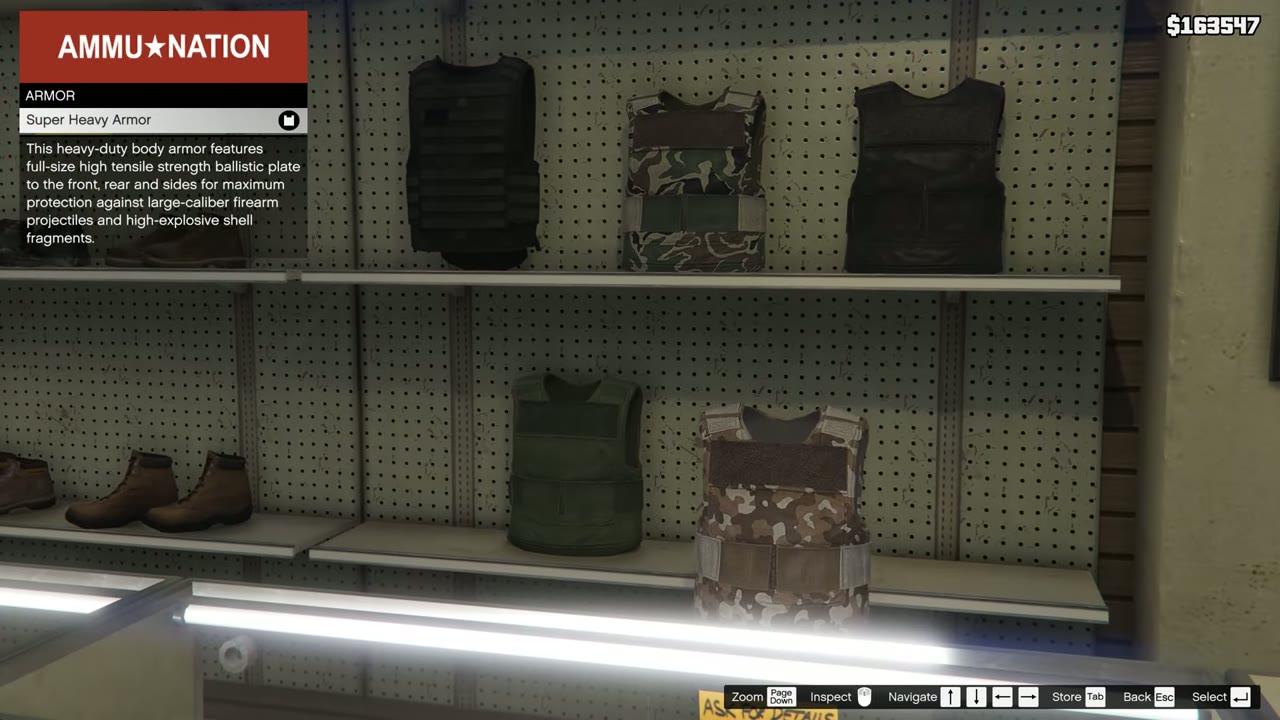
Health comes back on its own up to about half the bar. To go higher, use a first aid kit (every safehouse has one) or buy a drink from a vending machine. Armor doesn’t come back by itself. You have to buy it from Ammu-Nation or find it on the ground.
How to call your car
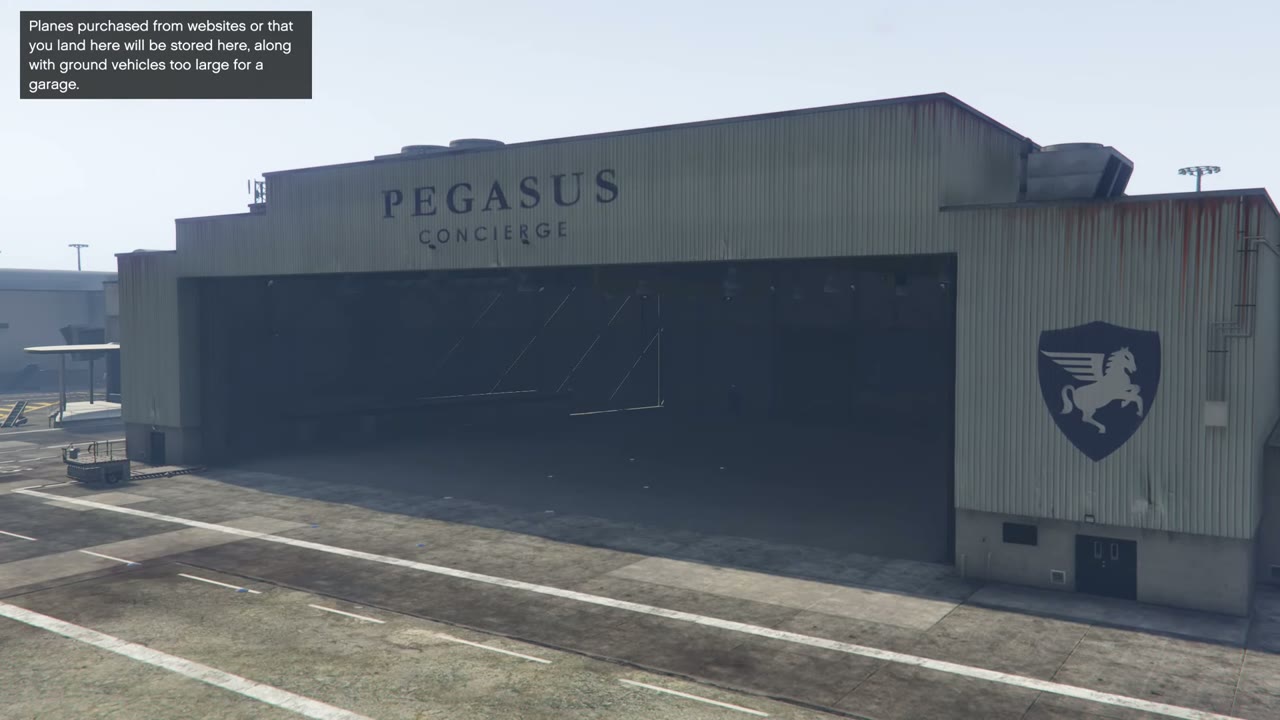
You can’t in Story Mode, as the Mechanic is only in GTA Online. Your personal vehicle usually waits at your safehouse, or it’s sent to the impound lot if you left it somewhere the police towed it. Get it back at the impound in Davis or from the garage at Mission Row Police Station by paying a $250 fee. Aircraft, boats and military vehicles bought from websites can be delivered when you call Pegasus.
How to sell cars
You can’t. There’s no way to sell a vehicle in Story Mode. If you’re after quick money, try these methods instead.
How to keep a stolen car
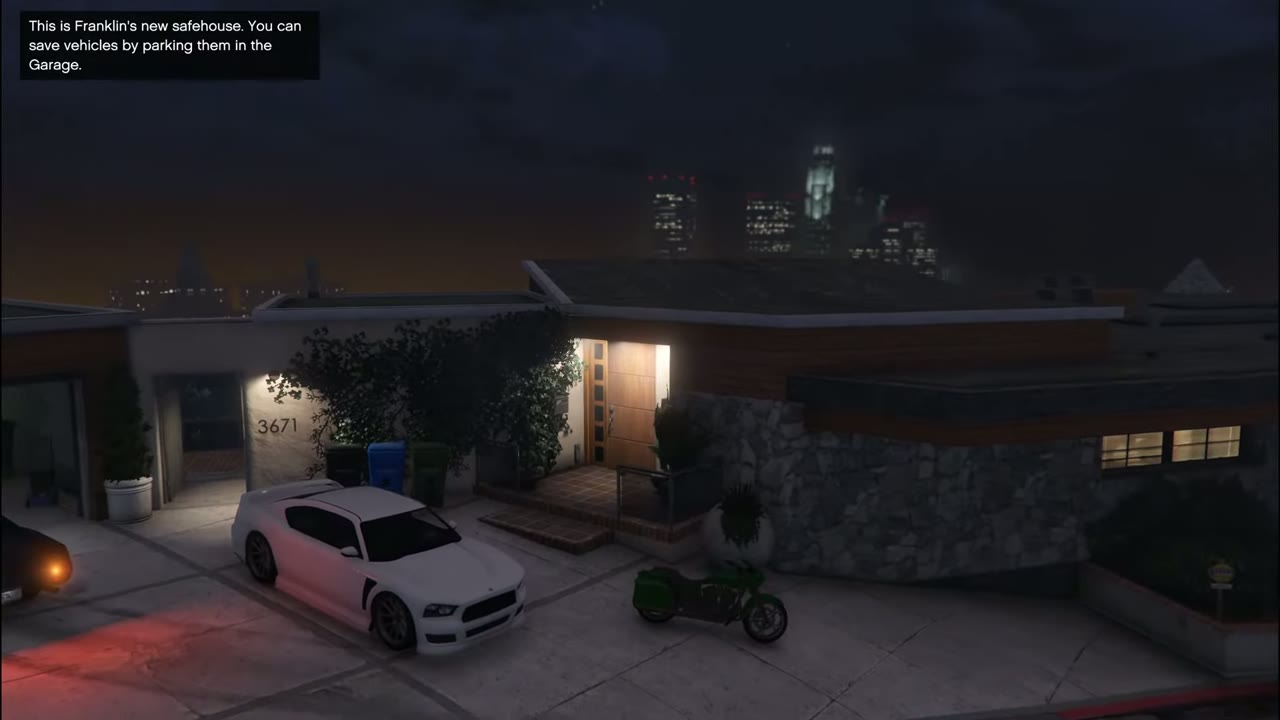
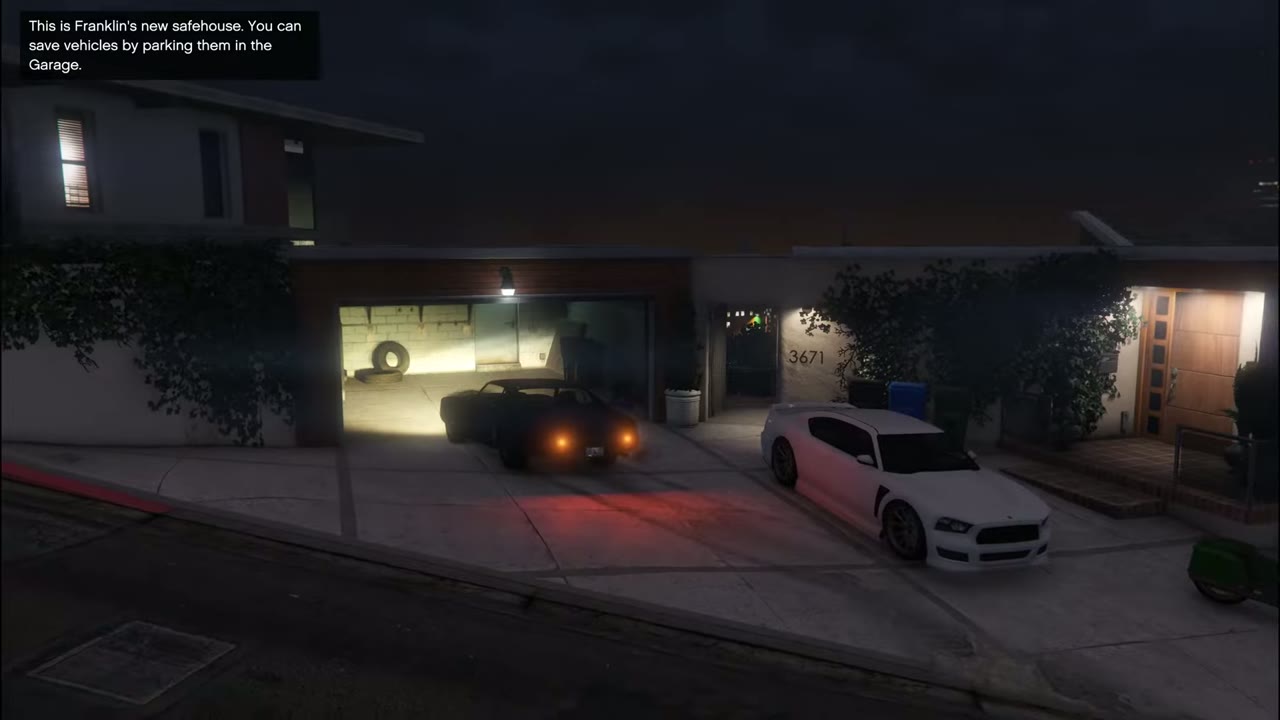
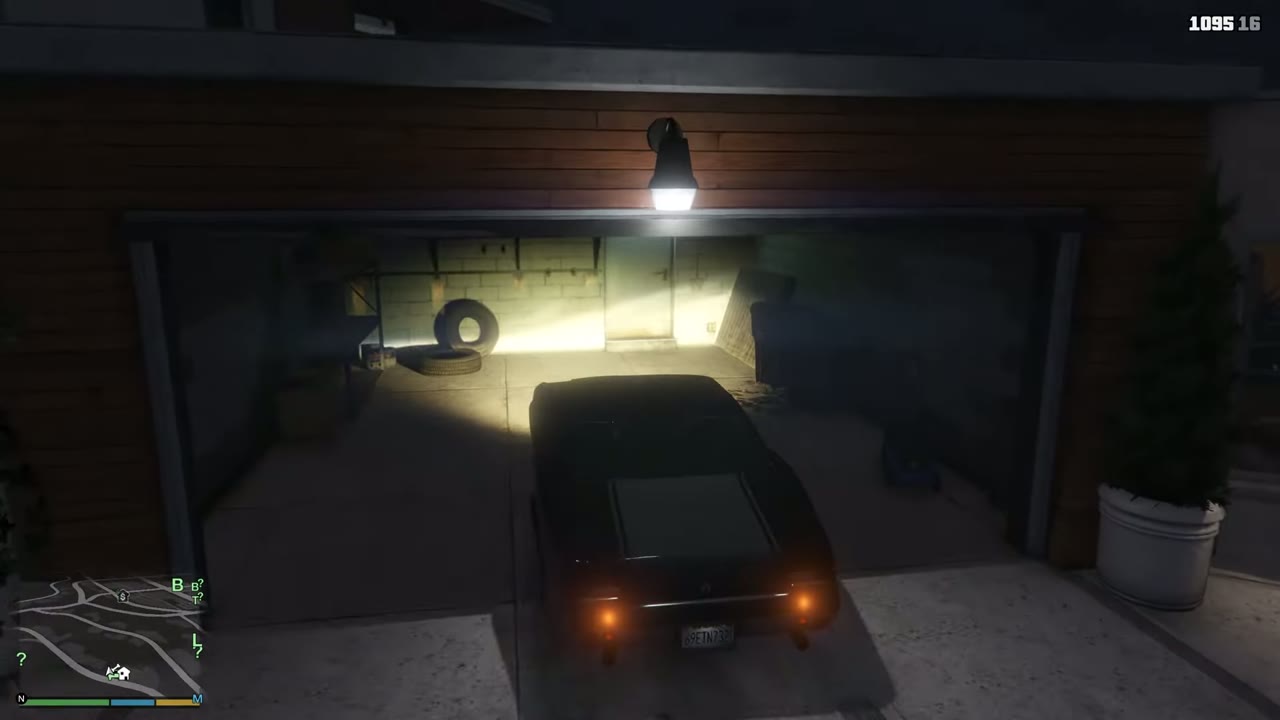
Drive it into your character’s garage and it stays there. See the best cars guide for more.
How to jump on a bike
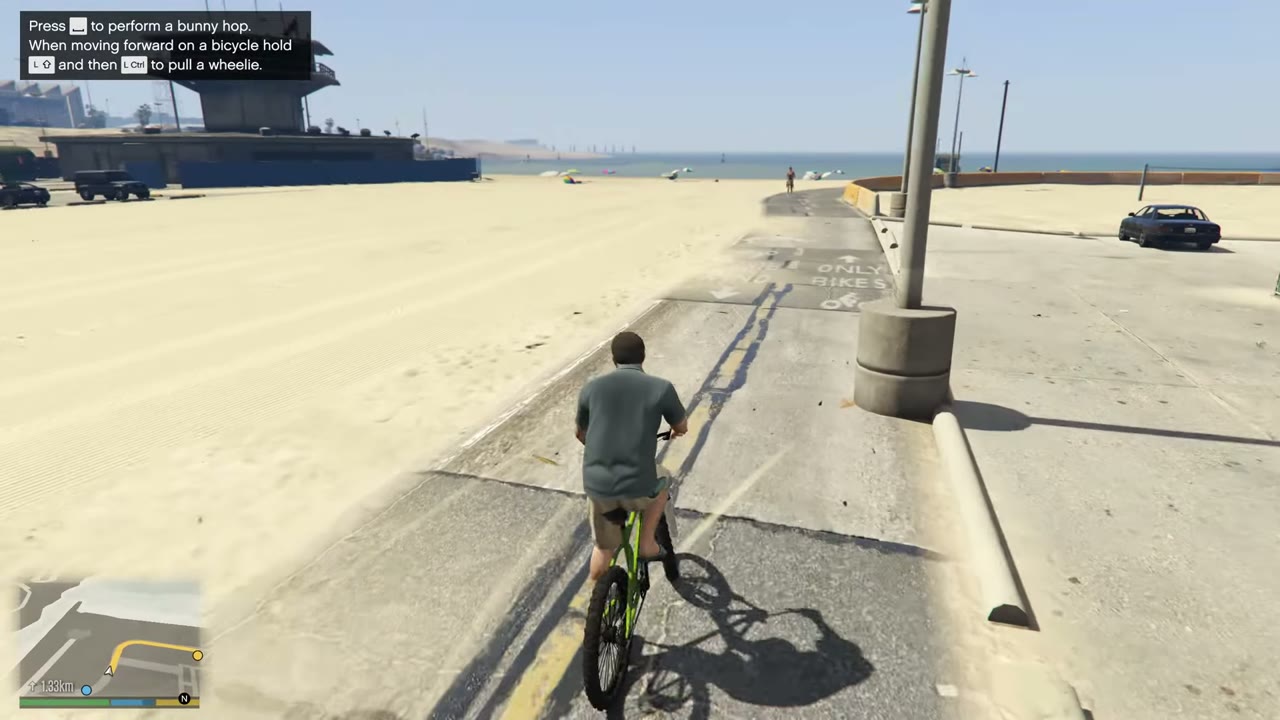
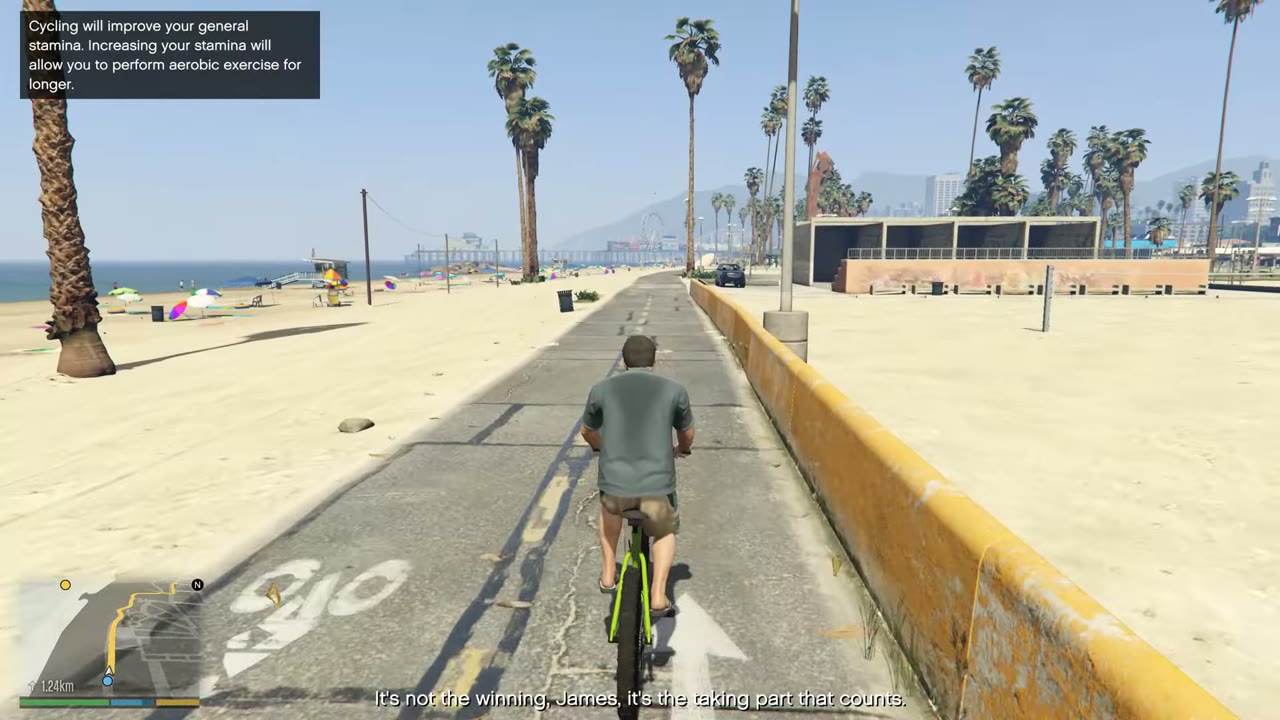
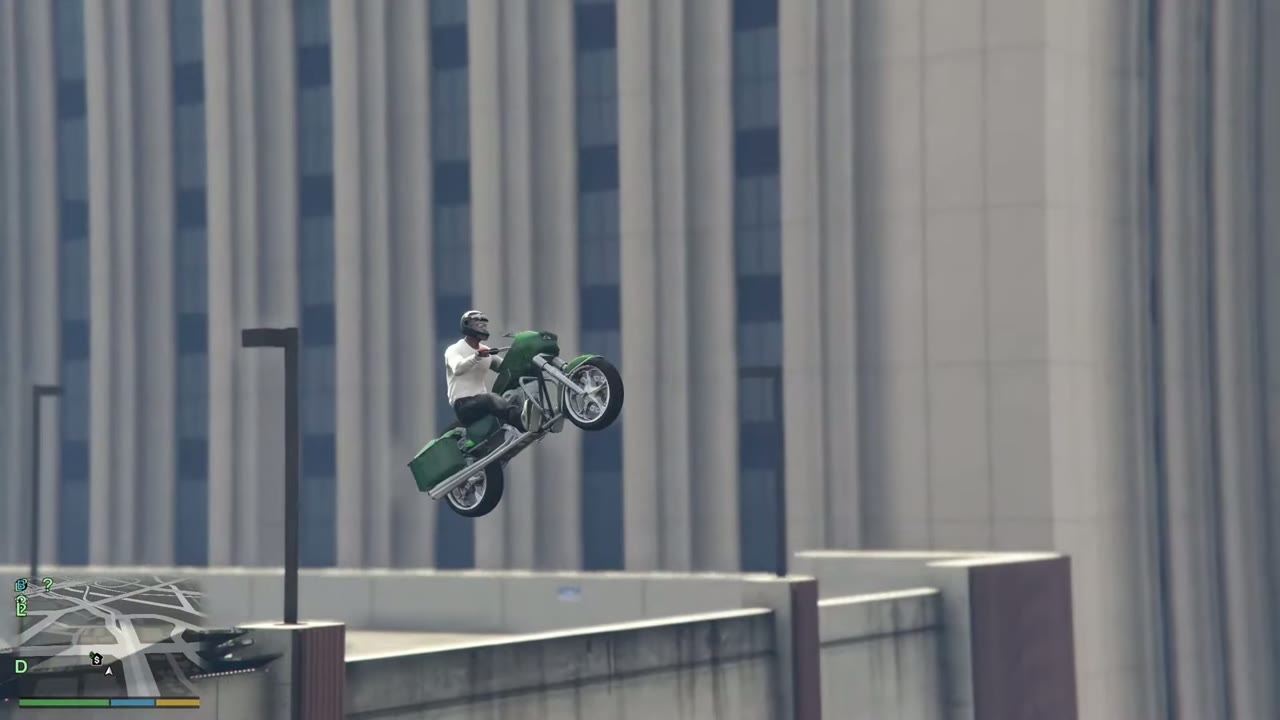
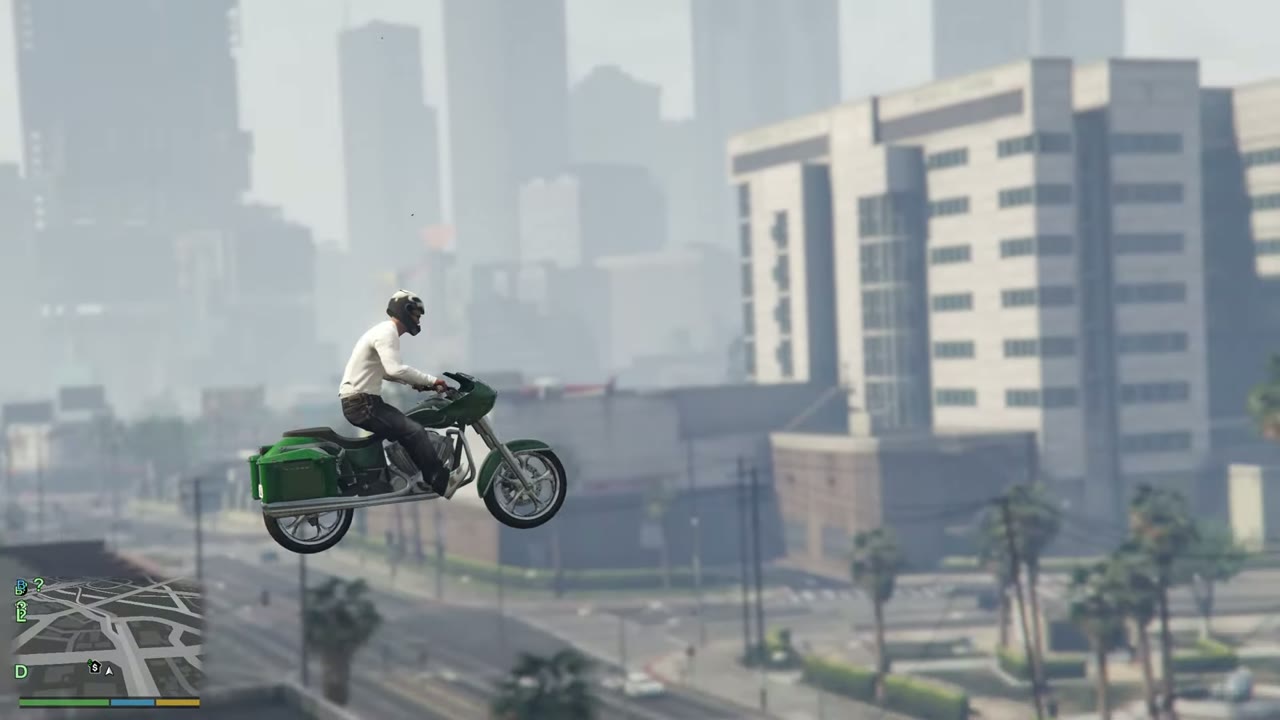
On a BMX or Cruiser, press the handbrake button (RB, R1 or Space) for a bunny hop. On a motorcycle, lean back with the left stick (or Left Ctrl) to lift the front wheel. Lean forward before landing to keep from flipping.
How to quit a mission
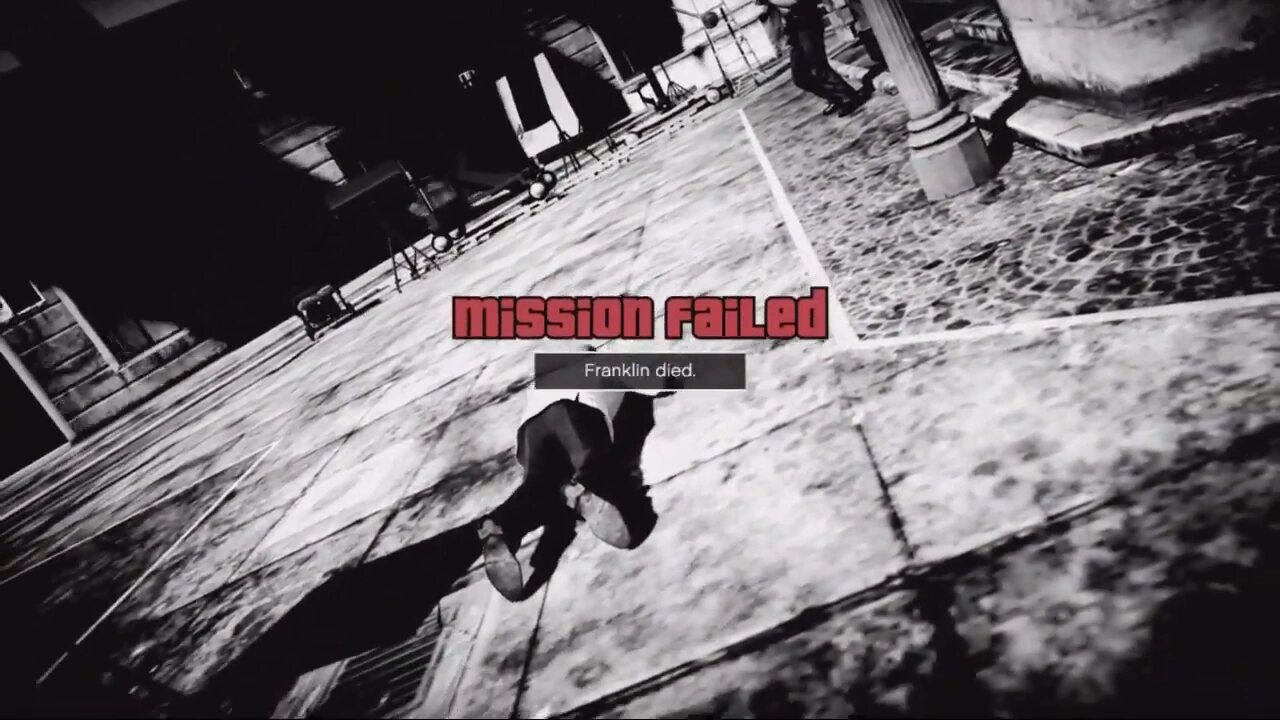
There’s no quit option during play. Fail the mission on purpose, or get wasted, and pick Quit on the screen that follows. You can also load an earlier save from the pause menu. If you fail the same checkpoint three times, the game also offers to skip it, though skipping means no medal.
How to progress the story
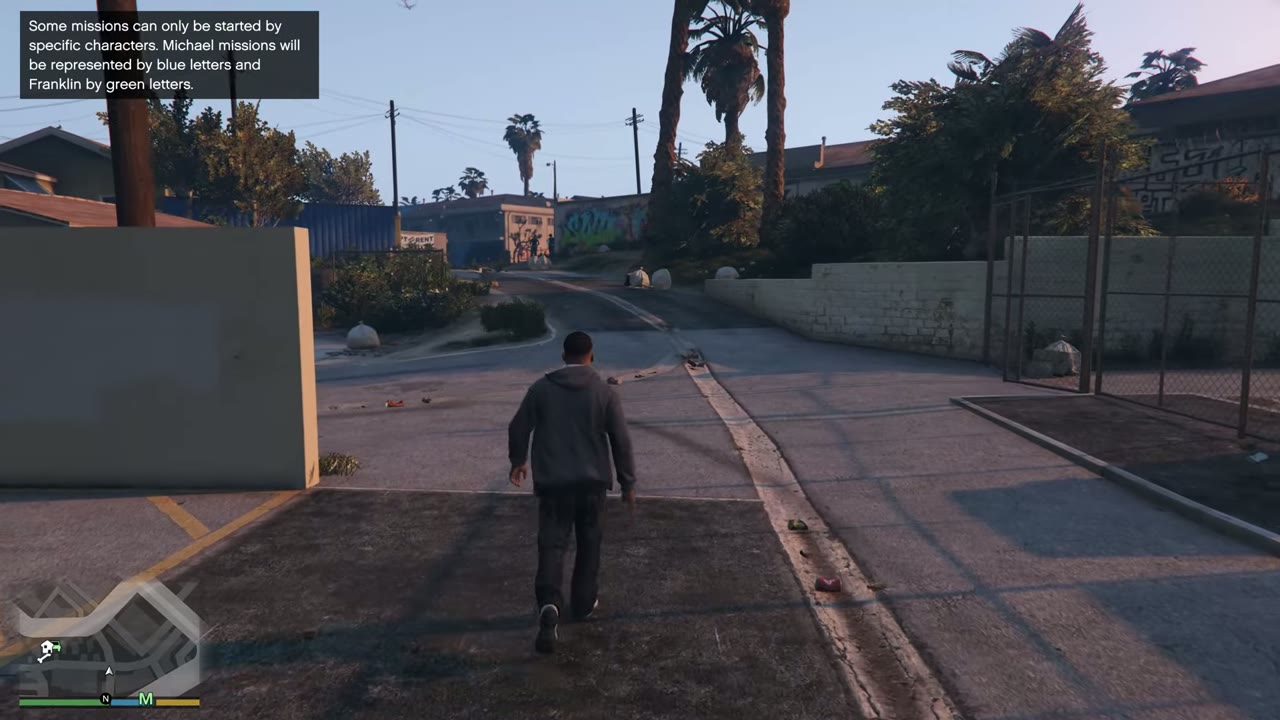
Look for the colored letter blips on the map. M is Michael’s, F is Franklin’s and T is Trevor’s, and a heist board has its own icon. If nothing shows, switch characters, because only some of them have a mission waiting. If you still see nothing, play on for a little while or wait for a phone call or text. The mission order shows what comes next.
How to zoom out the minimap
The minimap pulls back on its own as you pick up speed. For the full map, open the pause menu, where you can also set a waypoint.
Controls on foot
| Action | PC | Xbox | PlayStation |
|---|---|---|---|
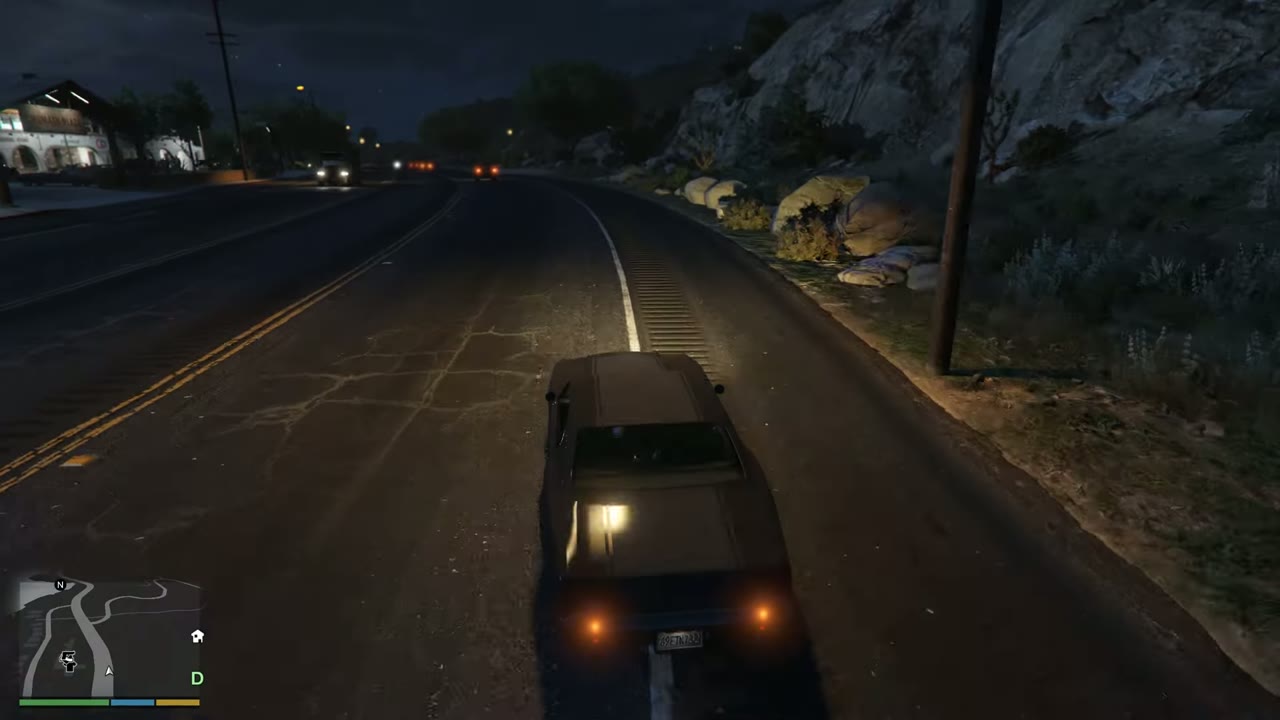
| Move | W A S D | Left stick | Left stick |
| Sprint and swim | Left Shift | A | X |
| Jump, climb and dodge | Space | X | Square |
| Stealth mode | Left Ctrl | Left stick click | L3 |
| Enter or leave cover | Q | RB | R1 |
| Enter or leave a vehicle | F | Y | Triangle |
| Reload and melee | R | B | Circle |
| Aim | Right mouse | LT | L2 |
| Fire | Left mouse | RT | R2 |
| Weapon wheel | Tab | LB (hold) | L1 (hold) |
| Character wheel | Alt (hold) | D-pad Down (hold) | D-pad Down (hold) |
| Special ability | Caps Lock | Both sticks click | L3 and R3 |
| Change camera | V | View | Touchpad |
| Flashlight on a weapon | E | D-pad Right | D-pad Right |
Driving controls
| Action | PC | Xbox | PlayStation |
|---|---|---|---|
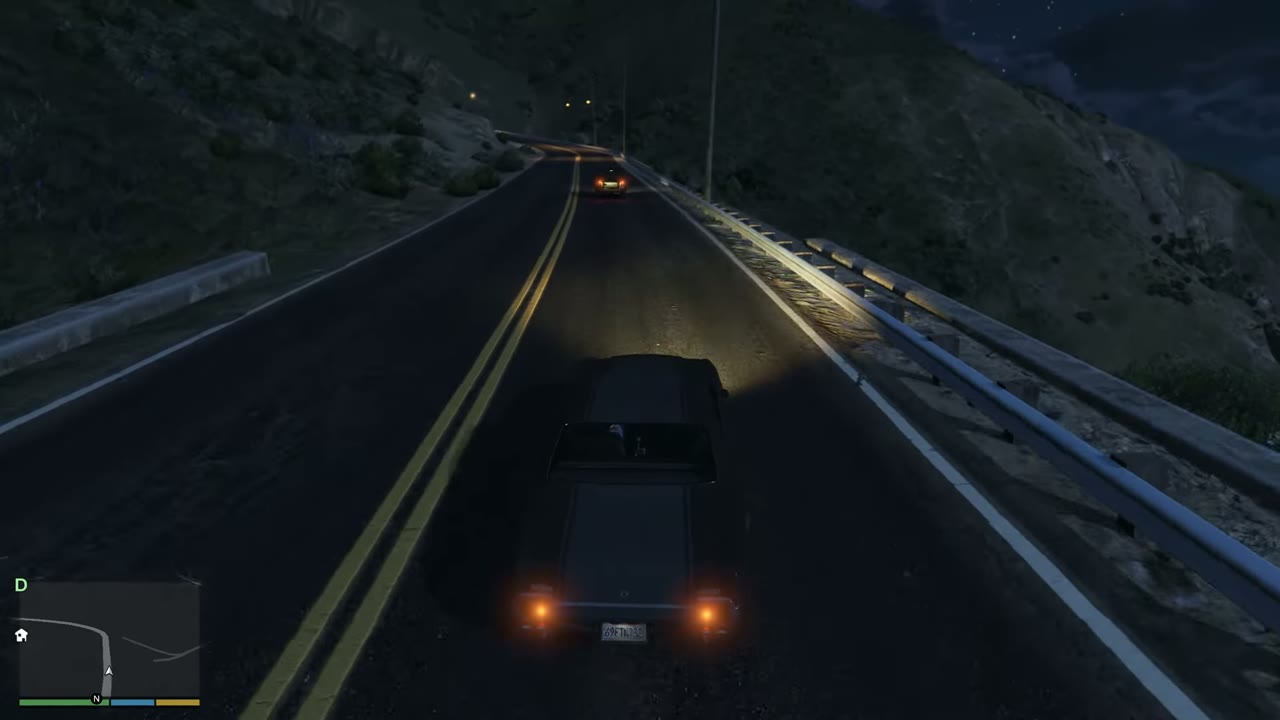
| Accelerate and brake | W and S | RT and LT | R2 and L2 |
| Steer | A and D | Left stick | Left stick |
| Handbrake | Space | RB | R1 |
| Fire | Left mouse | LB | L1 |
| Aim | Right mouse | ||
| Headlights | H | D-pad Right | D-pad Right |
| Convertible roof | H (hold) | D-pad Right (hold) | D-pad Right (hold) |
| Horn and siren | G | Left stick click | L3 |
| Radio stations | . and , | D-pad Left | D-pad Left |
| Lean a motorcycle | Left Shift and Left Ctrl | Left stick | Left stick |
| Bicycle sprint | Caps Lock | A (hold, tap) | X (hold, tap) |
Flying controls
| Action | PC | Xbox | PlayStation |
|---|---|---|---|
| Throttle up and down | W and S | RT and LT | R2 and L2 |
| Turn left and right | A and D | LB and RB | L1 and R1 |
| Roll | Num 4 and Num 6 | Left stick | Left stick |
| Nose up and down | Num 5 and Num 8 | Left stick | Left stick |
| Fire weapons | Left mouse | A | X |
| Landing gear | G | Left stick click | L3 |
| Lower hook | E | D-pad Right | D-pad Right |
Parachute, submersible and phone controls
| Action | PC | Xbox | PlayStation |
|---|---|---|---|
| Open parachute | Left mouse | A | X |
| Parachute steering | W A S D | Left stick | Left stick |
| Parachute precision | Left Shift | LB and RB | L1 and R1 |
| Release parachute | F | Y | Triangle |
| Parachute smoke | X | A (hold) | X (hold) |
| Submersible up | Left Shift | X | Square |
| Submersible down | Left Ctrl | A | X |
| Phone up | Mouse wheel button | D-pad Up | D-pad Up |
| Phone select | Enter | A | X |
| Phone back | Backspace | B | Circle |