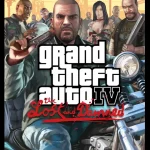
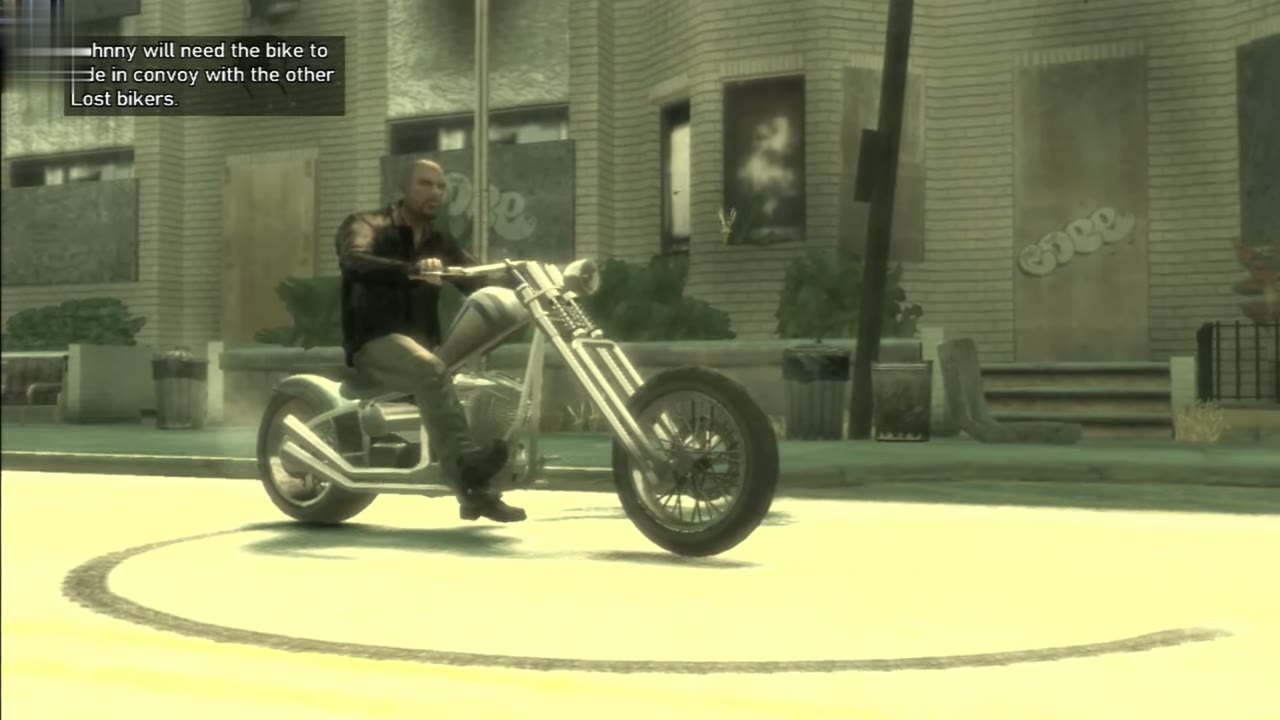
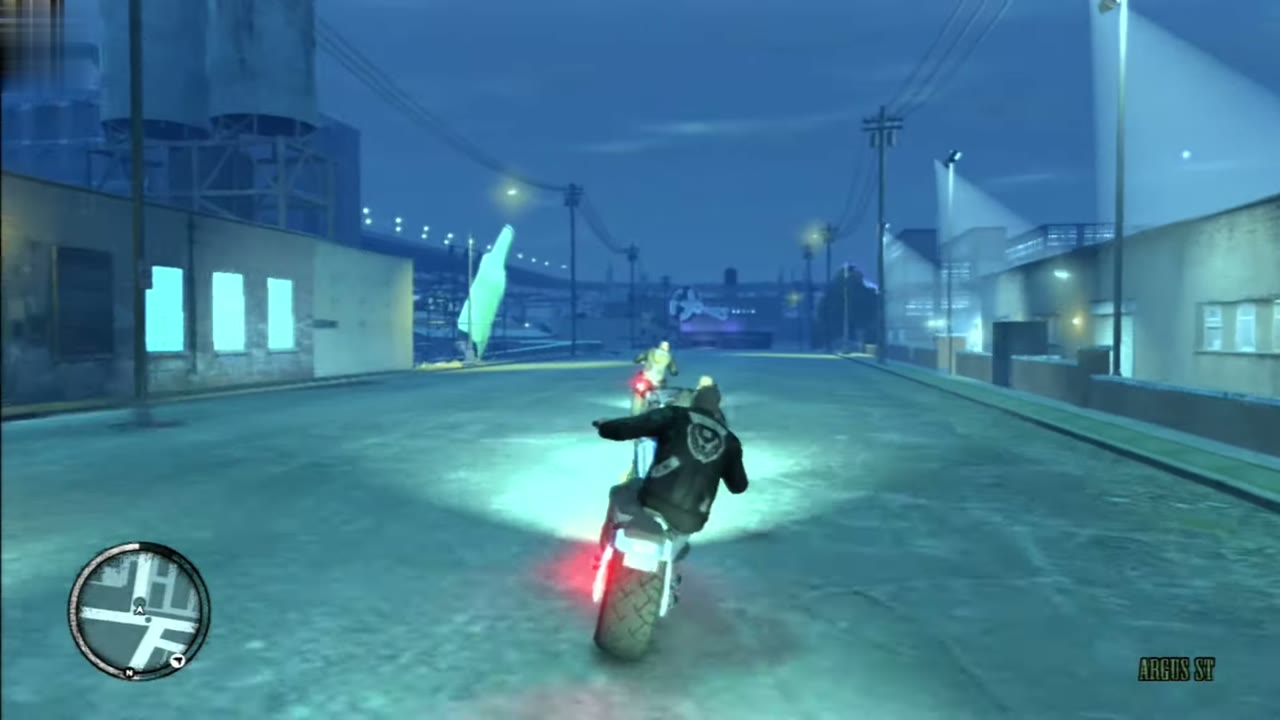
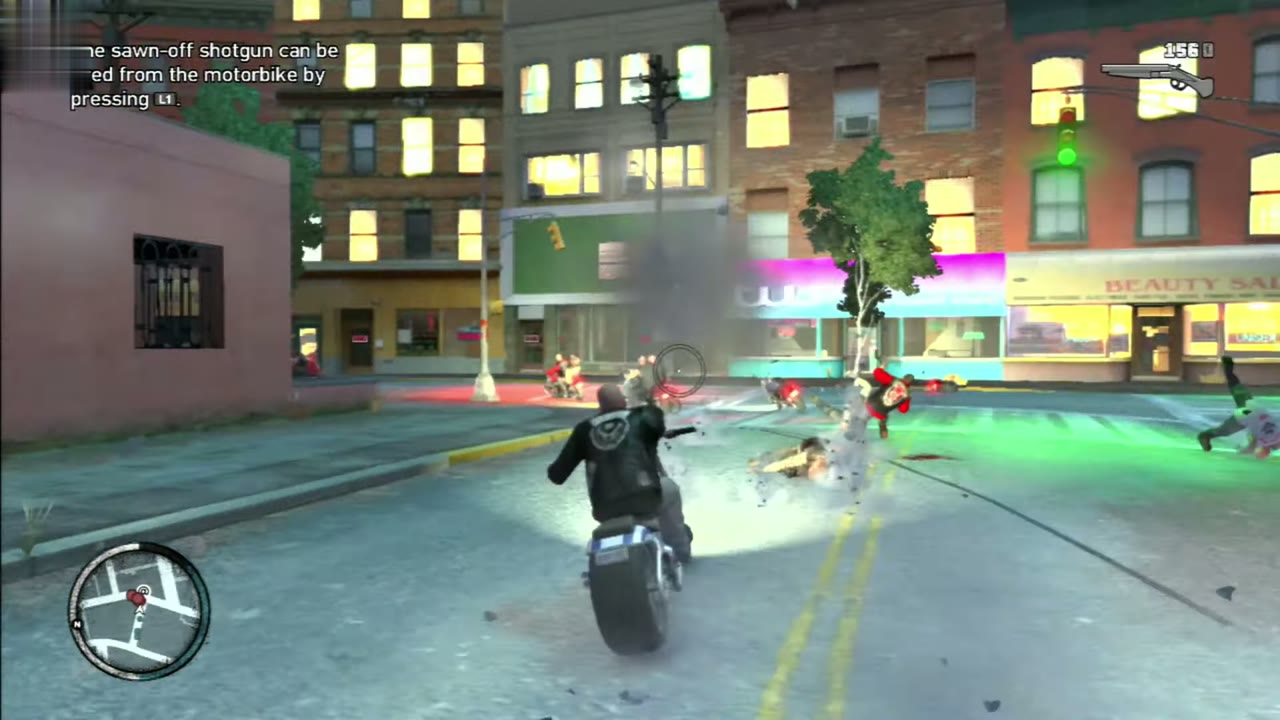
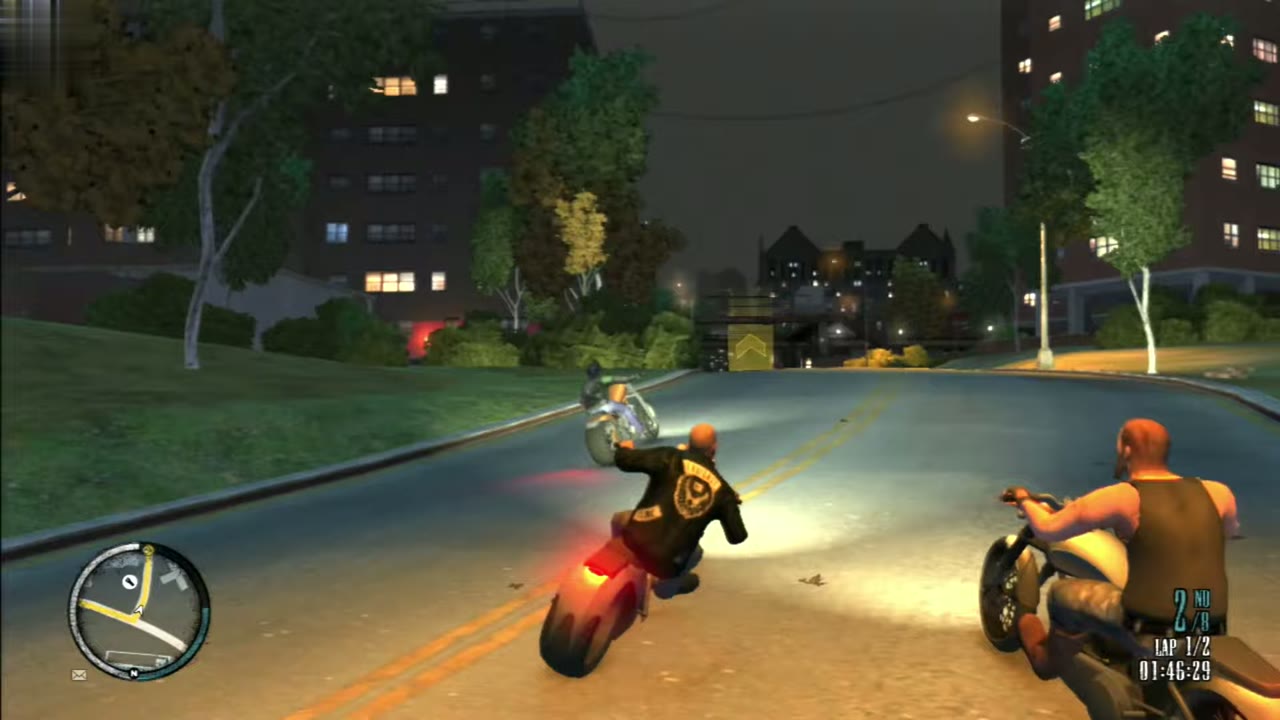
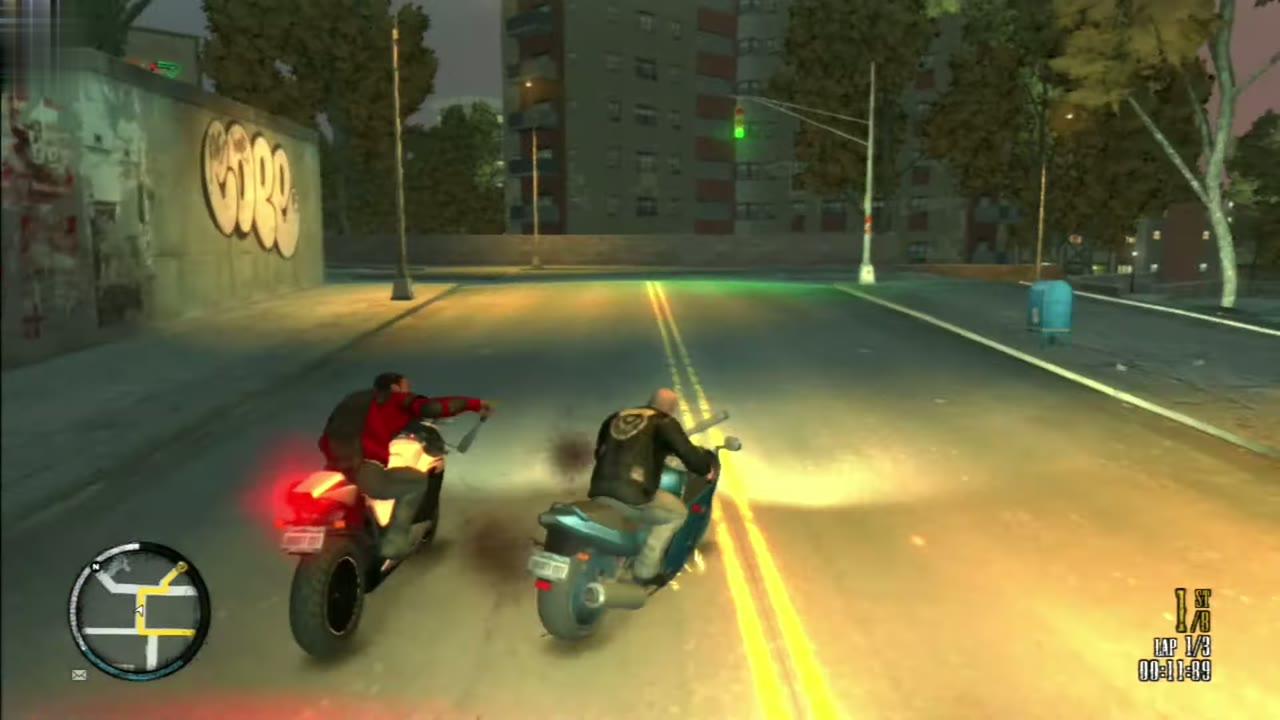
The Lost and Damned plays like GTA IV, with a few new things on two wheels. Everything below is the default layout. Each platform has its own table, so jump to the one you use: PC, Xbox 360 or PlayStation 3. This page is the only place that names buttons, since they change from one platform to another.
PC controls
These are the main default keys. Every key can be changed under Controls in the game settings, which also lists the full set.
On foot
Action
Control
Move
W, A, S, D
Sprint
Left Shift
Jump
Space
Action (talk, pick up)
E
Fire or attack
Left mouse button
Aim or lock on
Right mouse button
Next weapon
Mouse wheel up
Previous weapon
Mouse wheel down
Reload
R
Take cover or leave it
Q
Get on or off a bike or vehicle
F
Detonate (pipe bombs)
Down arrow
Kick (while locked on)
Q
Block (while locked on)
Space
On the bike
The bike uses the same keys as a car. Steer gently, because a sharp turn at speed can throw you off. The handbrake tightens a corner at low speed.
Action
Control
Accelerate
W
Brake or reverse
S
Steer left or right
A or D
Handbrake
Space
Shoot or swing a melee weapon
Left mouse button
Next weapon
Q
Next or previous radio station
Mouse wheel up or down
Phone
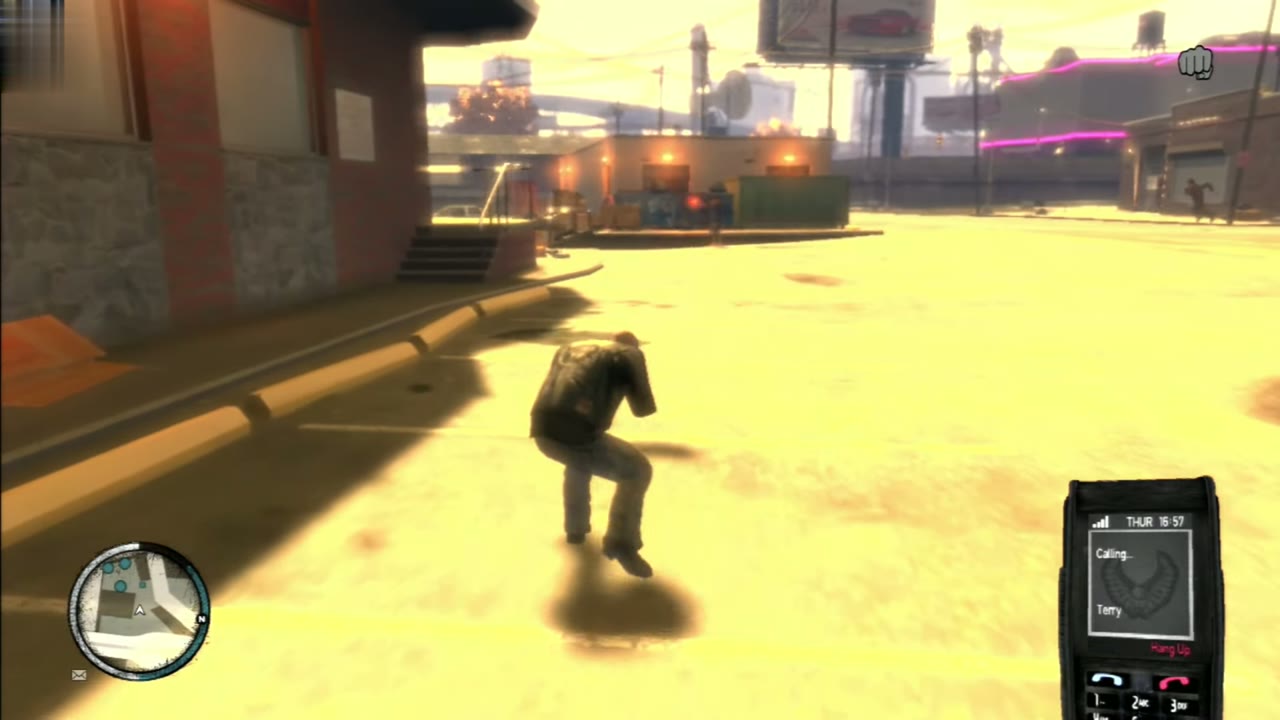
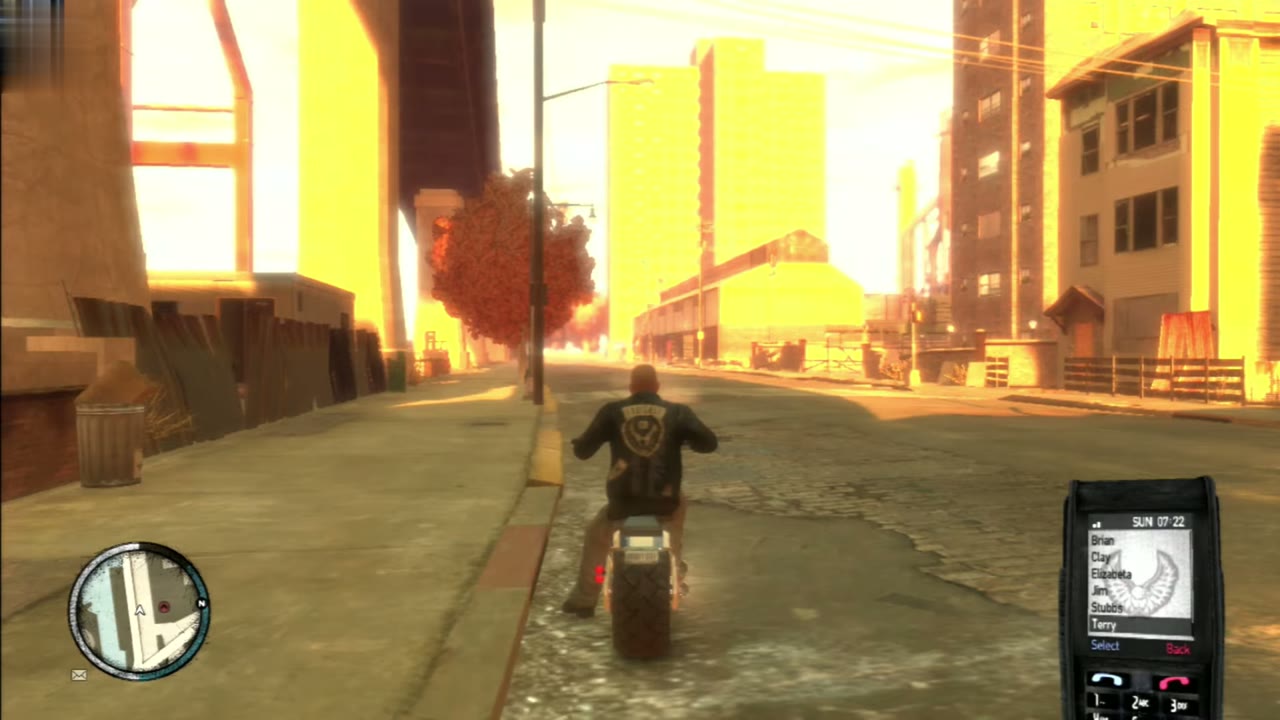
The phone is how you call Terry, Clay, Jim, Angus and Stubbs. Take it out, pick a contact and choose what you want: backup, a weapon drop or a bike. It has its own controls, listed below.
Action
Control
Take the phone out
Up arrow
Move through the menu
Arrow keys
Accept
Enter
Cancel
Backspace
Xbox 360 controls
On foot
Action
Control
Move
Left stick
Run (hold) or sprint (tap)
A
Jump or climb
X
Crouch
Press the left stick
Pick up or context action
LB
Aim and lock on (half press to free aim)
LT
Fire weapon (half press to free aim)
RT
Reload
B
Next weapon
D-pad right
Previous weapon
D-pad left
Enter or leave cover
RB
Get on a bike or into a vehicle, climb a ladder
Y
Rotate camera or switch targets
Right stick
Look behind, or zoom while aiming
Press the right stick
Punch or counter
B
Alternative punch or counter
Y
Kick
X
Block or dodge
A
Use the phone
D-pad up
Zoom out the radar, skip a phone conversation
D-pad down
Cycle camera modes
Back
Pause menu
Start
On the bike
Action
Control
Accelerate
RT
Brake or reverse
LT
Steer
Left stick
Handbrake
RB or A
Fire weapon
LB
Change weapon
X
Headlights
Hold X
Horn
Press the left stick
Look behind
Press the right stick
Cinematic camera
B
Get off
Y
Rotate camera or aim
Right stick
Next radio station
D-pad right
Previous radio station
D-pad left
Radio on or off
Hold D-pad left or right
Use the phone
D-pad up
Cycle camera modes
Back
PlayStation 3 controls
The PlayStation 3 layout matches the Xbox 360 one button for button: L1 and R1 take the bumpers’ jobs, L2 and R2 the triggers’, and X, Circle, Square and Triangle stand in for A, B, X and Y.
On foot
Action
Control
Move
Left stick
Run (hold) or sprint (tap)
X
Jump or climb
Square
Crouch
Press L3
Pick up or context action
L1
Aim and lock on (half press to free aim)
L2
Fire weapon (half press to free aim)
R2
Reload
Circle
Next weapon
D-pad right
Previous weapon
D-pad left
Enter or leave cover
R1
Get on a bike or into a vehicle, climb a ladder
Triangle
Rotate camera or switch targets
Right stick
Look behind, or zoom while aiming
Press R3
Punch or counter
Circle
Alternative punch or counter
Triangle
Kick
Square
Block or dodge
X
Use the phone
D-pad up
Zoom out the radar, skip a phone conversation
D-pad down
Cycle camera modes
Select
Pause menu
Start
On the bike
Action
Control
Accelerate
R2
Brake or reverse
L2
Steer
Left stick
Handbrake
R1 or X
Fire weapon
L1
Change weapon
Square
Headlights
Hold Square
Horn
Press L3
Look behind
Press R3
Cinematic camera
Circle
Get off
Triangle
Rotate camera or aim
Right stick
Next radio station
D-pad right
Previous radio station
D-pad left
Radio on or off
Hold D-pad left or right
Use the phone
D-pad up
Cycle camera modes
Select
Fighting from the bike
Guns work from the saddle the same way they do in any vehicle: pick one with the change weapon control and fire it to the side. The Lost and Damned adds melee on the bike for races, where Johnny and every rival carry a baseball bat. Ride alongside a rider and swing left with X or right with B on Xbox 360 (Square or Circle on PlayStation 3) to knock them off. Knocking riders off with the bat is what the Get Good Wood achievement counts.
Riding in formation
There is no button for formation riding. Keep your bike behind the leader in the badge and the game does the rest. Your health and armor refill and the brothers talk while you ride. See Backup and the Brothers for the details.