














| Platforms | PC, Xbox 360 and PlayStation 3 default layouts |
|---|---|
| Used for | Every page of this guide. The other pages avoid button names, since the layout changes with your platform, and send you here. |
| Counts toward 100% | No. This is a reference page. For what does count, see the 100% checklist. |

Everything Niko does in GTA 4 runs on a small set of buttons: move, sprint, jump, aim, shoot, take cover, get in a car. The tables below list the default layout for the PC, the Xbox 360 and the PlayStation 3, one column each. You can rebind keys on the PC, so if a prompt on screen shows a different key from the one here, trust the prompt. After the tables you’ll find the five things new players ask about most: the phone, cover, lock on, hailing a taxi and the police computer.
General controls
| Action | PC | Xbox 360 | PS3 |
|---|---|---|---|
| Take phone out | Up arrow | D-pad Up | D-pad Up |
| Phone keypad | Up arrow, once the phone is out | D-pad Up, once the phone is out | D-pad Up, once the phone is out |
| Phone accept | Enter | Enter key on the phone screen | Enter key on the phone screen |
| Phone cancel | Backspace | Backspace key on the phone screen | Backspace key on the phone screen |
| Phone up, down, left, right | Arrow keys | D-pad | D-pad |
| Radar zoom | T | D-pad Down | D-pad Down |
| Look behind | C | Right stick (held) | R3 |
| Change camera | V | Back | Select |
On foot
| Action | PC | Xbox 360 | PS3 |
|---|---|---|---|
| Move | W, A, S, D | Left stick | Left stick |
| Action (talk, pick up, open) | E | LB | L1 |
| Sprint | Left Shift | A | X |
| Jump | Space | X | Square |
| Crouch | Left Ctrl | Left stick (press) | L3 |
| Attack | Left mouse button | B | Circle |
| Aim and lock on | Right mouse button | LT | L2 |
| Next weapon | Mouse wheel up | D-pad Right | D-pad Right |
| Previous weapon | Mouse wheel down | D-pad Left | D-pad Left |
| Sniper zoom in, out | Mouse wheel up, down | Right stick up, down | Right stick up, down |
| Enter or exit a vehicle | F | Y | Triangle |
| Enter or exit cover | Q | RB | R1 |
| Reload | R | B, while holding a weapon | Circle, while holding a weapon |
| Detonate | Down arrow | D-pad Left | D-pad Left |
In a vehicle
| Action | PC | Xbox 360 | PS3 |
|---|---|---|---|
| Steer left, right | A, D | Left stick | Left stick |
| Lean forward, back (bikes) | Left Shift, Left Ctrl | Left stick up, down | Left stick up, down |
| Accelerate | W | RT | R2 |
| Brake and reverse | S | LT | L2 |
| Handbrake | Space | RB | R1 |
| Shoot from the car | Left mouse button | LB | L1 |
| Next weapon | Q | X | Square |
| Horn | G | Left stick (held) | L3 (held) |
| Headlight | H | X (held) | Square (held) |
| Look behind | C | Right stick (held) | R3 (held) |
| Cinematic camera | Caps Lock | Back | Select |
| Hotwire | W, then S | LT and RT, tapped | L2 and R2, tapped |
| Next, previous radio station | Mouse wheel up, down | D-pad Left, Right | D-pad Left, Right |
| Radio off | X | D-pad Left or Right (held) | D-pad Left or Right (held) |
| Previous, next song | B, N | Not available | Not available |
In a helicopter
| Action | PC | Xbox 360 | PS3 |
|---|---|---|---|
| Shoot | Left mouse button | A | X |
| Shoot secondary | Left Shift | X | Square |
| Throttle up, down | W, S | RT, LT | R2, L2 |
| Pitch forward, back | Numpad 8, Numpad 2 | Left stick up, down | Left stick up, down |
| Bank left, right | A, D | Left stick left, right | Left stick left, right |
| Rotate left, right | Numpad 4, Numpad 6 | LB, RB | L1, R1 |
Hand-to-hand fighting
| Action | PC | Xbox 360 | PS3 |
|---|---|---|---|
| Punch | Left mouse button | B | Circle |
| Second punch | R | Y | Triangle |
| Kick, while locked on | Q | X | Square |
| Block, while locked on | Space | A | X |
Weapon slots
| Slot | PC key |
|---|---|
| Unarmed | 1 |
| Melee | 2 |
| Handgun | 3 |
| Shotgun | 4 |
| Submachine gun | 5 |
| Automatic rifle | 6 |
| Sniper rifle | 7 |
| Heavy weapon | 8 |
| Grenade or Molotov | 9 |
| Special | 0 |
On the consoles you step through the slots with the D-pad instead. See Weapons for what sits in each one.
Using the phone
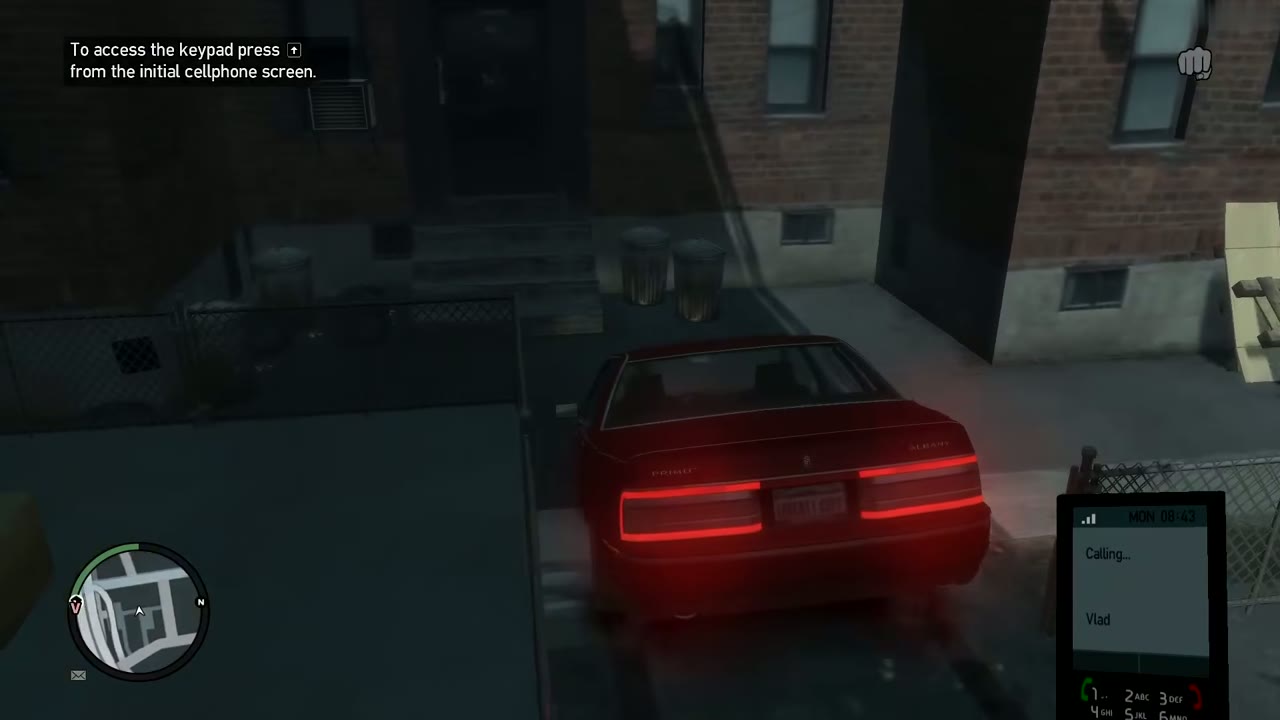
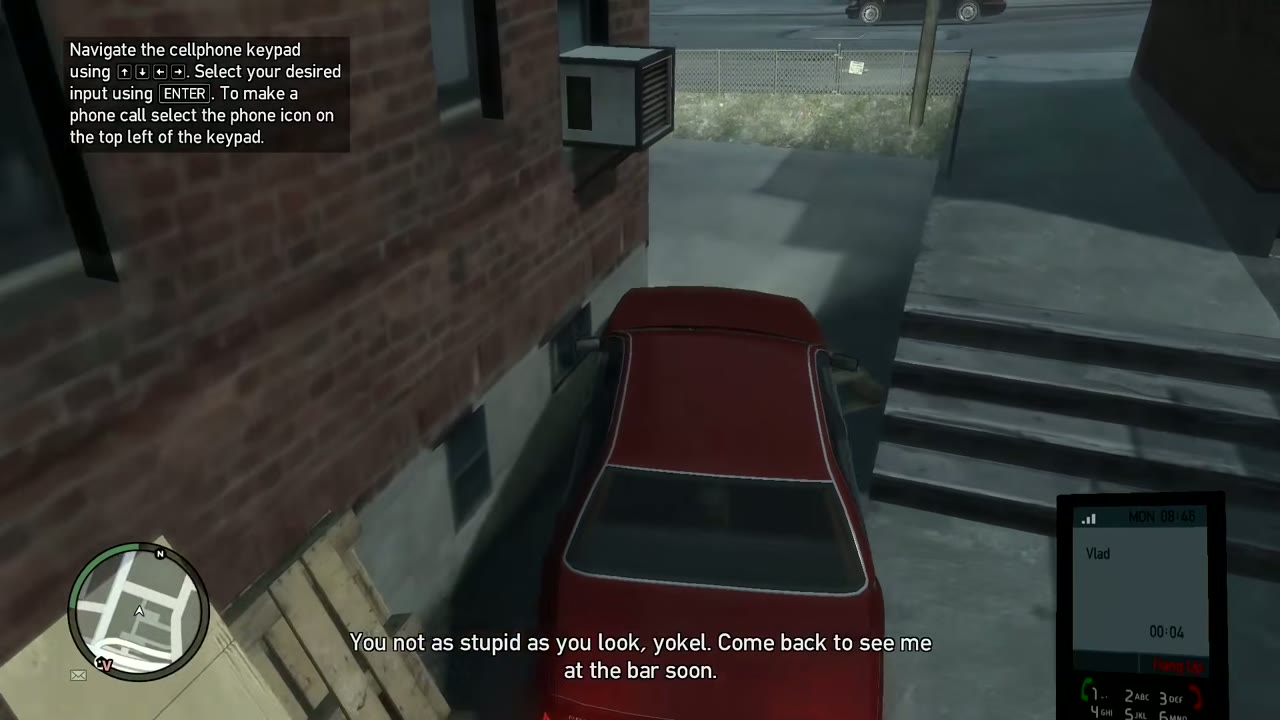
Take the phone out with Up on the arrow keys or D-pad. The first screen shows the menu. Press Up again to open the keypad. Move around the keypad with the arrows or D-pad, pick a digit with Enter, and to place a call, choose the phone icon in the top left corner. Backspace cancels. Roman, Brucie and your other contacts live in the contact list, and the keypad is also where cheat numbers go.
Taking cover
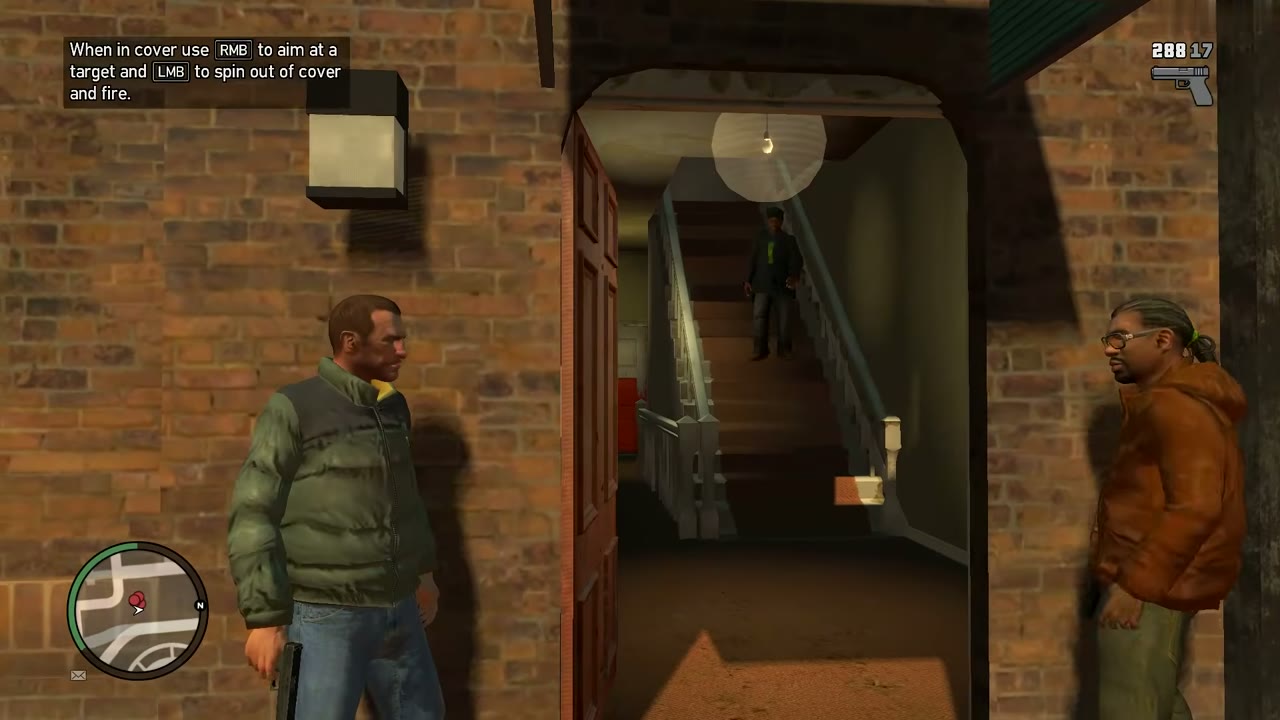
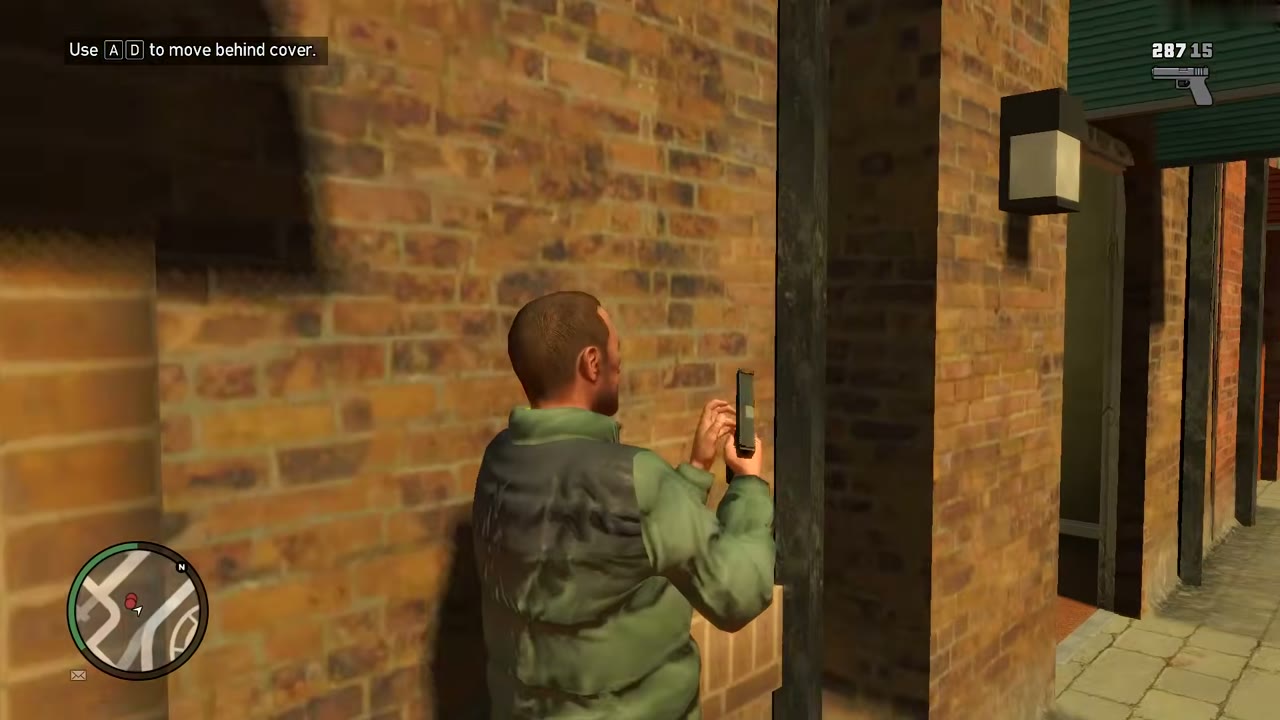
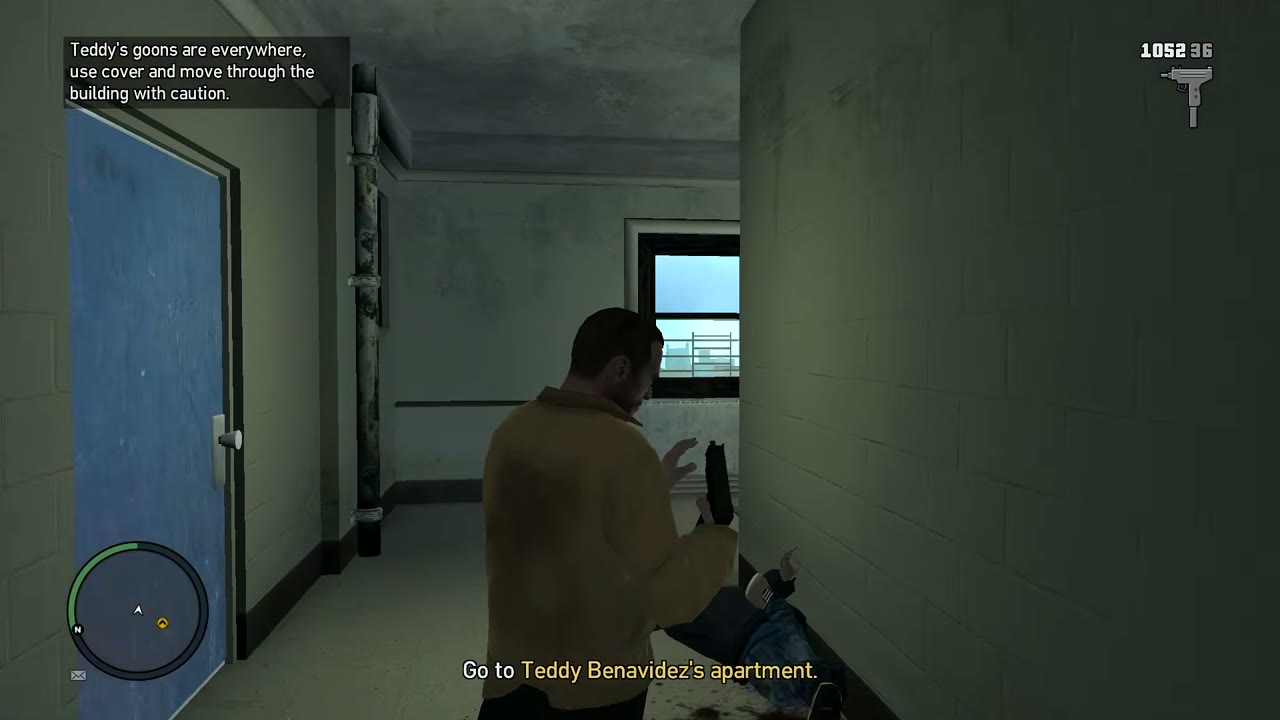
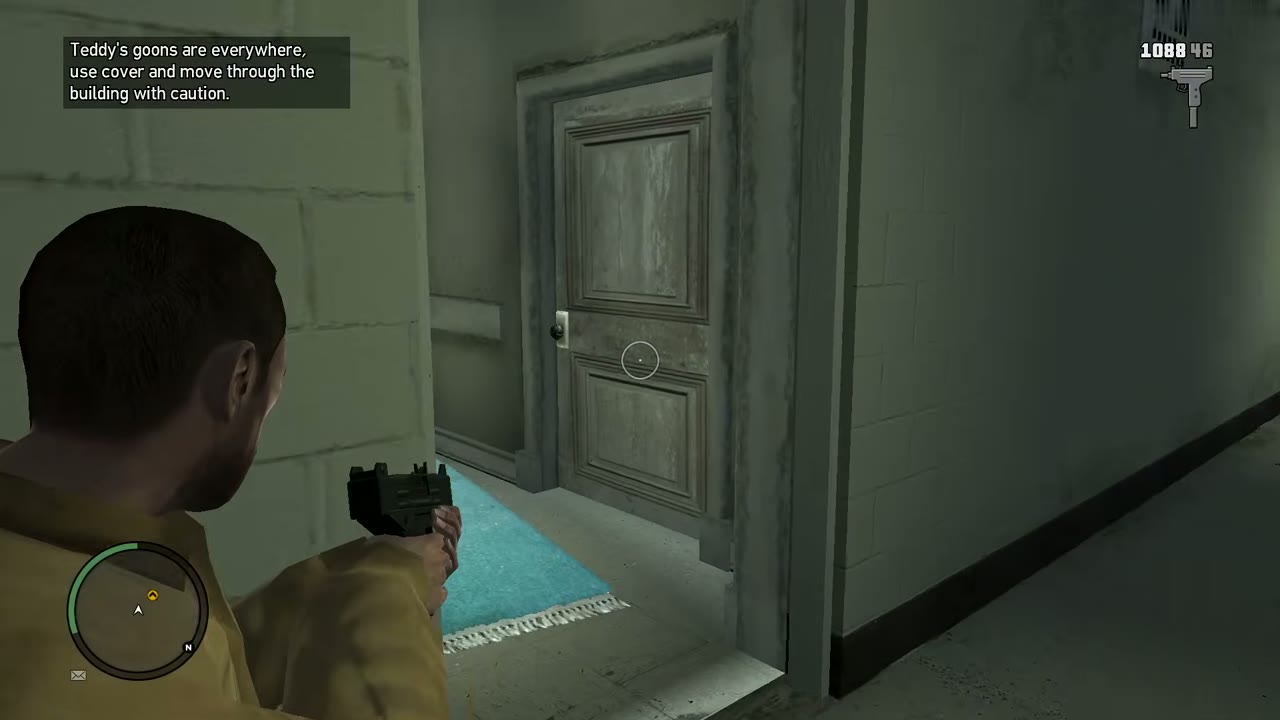
Stand next to a low wall, a crate, a car or a corner and press the cover button: Q on PC, RB on Xbox 360, R1 on PS3. Niko flattens against it. Hold the aim button to lean out and shoot, and let go to duck back in. Press the cover button again to step away. Cover keeps you alive against most gunmen, but a car or a crate won’t stop an RPG for long, so move once a fight changes.
Lock on and aiming
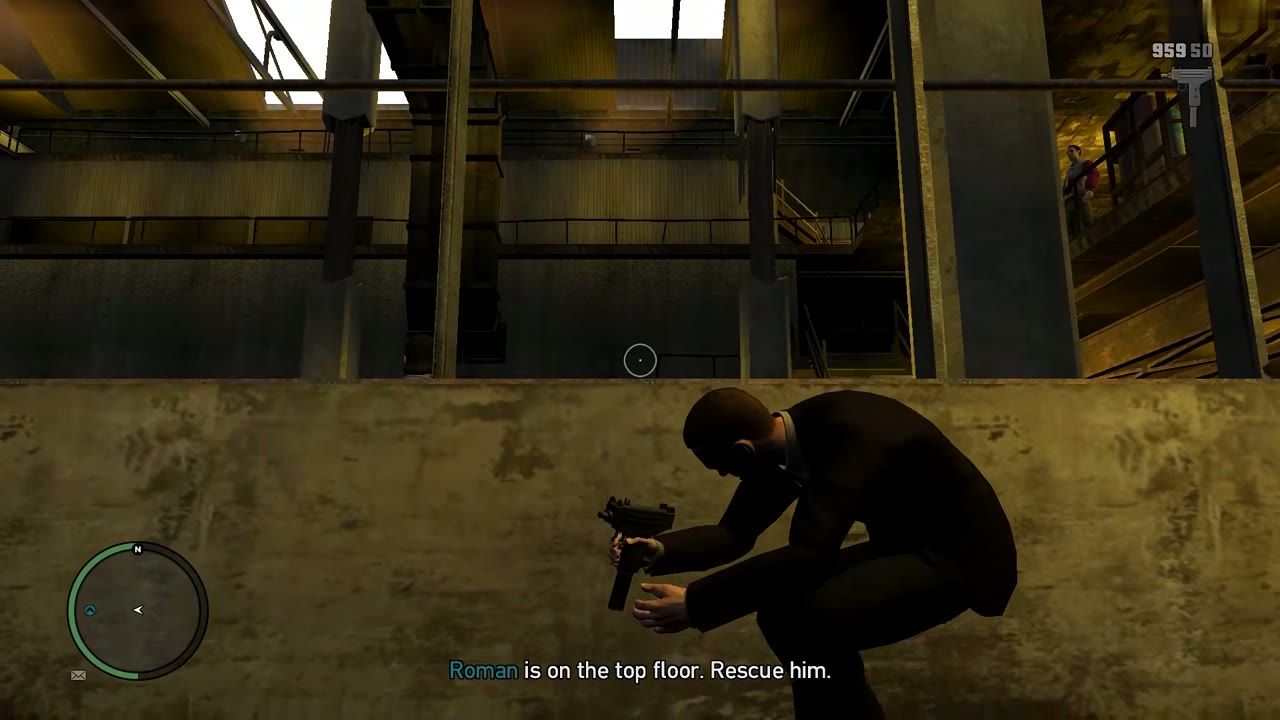
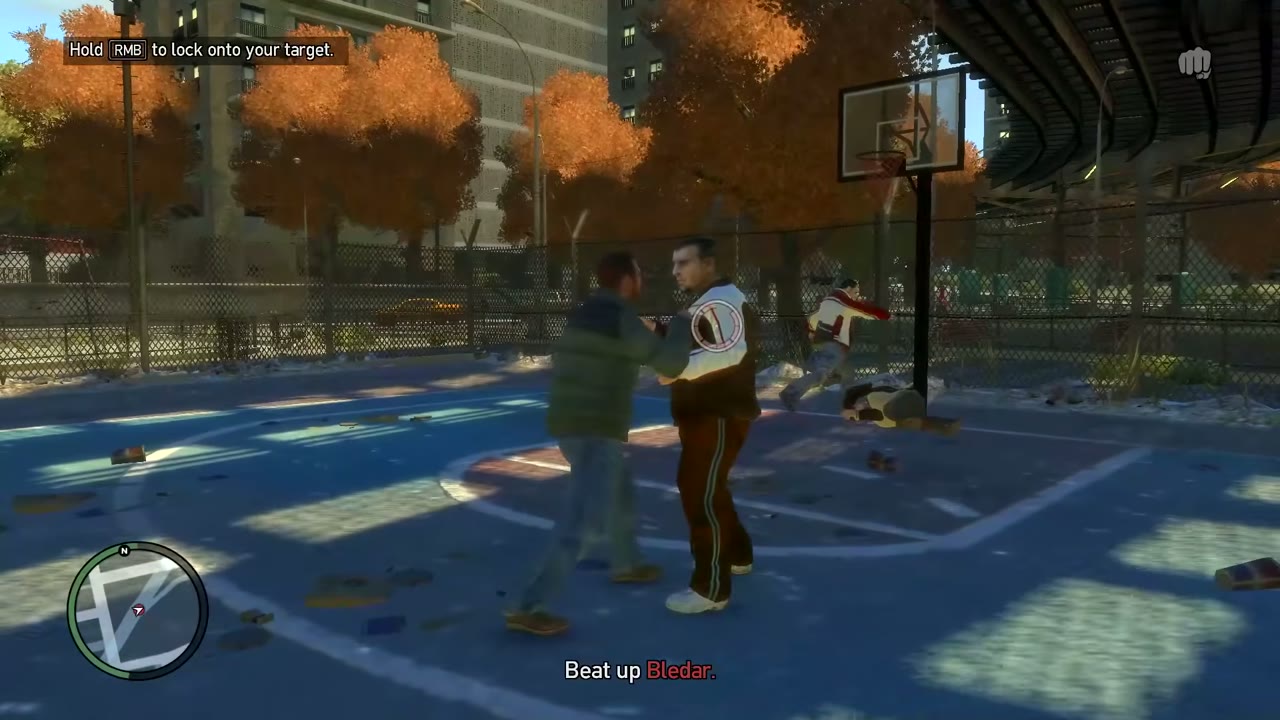
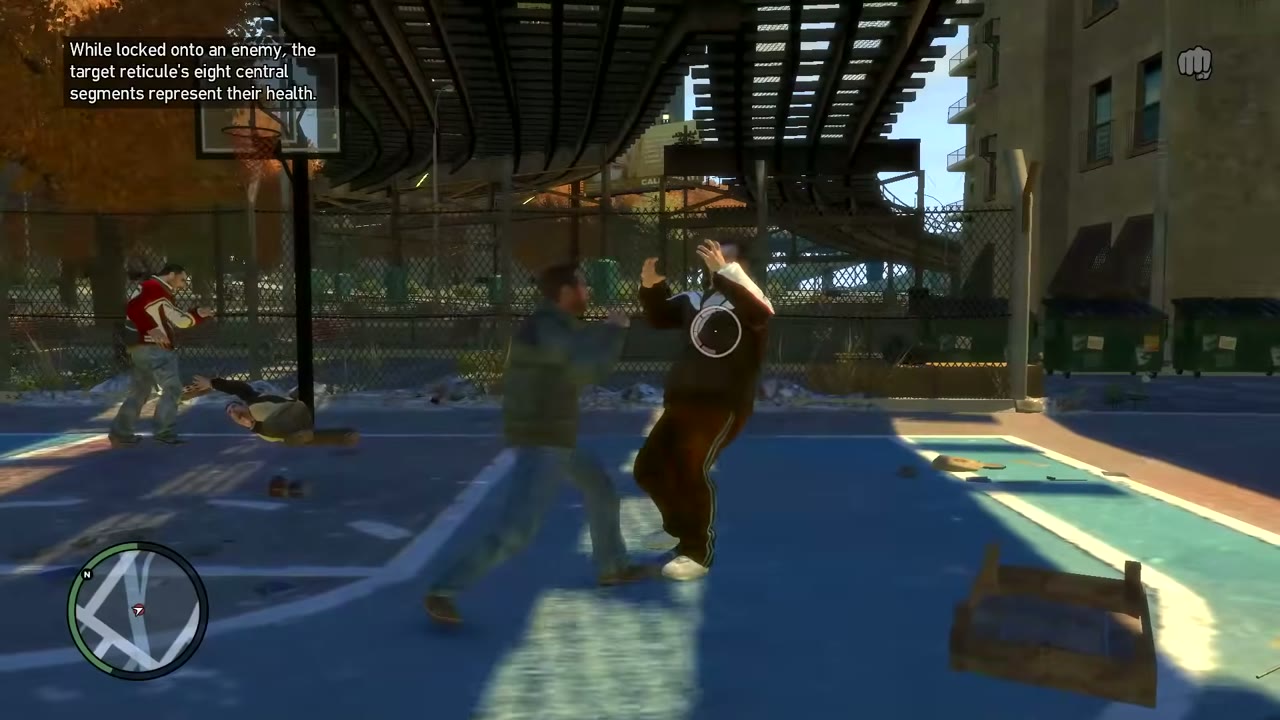
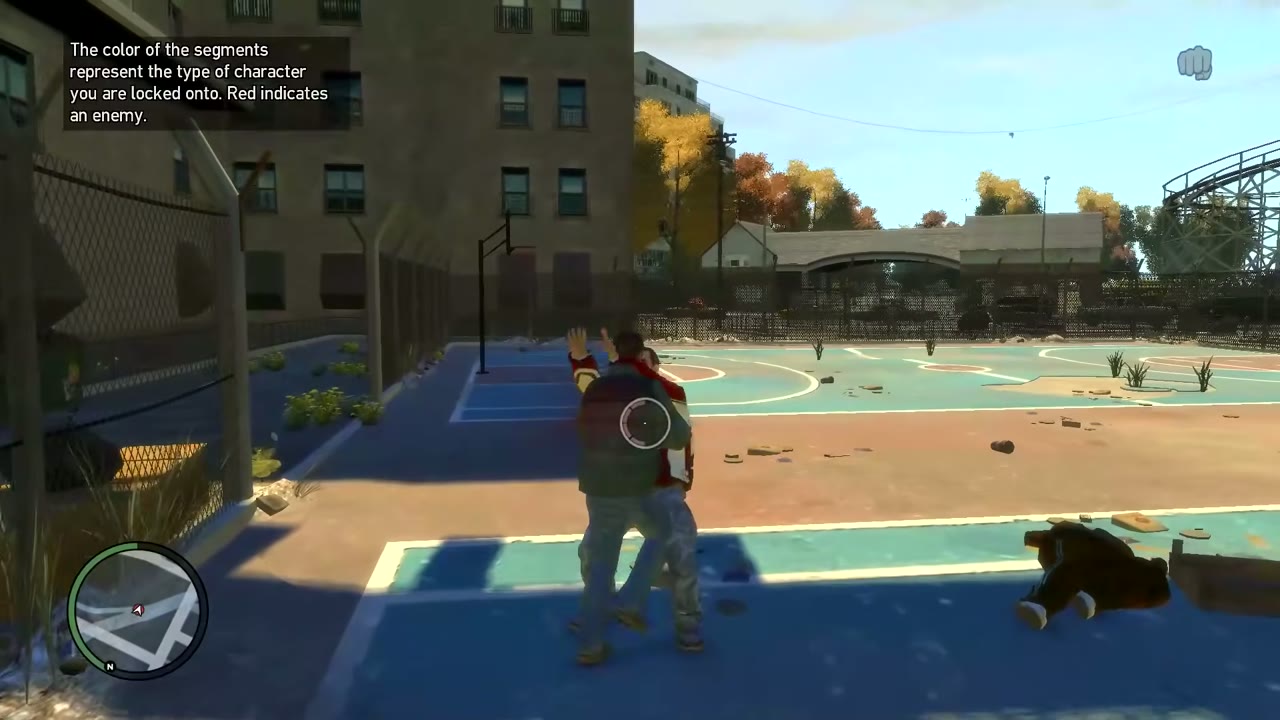
Hold the aim button (right mouse button, LT or L2) and Niko locks on to the nearest enemy. With a gun, the same button raises the weapon and snaps to a target. In a fist fight, it makes Niko face one opponent so you can punch, kick or block against him. In a car chase, a separate button (Caps Lock on PC) holds the camera on the target vehicle.
Hailing a taxi
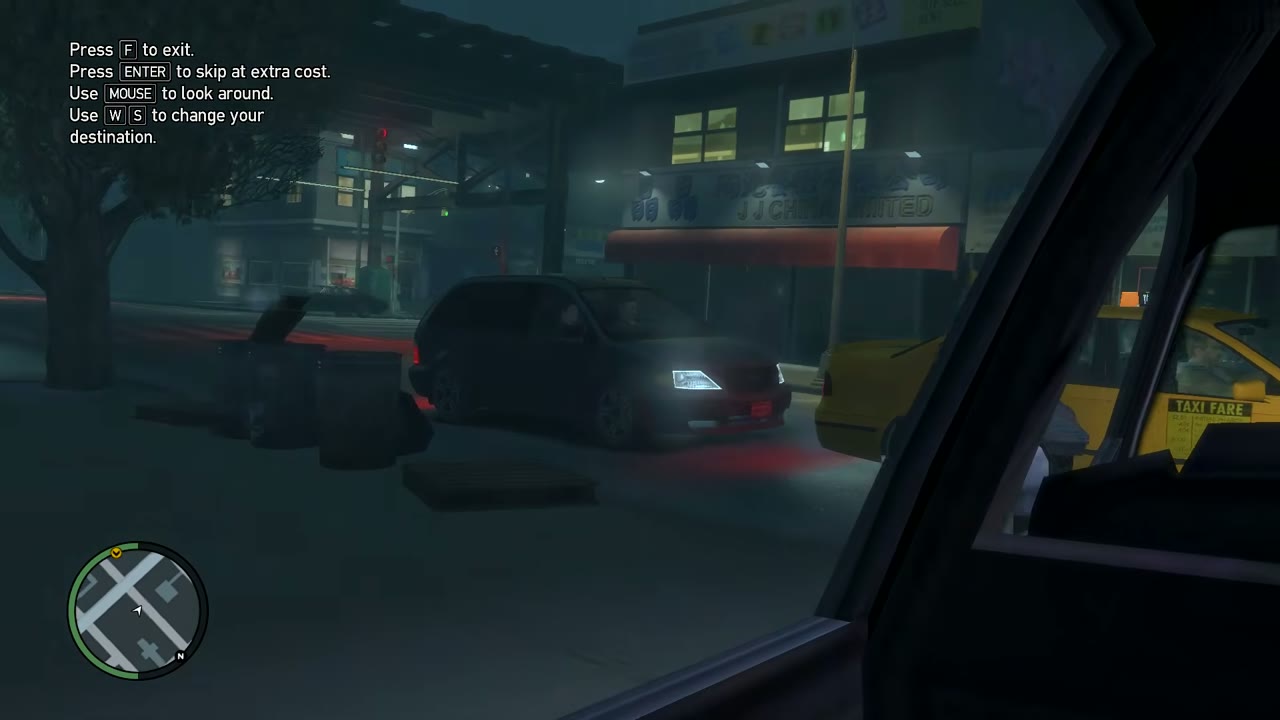
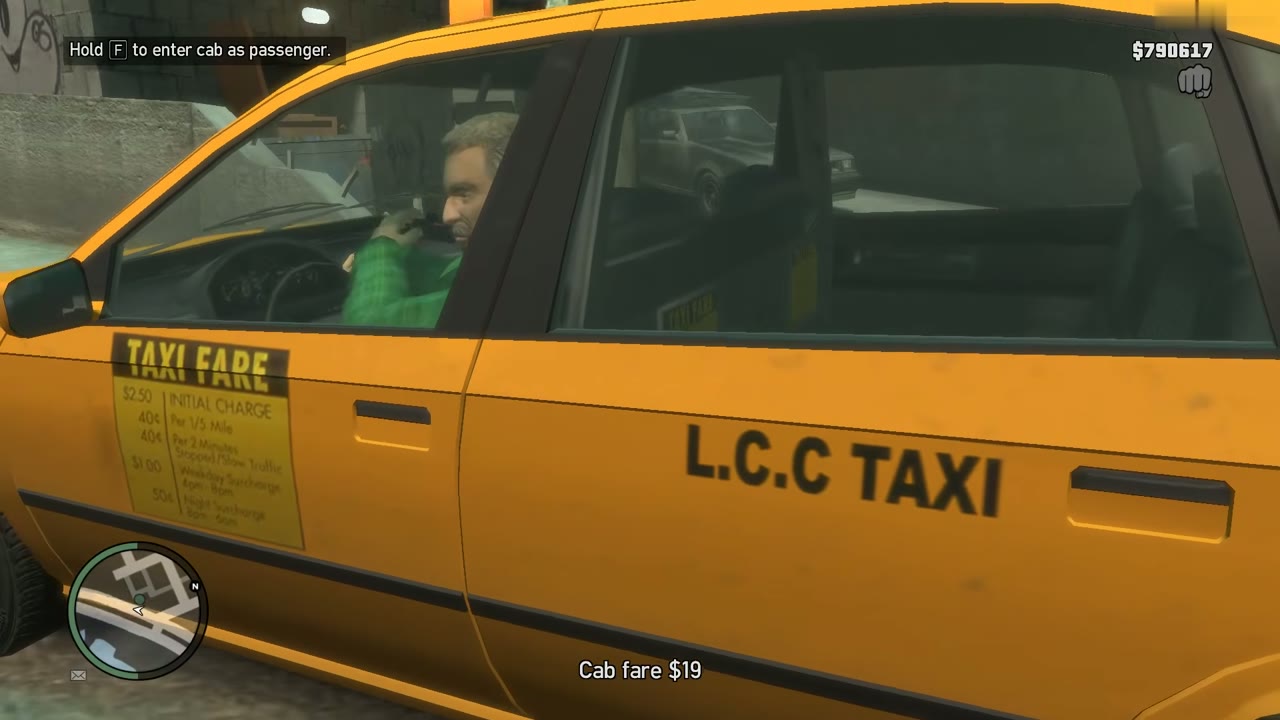
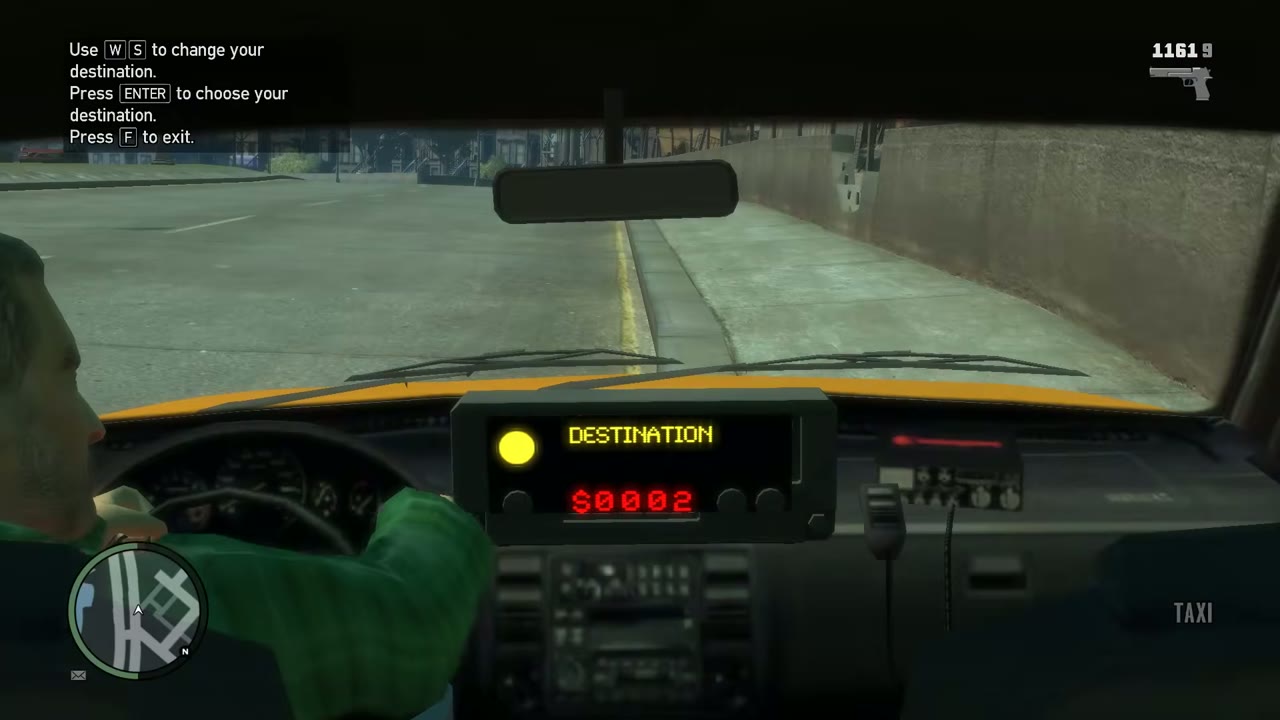
Walk up to a free cab and hold the vehicle button (F on PC, Y on Xbox 360, Triangle on PS3) to climb into the back. The meter starts and a list of places appears. On PC, W and S step through the destinations and Enter picks one. F gets you out of the cab. Enter also skips the ride, at an extra cost, and the mouse lets you look around. You pay the fare when you step out. This is a way to cross the city without driving, and it’s the same service Roman’s drivers run, see Taxi Missions.
The police computer
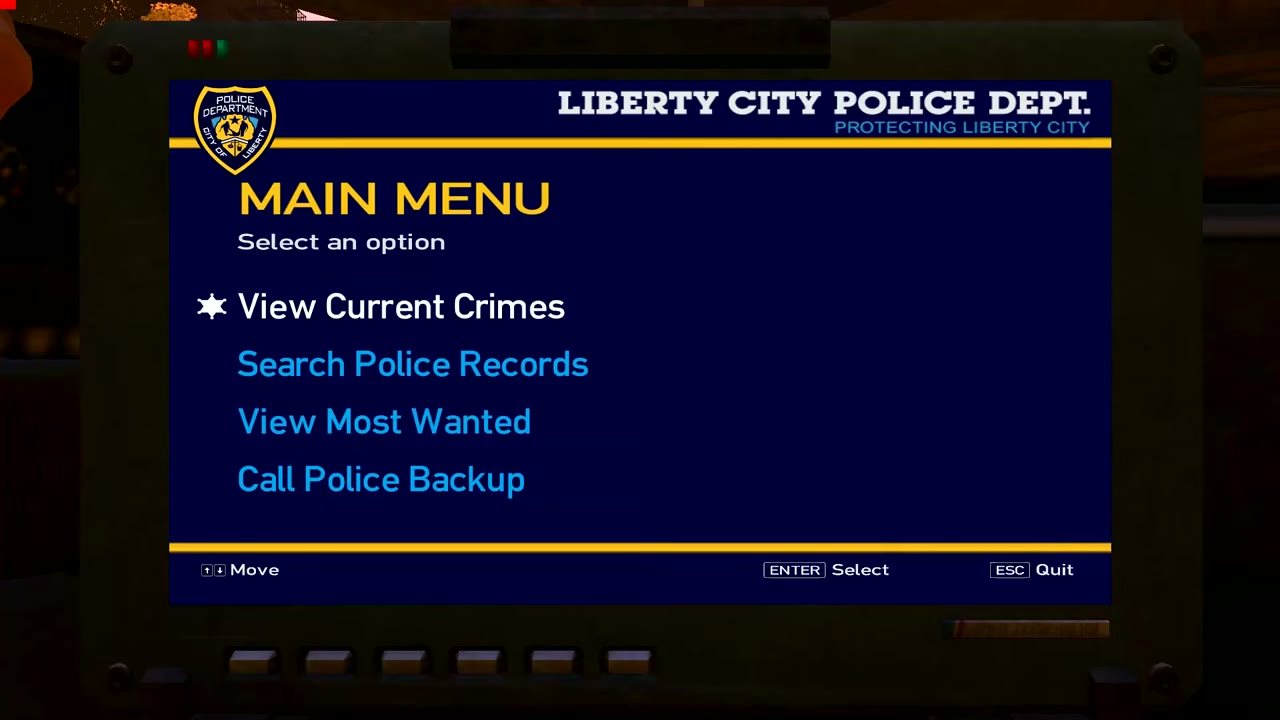
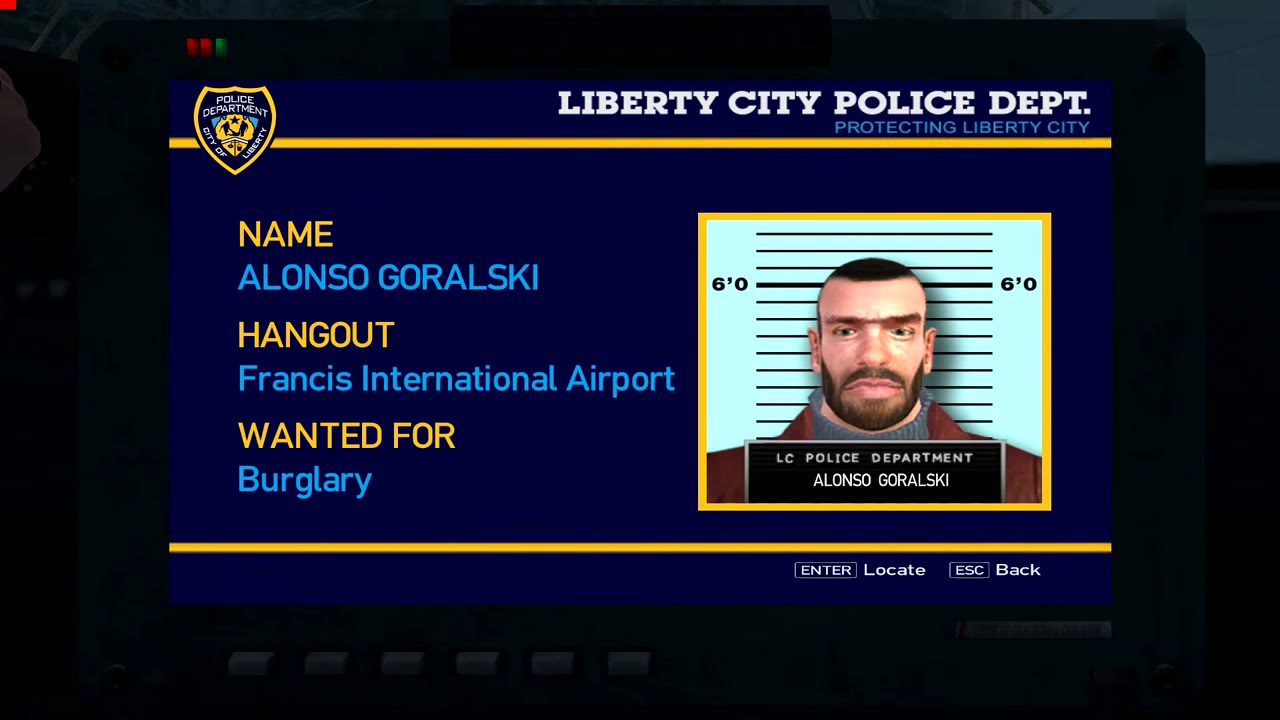
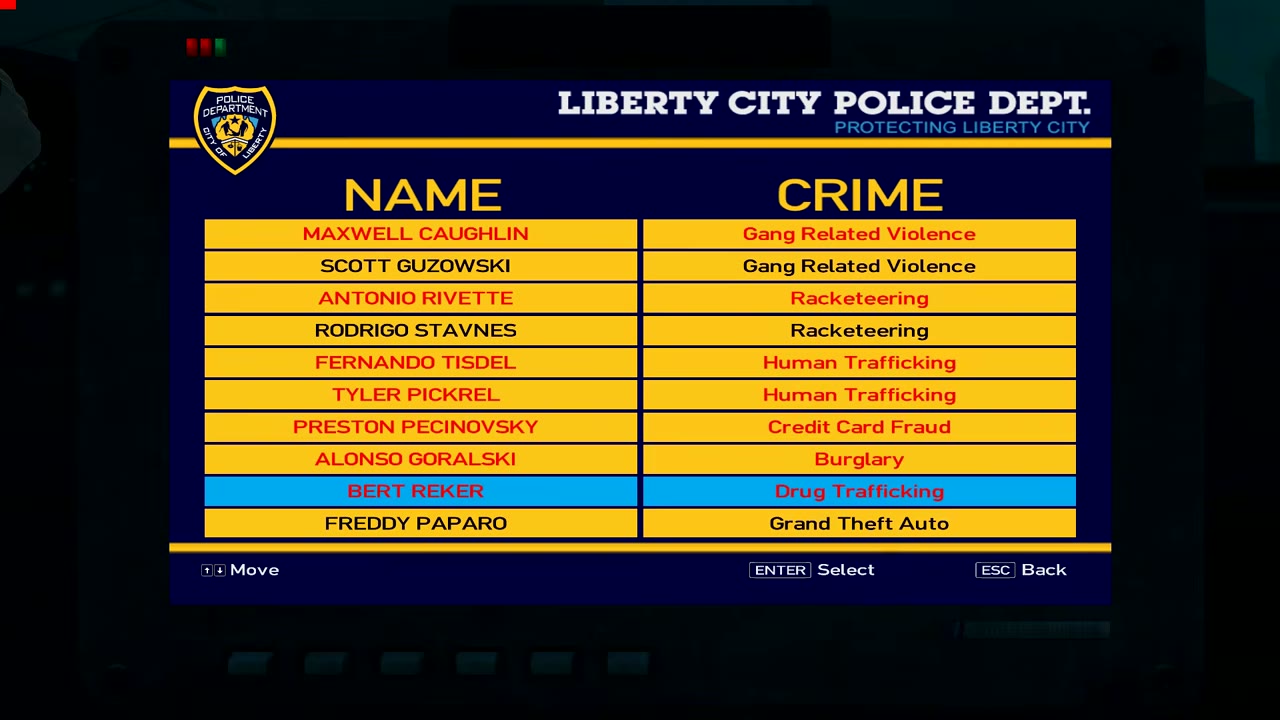
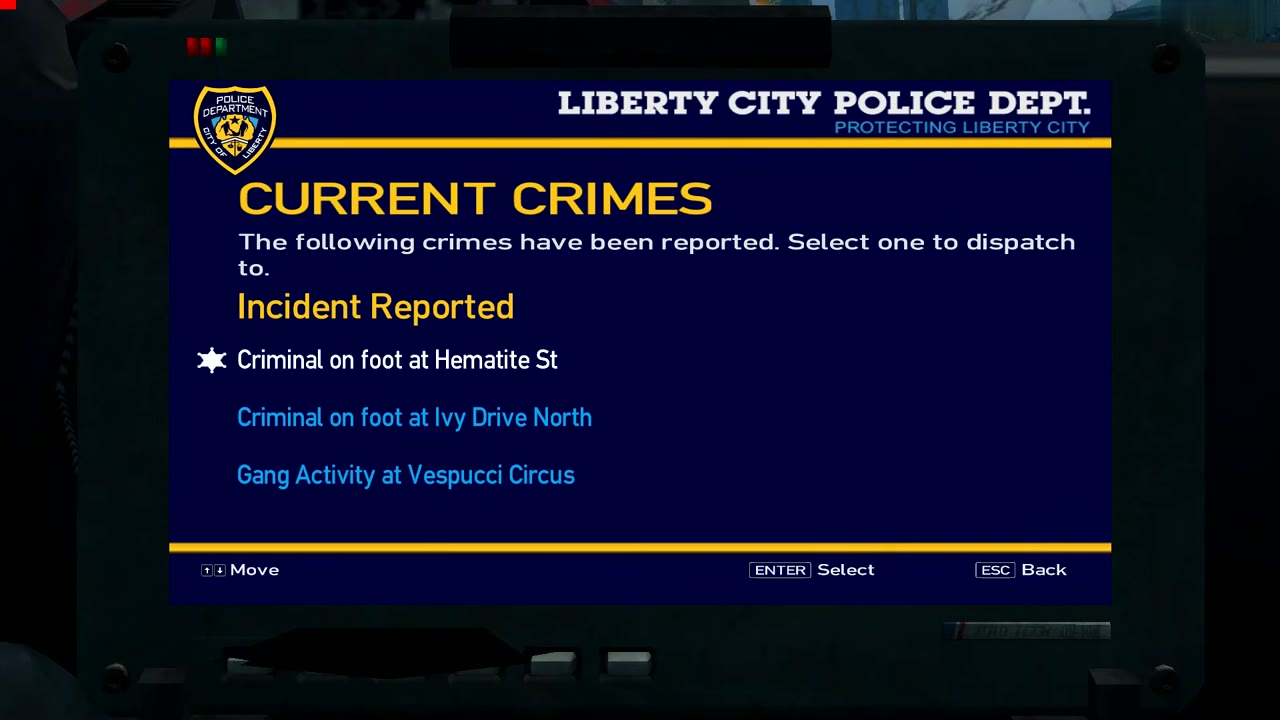
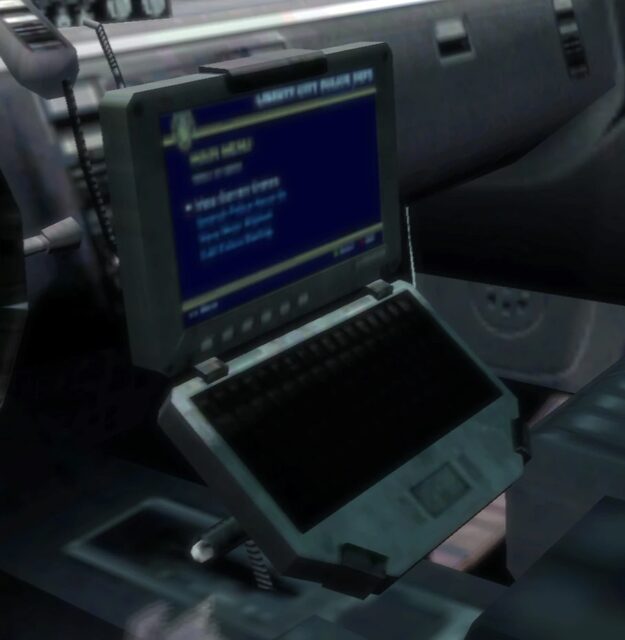
Once you’ve finished Crime and Punishment, sit in any police car and stay still. Press the action button (E on PC, LB on Xbox 360, L1 on PS3) and the in-car computer opens. The main menu offers four choices: View Current Crimes for Vigilante jobs, Search Police Records, View Most Wanted for the Most Wanted list and Call Police Backup. Up and Down arrows move, Enter selects and Escape quits.